Instruction Manual PCD 650
67
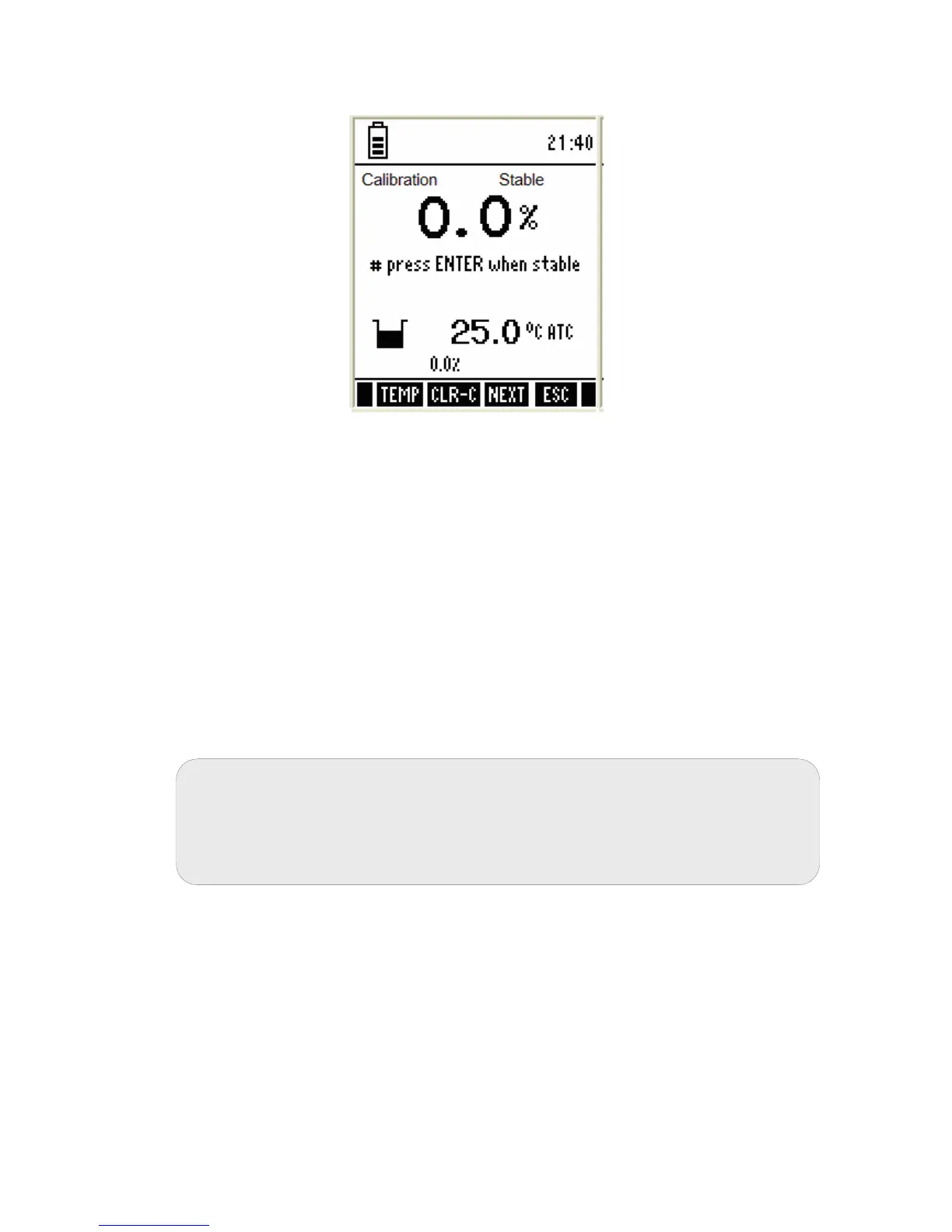
3.10.2 To calibrate 0% saturation
Figure 60 : 0% saturation calibration Screen
1. Press MODE key to select % Saturation mode.
2. Immerse the DO probe in 0% solution. Stir gently to create a homogenous
solution.
3. Press CAL key to calibrate the meter. The meter shows ‘Dissolved O
2
Calibration-Rinse Electrode’ screen [Figure 48(a)] for few seconds to
prompt user to rinse electrode with de-ionized water before calibration.
4. The meter then shows saturation calibration screen [Figure 60].
5. Wait for the reading to stabilize.
6. The primary display will show the current value of measurement.
7. Press ENTER key to confirm the calibration. The meter automatically
calibrates to 0% saturation and returns to the measurement mode [Figure
59].
Note: The keys that appear in 0% saturation calibration mode functions similar
to the one as described in 100% saturation mode. (Refer page 66)
3.10.3 % DO Calibration Report
Calibration report gives you detailed information for the % saturation. It
includes date & time, 0% and 100% saturation mV value, % saturation offset
calibration and barometric pressure at which the solution was measured.
Note: If you wish to completely re-calibrate the meter, you need to clear
previous calibration data. Press CLR-C (F2) key to clear previous
calibration. The meter shows you confirmation screen. Press ENTER key
to confirm deleting previous calibration. It will clear all the calibration
data including mg/L data.



 To Next Page