Instruction Manual PCD 650
66
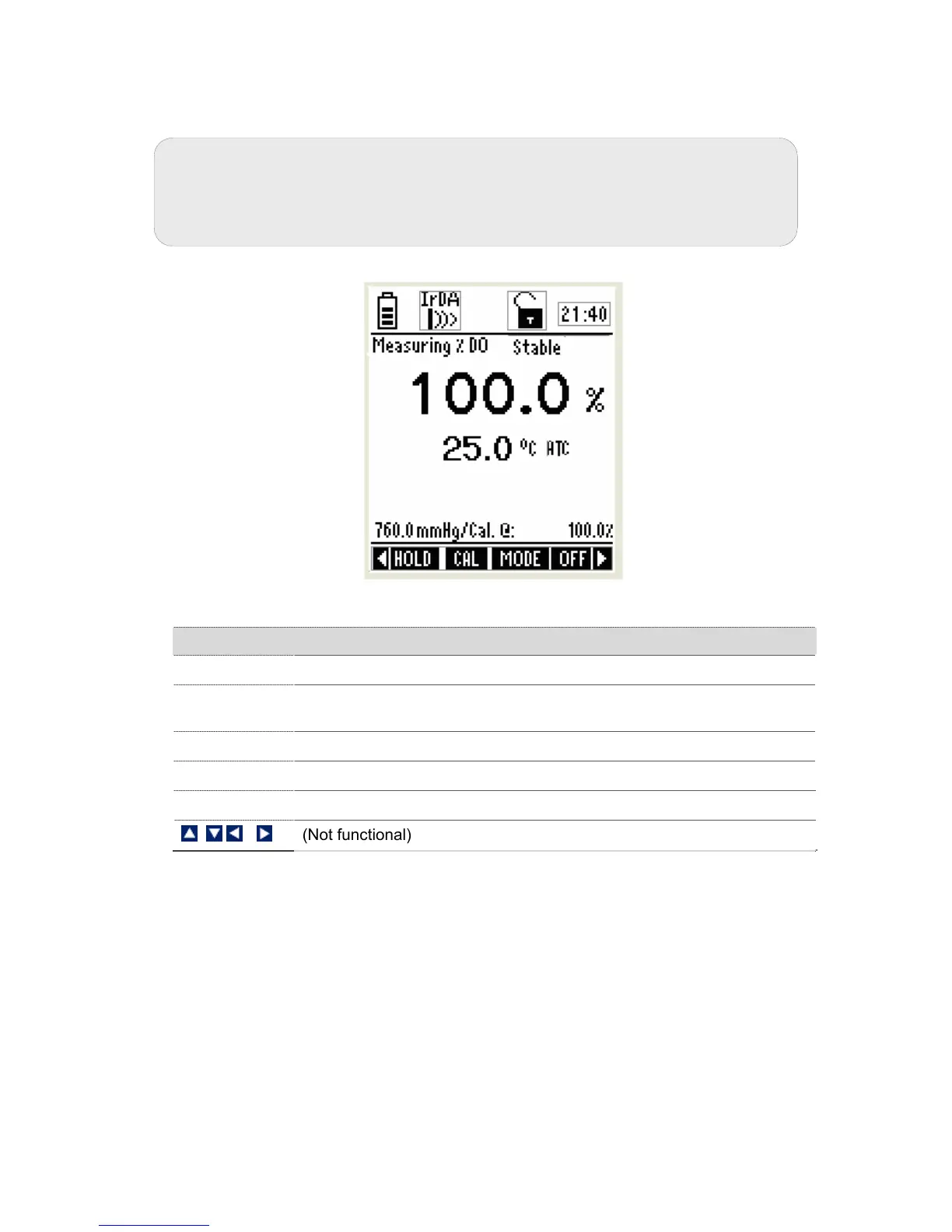
6. Press ENTER key to confirm the calibration. The meter automatically
calibrates to 100% air saturation and returns to the measurement mode.
Figure 59 : Saturation measurement Screen
Function Keys available in saturation calibration mode:
TEMP (F1)
Goes to temperature calibration
CLR-C (F2)
Clears previous calibration (if any) after ENTER key is pressed in
confirmation screen
NEXT (F3)
Shows calibration report
ESC (F4)
Exits from calibration and goes back to saturation measurement mode
ENTER
Confirms the calibration
(Not functional)
Note: If you wish to completely re-calibrate the meter, you need to clear
previous calibration data. Press CLR-C (F2) key to clear previous calibration.
The meter shows you confirmation screen. Press ENTER key to confirm
deleting previous calibration.



 To Next Page