Operating & Maintaining the Connex500/350 3-D Printer
7–12
DOC-13000 Rev. E
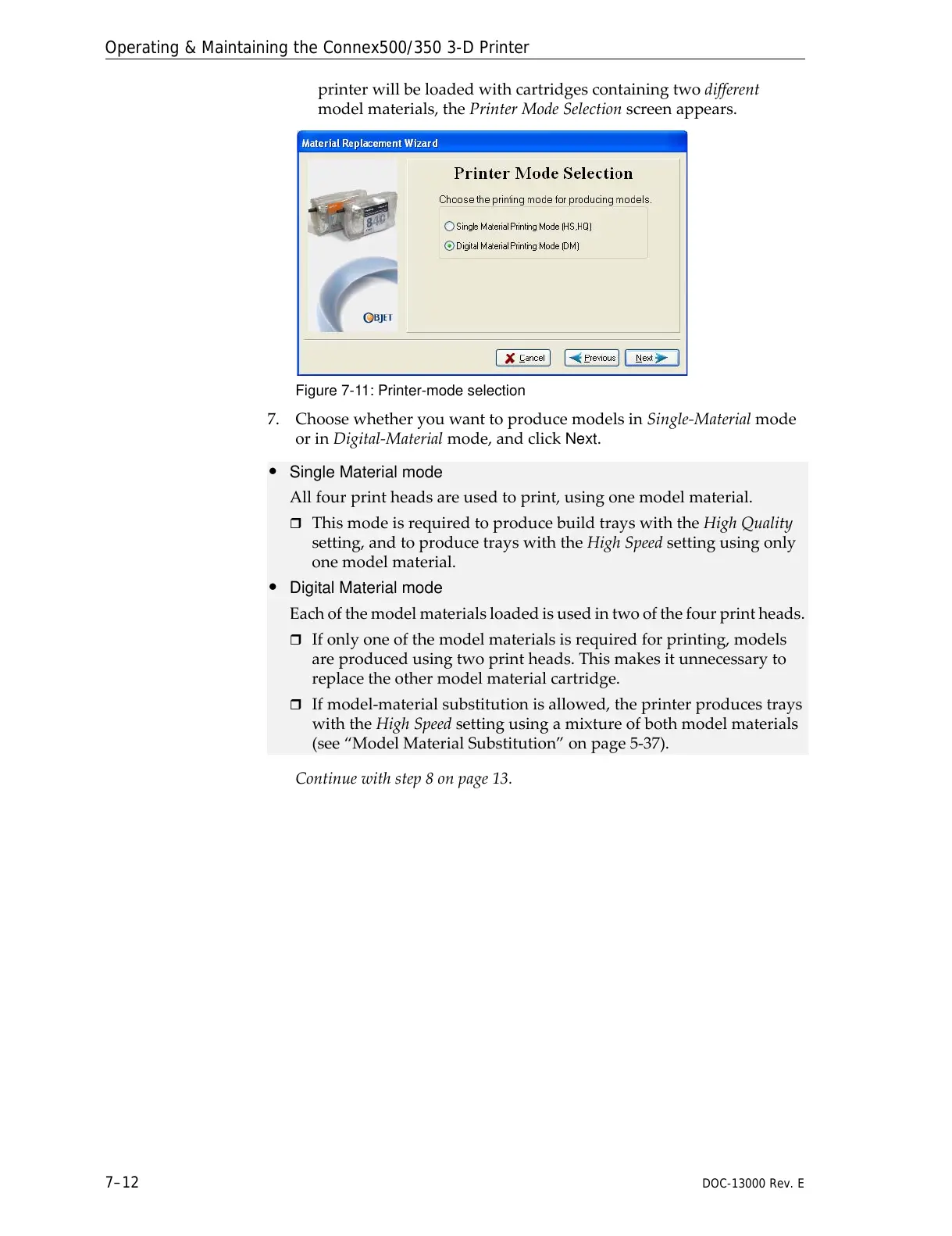
printerwillbeloadedwithcartridgescontainingtwodifferent
modelmaterials,thePrinterModeSelectionscreenappears.
Figure 7-11: Printer-mode selection
7. ChoosewhetheryouwanttoproducemodelsinSingle‐Materialmode
orinDigital‐Materialmode,andclick
Next.
Continuewithstep8onpage 13.
• Single Material mode
Allfourprintheadsareusedtoprint,usingonemodelmaterial.
ThismodeisrequiredtoproducebuildtrayswiththeHighQuality
setting,andtoproducetrayswiththeHighSpeedsettingusingonly
onemodelmaterial.
• Digital Material mode
Eachofthemodelmaterialsloadedisusedintwoofthefourprintheads.
Ifonlyoneofthemodelmaterialsisrequiredforprinting,models
areproducedusingtwoprintheads.Thismakesitunnecessaryto
replacetheothermodelmaterialcartridge.
Ifmodel‐materialsubstitutionisallowed,theprinterproducestrays
withtheHighSpeedsettingusingamixtureofbothmodelmaterials
(see“ModelMaterialSubstitution”onpage 5‐37).



 To Next Page