Operating & Maintaining the Connex500/350 3-D Printer
7–24
DOC-13000 Rev. E
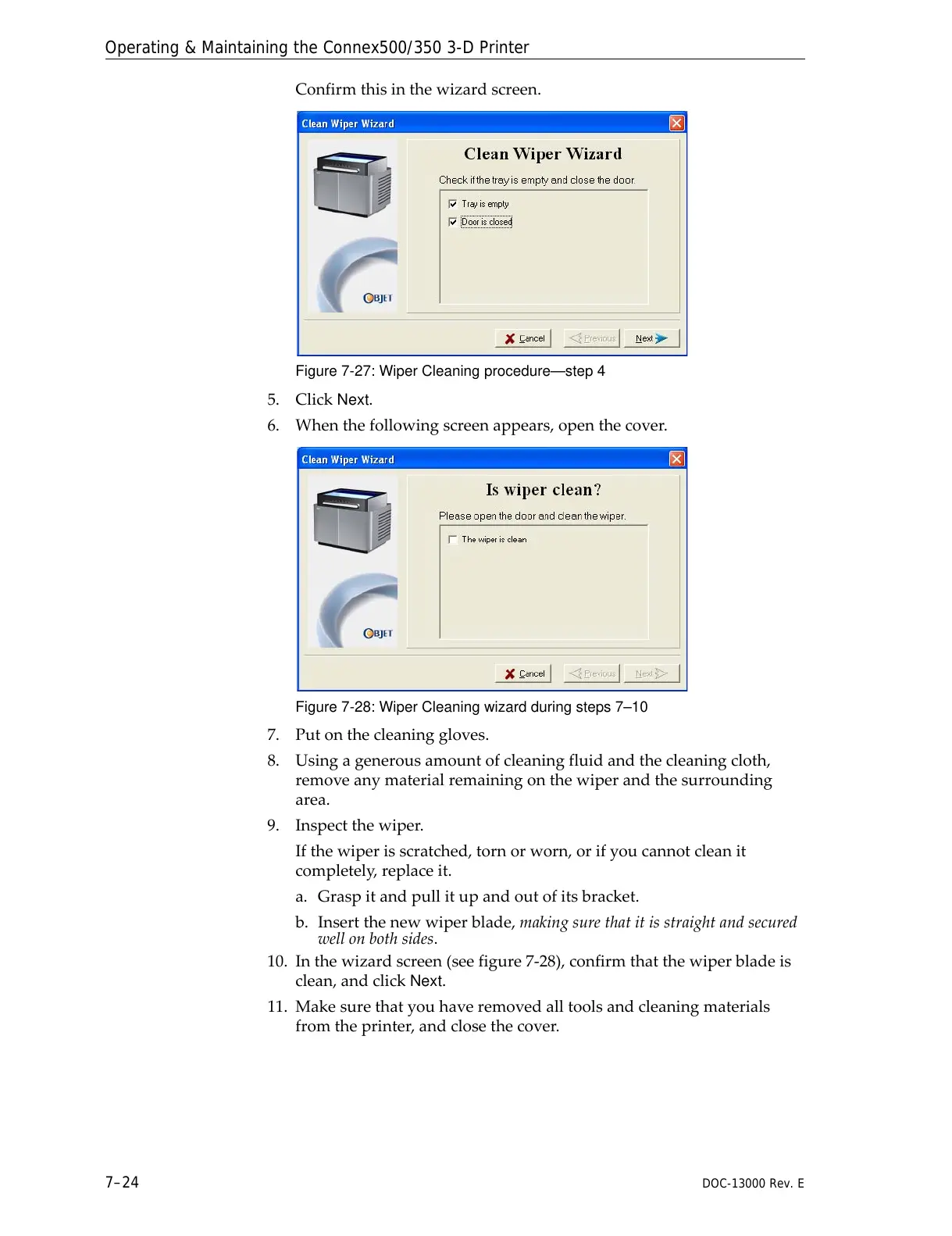
Confirmthisinthewizardscreen.
Figure 7-27: Wiper Cleaning procedure—step 4
5. ClickNext.
6. Whenthefollowingscreenappears,openthecover.
Figure 7-28: Wiper Cleaning wizard during steps 7–10
7. Putonthecleaninggloves.
8. Usingagenerousamountofcleaningfluidandthecleaningcloth,
removeanymaterialremainingonthewiperandthesurrounding
area.
9. Inspectthewiper.
Ifthewiperisscratched,tornorworn,orifyoucannotcleanit
completely,replaceit.
a. Graspitandpullitupan
doutofitsbracket.
b. Insertthenewwiperblade,makingsurethatitisstraightandsecured
wellonbothsides.
10. Inthewizardscreen(seefigure 7‐28),confirmthatthewiperbladeis
clean,andclick
Next.
11. Makesurethatyouhaveremovedalltoolsandcleaningmaterials
fromtheprinter,andclosethecover.



 To Next Page