DOC-13000 Rev. E 7–37
Connex500/350 User Guide
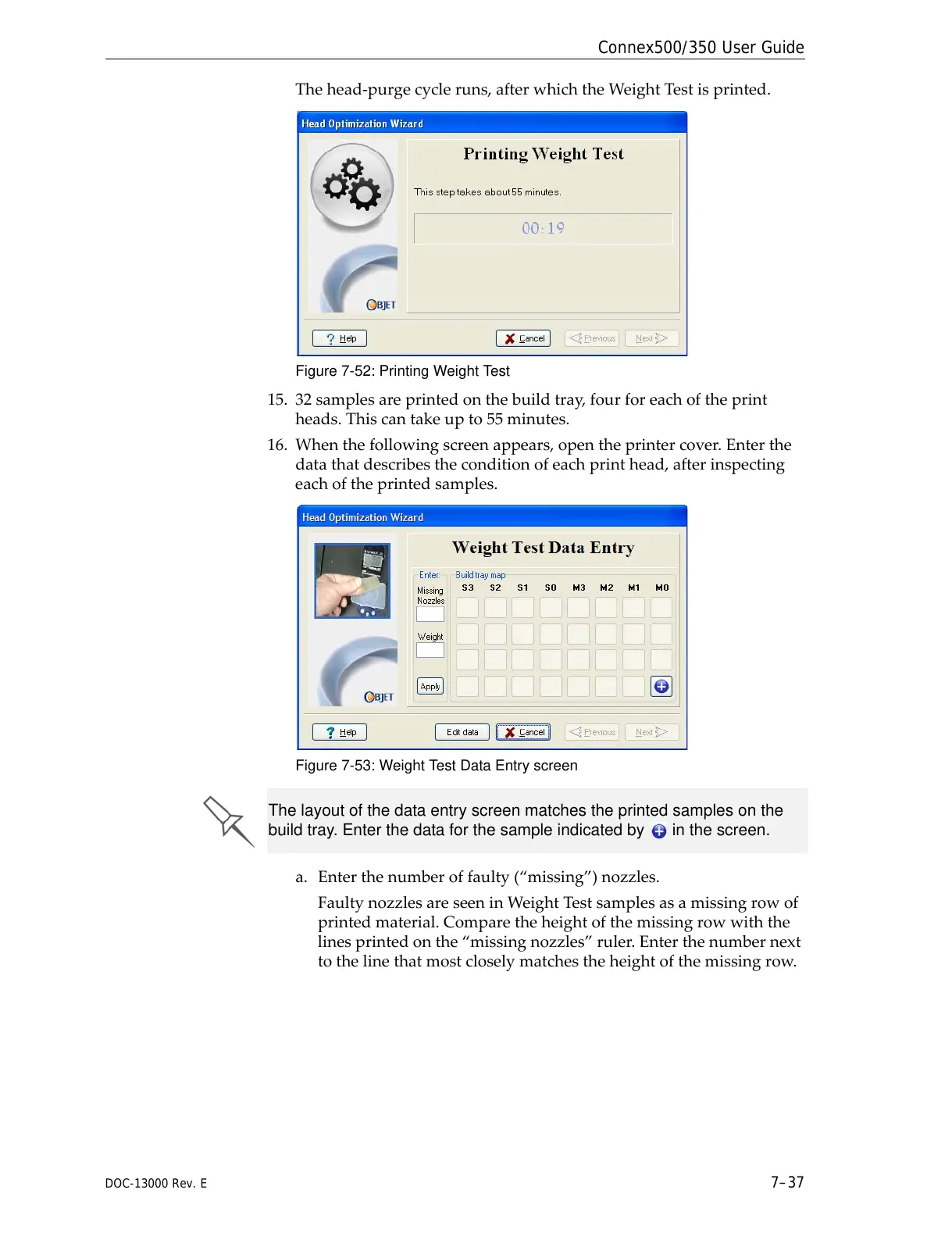
Thehead‐purgecycleruns,afterwhichtheWeightTestisprinted.
Figure 7-52: Printing Weight Test
15. 32samplesareprintedonthebuildtray,fourforeachoftheprint
heads.Thiscantakeupto55minutes.
16. Whenthefollowingscreenappears,opentheprintercover.Enterthe
datathatdescribestheconditionofeachprinthead,afterinspecting
eachoftheprintedsamples.
Figure 7-53: Weight Test Data Entry screen
a. Enterthenumberoffaulty(“missing”)nozzles.
FaultynozzlesareseeninWeightTestsamplesasamissingrowof
printedmaterial.Comparetheheightofthemissingrowwiththe
linesprintedonthe“missingnozzles”ruler.Enterthenumbernext
tothelinethatmostcloselymatchestheheightofthemissingrow
.
The layout of the data entry screen matches the printed samples on the
build tray. Enter the data for the sample indicated by in the screen.



 To Next Page