Operating & Maintaining the Connex500/350 3-D Printer
7–38
DOC-13000 Rev. E
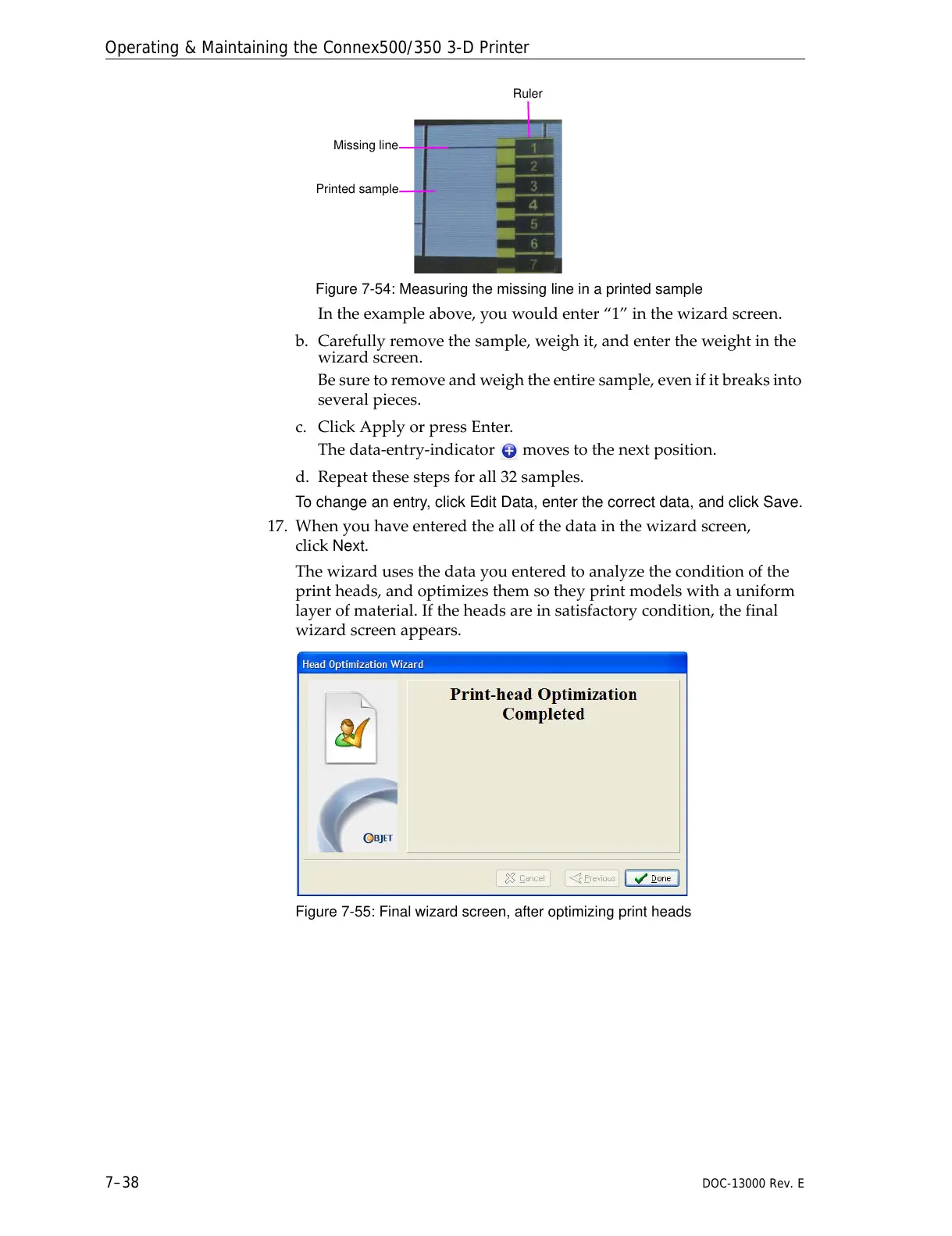
Figure 7-54: Measuring the missing line in a printed sample
Intheexampleabove,youwouldenter“1”inthewizardscreen.
b. Carefullyremovethesample,weighit,andentertheweightinthe
wizardscreen.
Besuretoremoveandweightheentiresample,evenifitbreaksinto
severalpieces.
c. ClickApplyorpressEnter.
Thedata‐entry‐indicator movestothenextpos
ition.
d. Repeatthesestepsforall32samples.
To change an entry, click Edit Data, enter the correct data, and click Save.
17. Whenyouhaveenteredtheallofthedatainthewizardscreen,
click
Next.
Thewizardusesthedatayouenteredtoanalyzetheconditionofthe
printheads,andoptimizesthemsotheyprintmodelswithauniform
layerofmaterial.Iftheheadsareinsatisfactorycondition,thefinal
wizardscreenappears.
Figure 7-55: Final wizard screen, after optimizing print heads



 To Next Page