Operating & Maintaining the Connex500/350 3-D Printer
7–56
DOC-13000 Rev. E
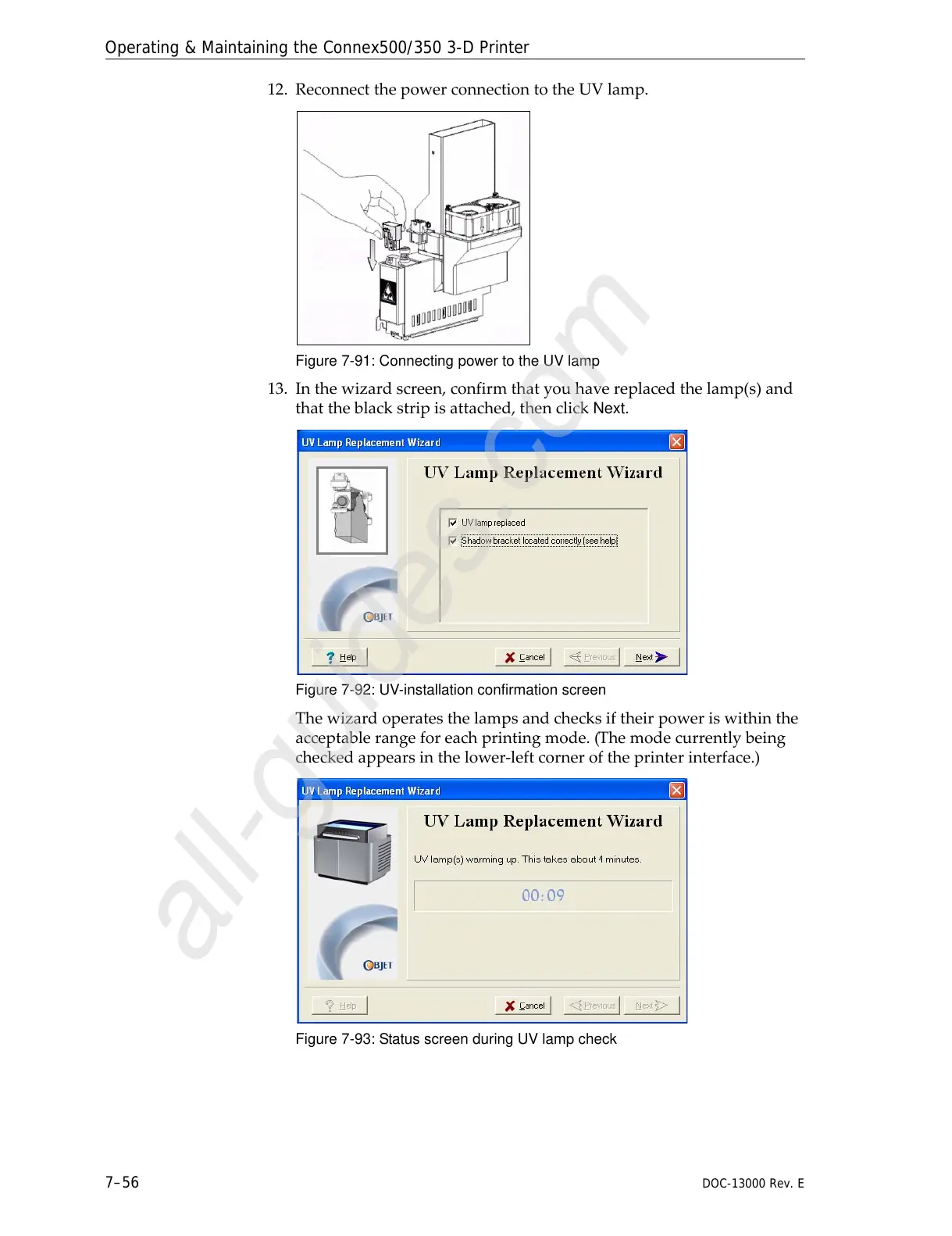
12. ReconnectthepowerconnectiontotheUVlamp.
Figure 7-91: Connecting power to the UV lamp
13. Inthewizardscreen,confirmthatyouhavereplacedthelamp(s)and
thattheblackstripisattached,thenclick
Next.
Figure 7-92: UV-installation confirmation screen
Thewizardoperatesthelampsandchecksiftheirpoweriswithinthe
acceptablerangeforeachprintingmode.(Themodecurrentlybeing
checkedappearsinthelower‐leftcorneroftheprinterinterface.)
Figure 7-93: Status screen during UV lamp check



 To Next Page