Operating & Maintaining the Connex500/350 3-D Printer
7–60
DOC-13000 Rev. E
Test Results To save and view a report of all of the tests:
¾
UsetheSaveandViewcommandbuttons(seebelow).
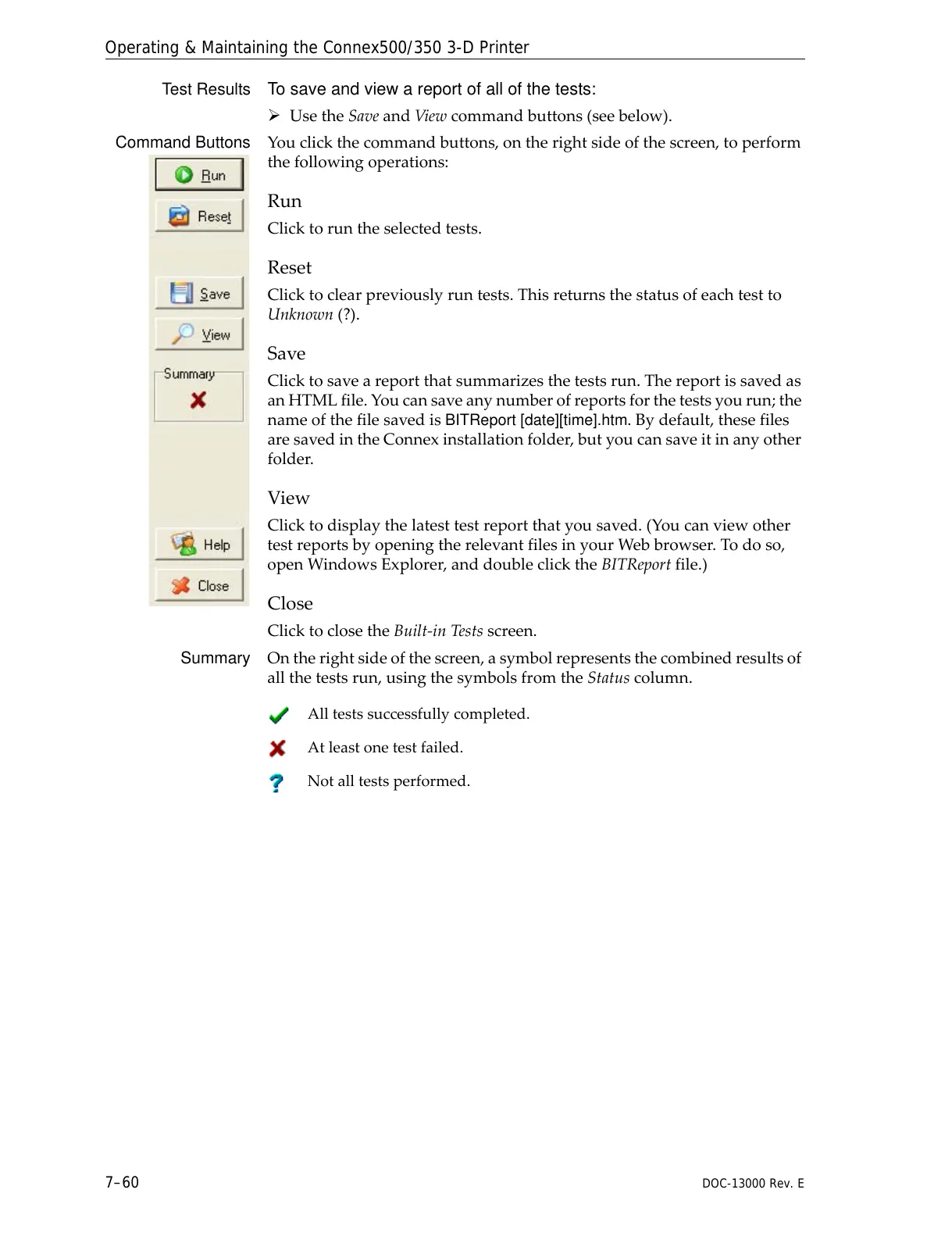
Command Buttons Youclickthecommandbuttons,ontherightsideofthescreen,toperform
thefollowingoperations:
Run
Clicktoruntheselectedtests.
Reset
Clicktoclearpreviouslyruntests.Thisreturnsthestatusofeachtestto
Unknown(?).
Save
Clicktosaveareportthatsummarizesthetestsrun.Thereportissavedas
anHTMLfile.Youcansaveanynumberofreportsforthetestsyourun;the
nameofthefilesavedis
BITReport [date][time].htm.Bydefault,thesefiles
aresavedintheConnexinstallationfolder,butyoucansaveitinanyother
folder.
View
Clicktodisplaythelatesttestreportthatyousaved.(Youcanviewother
testreportsbyopeningtherelevantfilesinyourWebbrowser.Todoso,
openWindowsExplorer,anddoubleclicktheBITReportfile.)
Close
ClicktoclosetheBuilt‐inTestsscreen.
Summary Ontherightsideofthescreen,asymbolrepresentsthecombinedresultsof
allthetestsrun,usingthesymbolsfromtheStatuscolumn.
Alltestssuccessfully completed.
Atleastonetestfailed.
Notalltestsperformed.



 To Next Page