18
®
ACTIVATION
Connect the regulator assembly to a full cylinder and pressurize by slowly
opening the cylinder valve. Note that to enter settings, access information
such as the log, or to download data it is not necessary to pressurize the unit.
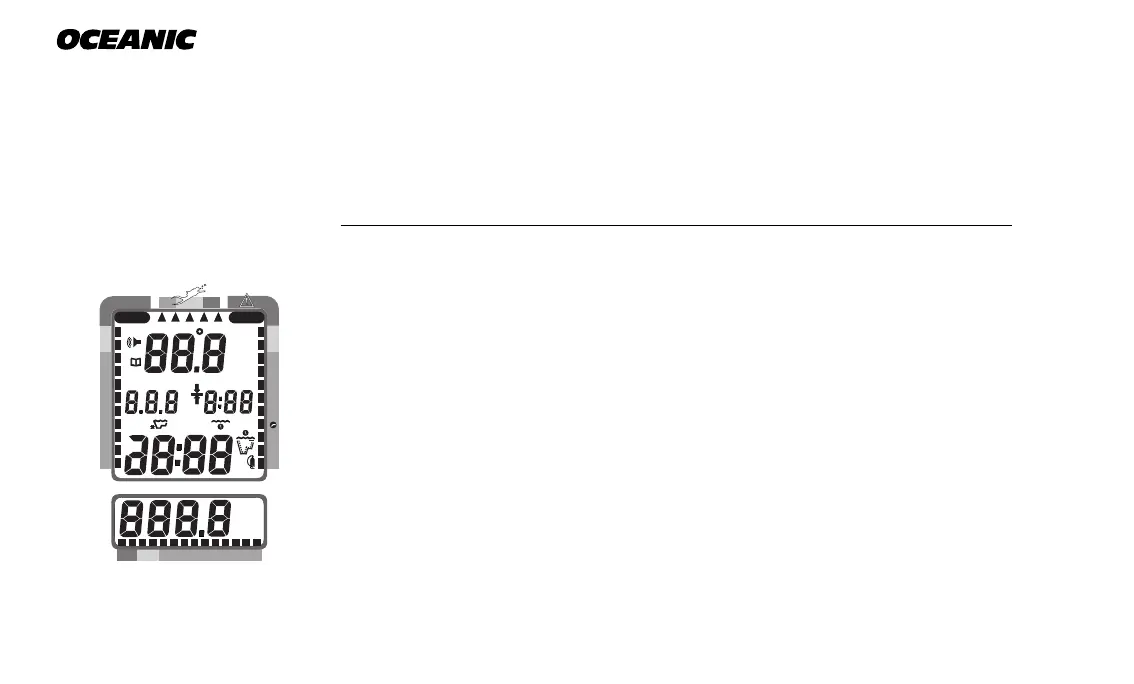
To activate the Pro Plus, press the Select (Right) button once and release. It
will immediately enter Diagnostic Mode, displaying all “8’s” (Fig. 14), followed
by “dashes”, and a countdown from 9 to 0. While conducting diagnostics, the
displays are illuminated by the Smart Glo™ backlight as display functions and
battery voltage are checked to ensure that everything is working correctly.
Upon activation, the Pro Plus will also check the ambient barometric pressure,
and calibrate its present depth as zero. At elevations of 2,000 feet (610
meters), or higher, it will recalibrate itself to measure depth in feet of fresh
water instead of feet of sea water.
If no dive is made within 2 hours after initial activation, the Pro Plus will au-
tomatically deactivate to conserve its battery power. Always check the dis-
play before entering the water to ensure that it is activated.
Fig. 14 - Diagnostic Mode
200 5 10 30 40 50 60
NO DECO
C Z
DECO
C Z O
2
PSI
MAX
FT
BAR
M
FT
M
MAX
2
O



 To Next Page