50
®
To exit Log Mode and return to the Surface Mode:
• press the Advance (Left) button repeatedly to proceed through the re-
maining recorded dives.
• the unit will automatically revert to Surface Mode after 2 minutes, if no
button is pressed
AFTER THE FIRST 2 HOURS
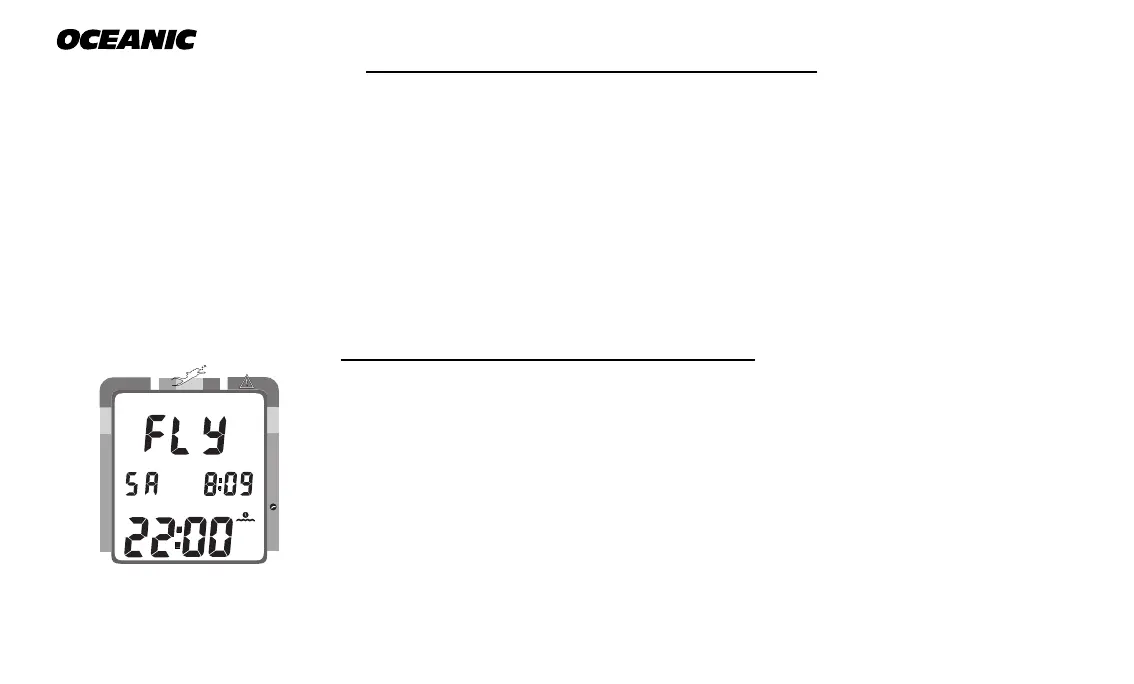
Two hours after the last dive the Surface Mode will no longer be displayed.
The Time to Fly and Desaturate countdown timers will be displayed con-
tinuously, giving the final countdowns from 22:00 and 9:xx to 0:00 (Fig. 57).
To access other modes or enter settings:
• press the Select (Right) button to enter Surface Mode
• the unit will revert to Fly Mode after 2 hours, if no button is pressed
DOWNLOADING DATA TO PC
Using special infrared linking hardware and a unique PC software program,
data from your dives can be downloaded (copied) from your Pro Plus into an
IBM compatible PC program running on a Windows
®
95 or 98 operating sys-
tem. Instructions for performing the interface and download are provided
with the OceanLog™ for Pro Plus hardware and software package. The
OceanLog™ program provides profile data sampled throughout the dive.
Fig. 57 - Display
(after 2 hours on surface)
NO DECO
C Z
DECO
C Z O
2



 To Next Page