26
®
TO SET: SAMPLING RATE
Sampling Rate is the Time, or Depth, interval at which data samples will be
recorded for subsequent download to the OceanLog™ PC software program. It
has 'no effect' upon displayed data or data stored in the unit's viewable Log.
Rates available are 2 FT (.5M), 5 FT (1.5 M), 10 FT (3 M), 2 SEC, 5 SEC, 10
SEC, 15 SEC, 20 SEC, 25 SEC, 30 SEC.
Lower rates = more samples and more memory 'used' per dive. Fewer dives
can be stored for download, however profile graphs will be smoother.
• press BOTH buttons simultaneously, while in Surface Mode
• press Advance (Left) button 11 times
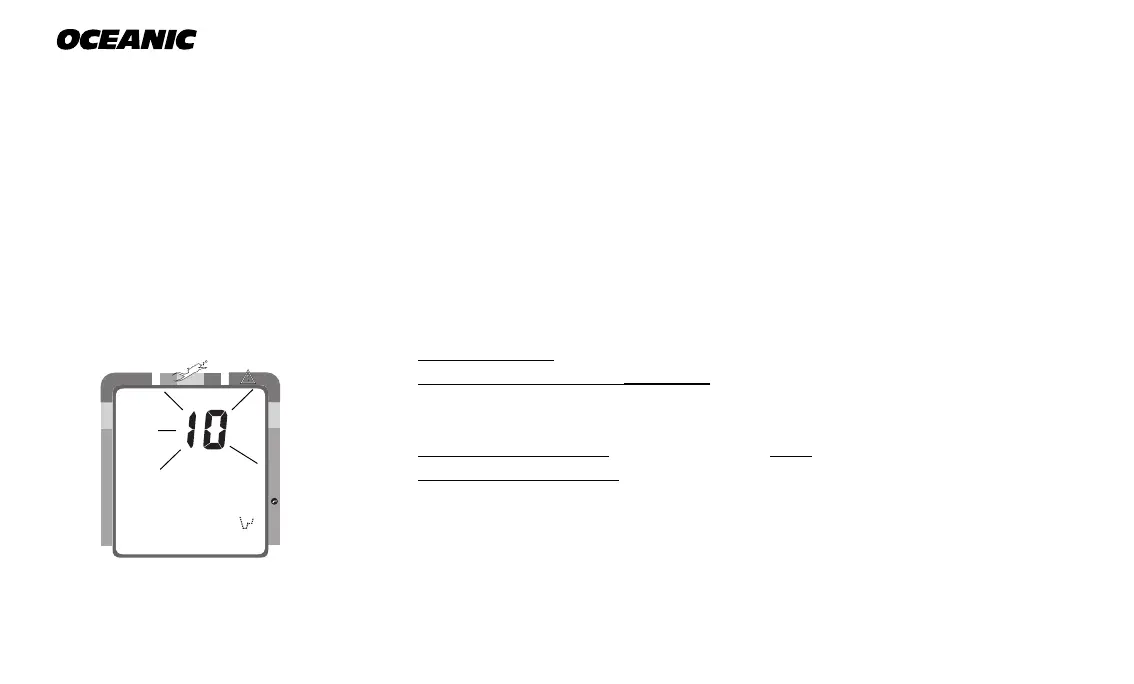
• the Rate setting appears flashing (Fig. 25)
• press Select (Right) button until the desired Rate appears.
• press Advance (Left) button to accept the setting displayed, and either -
• revert to Surface Mode (if this setting was changed), or -
• advance to Set: Unit (this setting was not changed)
Fig. 25 - Set Sampling Rate
NO DECO
C Z
DECO
C Z O
2
FT



 To Next Page