9600 Periodic Maintenance Procedure 00-880606-02
Page 20
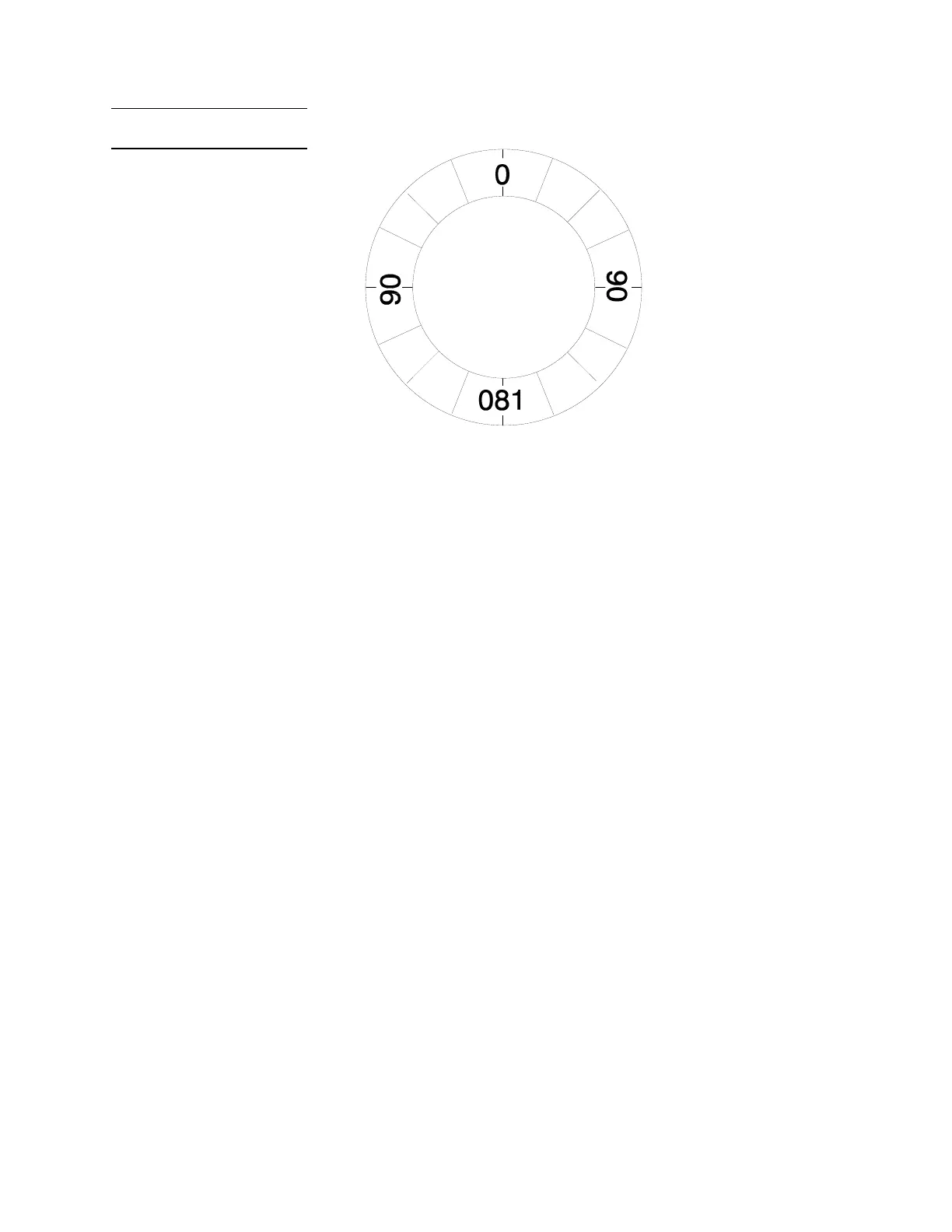
L-Arm Rotation Scale
CAMERA ROTATION
1. Press the CAMERA ROTATE key on the C-Arm control panel.
2. Rotate the camera clockwise to full stop, then rotate the camera counter clockwise to full stop and
verify that the camera motor rotates the camera through a 360° range.
3. Verify that the camera rotation icon rotates properly as the camera is rotated.
For the following three sections, turn the Workstation keyswitch to OFF, then
switch it back to ON and verify the operations as listed.
TECHNIQUE DISPLAY
1. After turning the Workstation keyswitch to ON, verify the X-ray technique displays on the C-Arm
control panel.
CONTROL PANEL LAMPS
Check the switch lamps on both control panels (Boost, Image Reversal, etc.) on the mainframe.
Ensure that each one lights when its associated switch is pressed.
WARNING Some of the following steps produce X-rays. Use appropriate precautions.
“X-RAY ON” LAMPS
1. Press the X-ray ON button on the top of the C-Arm control panel and verify that its lamp lights when
the button is pressed. Verify that the “X-ray ON” lamp on the Workstation also lights when the
button is pressed.



 To Next Page