EasyManua.ls Logo

OHAUS AV53 - User Manual

OHAUS AV53
60 pages
Print Icon
To Next Page IconTo Next Page
Loading...
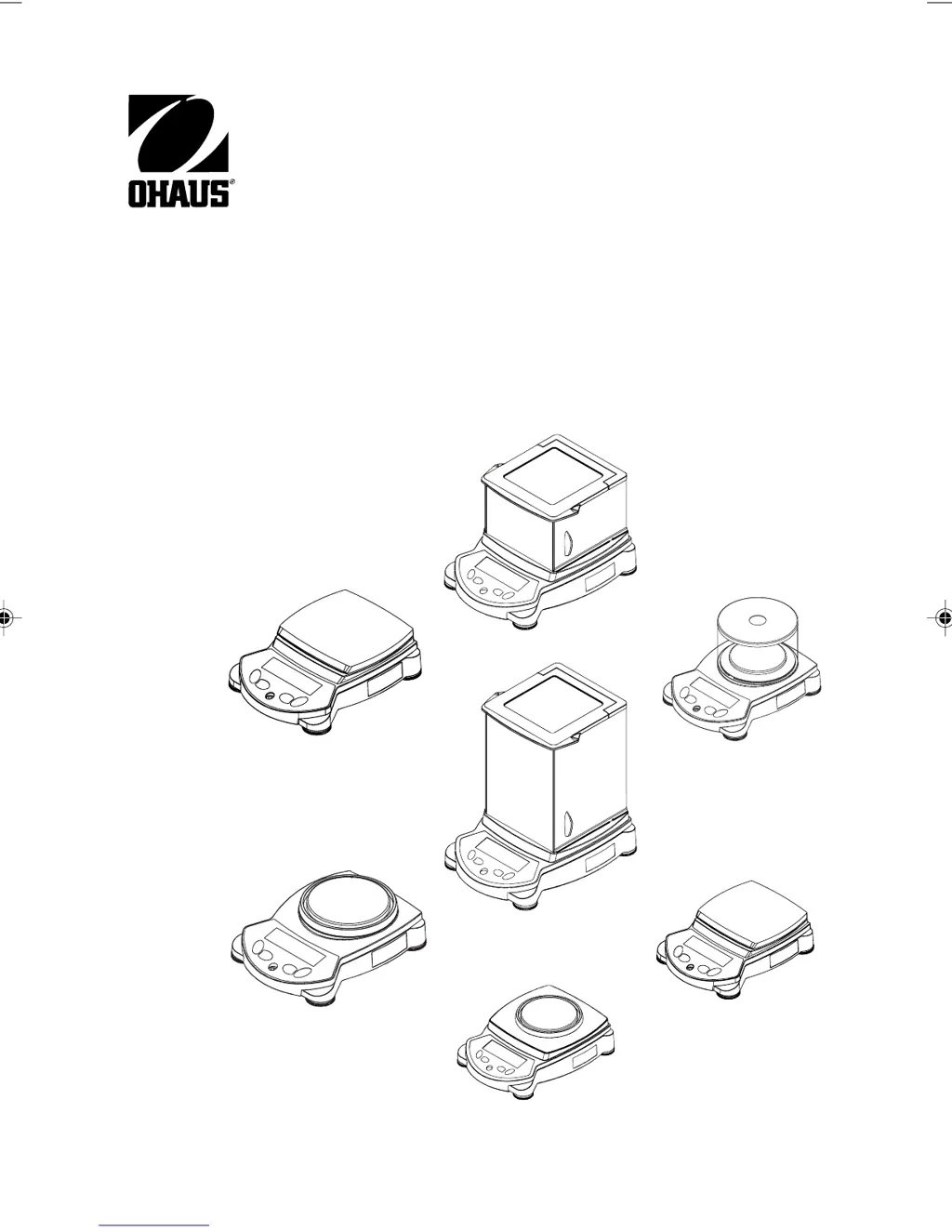
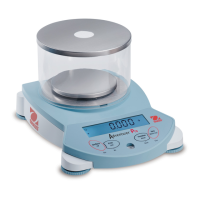
Adventurer Pro Balances
Instruction Manual
1 Front cover english.pmd 3/3/2005, 9:33 AM1

Table of Contents

Questions and Answers

  • A
    Amy SmithAug 28, 2025
    Why I cannot calibrate the OHAUS Scale?
    • A
      Amanda RichardsonAug 28, 2025
      If you cannot calibrate your OHAUS Scale, check if the calibration menu is locked and turn it off. Also, verify if LFT is turned on and disable it. Unstable weight readings can also prevent calibration, so eliminate any vibration and drafts.
  • P
    Paul WilsonAug 27, 2025
    What to do if battery indicator is flashing on OHAUS AV53 Scales?
    • M
      Mary NguyenAug 28, 2025
      If the battery indicator is flashing on your OHAUS Scales, it means the batteries are weak and need to be replaced.
  • J
    Juan MilesAug 27, 2025
    How to fix OHAUS Scale that will not turn on?
    • S
      Sharon Mccoy DVMAug 27, 2025
      If your OHAUS Scale won't turn on, first ensure the AC adapter is properly connected. If it still doesn't power up, the batteries may be discharged and need replacing.
  • L
    Lisa DunnAug 25, 2025
    Why I cannot calibrate the OHAUS Scales?
    • M
      Molly DorseyAug 26, 2025
      If you cannot calibrate your OHAUS Scales, it could be due to several reasons: 1. The calibration menu might be locked; turn the calibration menu lock off. 2. LFT might be set to on; turn LFT off. 3. There might be an unstable weight reading; eliminate vibration and drafts.
  • Q
    qpettyAug 25, 2025
    How to fix OHAUS AV53 that does not display accurately?
    • R
      robert45Aug 25, 2025
      If your OHAUS Scales are not displaying accurately, it could be due to improper calibration. Try performing a calibration. Another possible cause is an unstable environment. Move the balance to a more suitable, stable location.

OHAUS AV53 Specifications

General IconGeneral
Capacity53 g
DisplayLCD with backlight
CalibrationExternal Calibration
InterfaceRS232
Pan Size90 mm
Power SupplyAC Adapter
Operating Temperature Range10°C – 30°C
PowerAC Adapter
Unitsg, oz, lb, kg

Related product manuals