MB90 EN-25
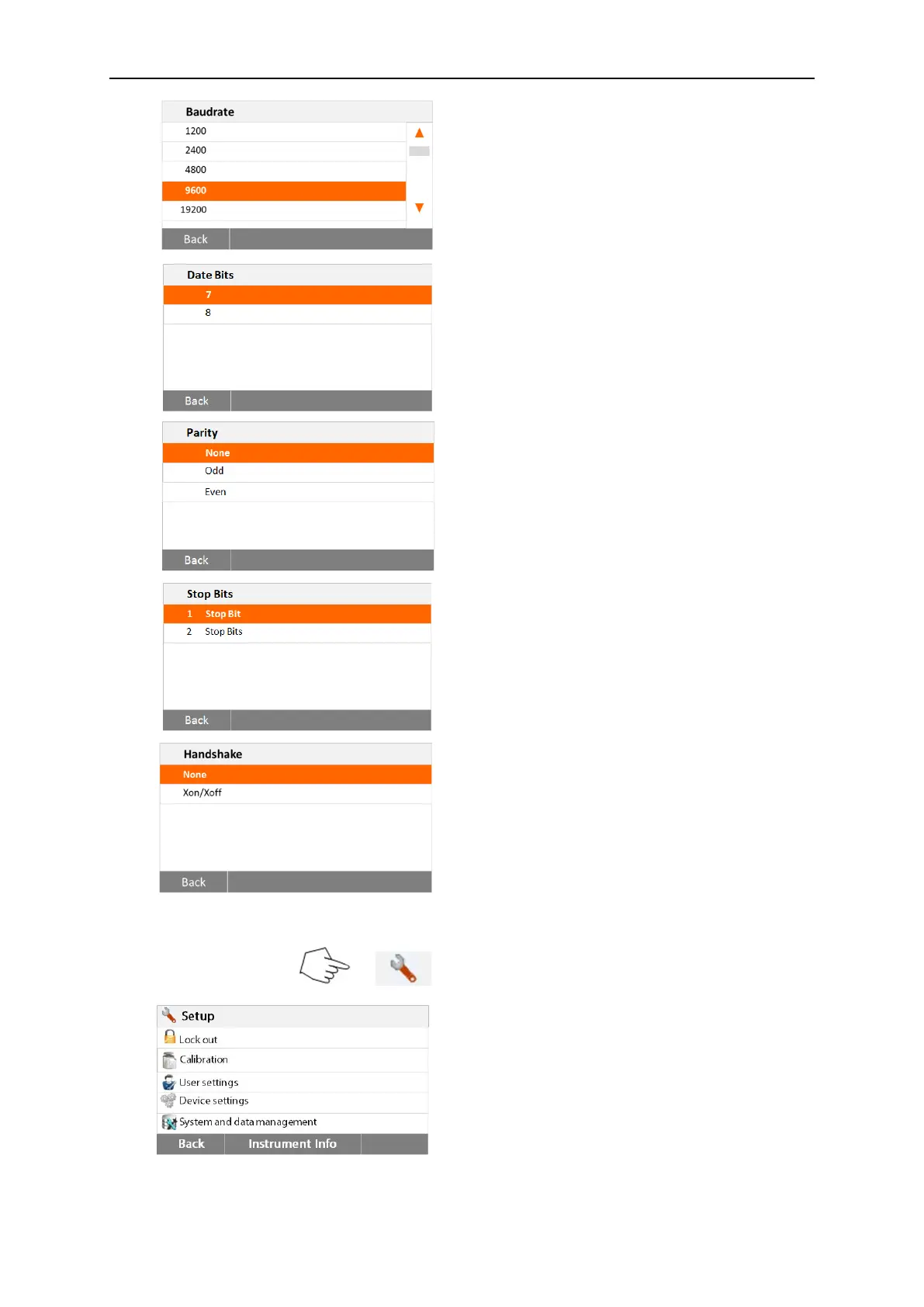
Setting Baud rate
Select the desired baud rates of 1200, 2400,
4800, 9600, 19200, 38400, 57600 and
115200. Default setting is 9600 Baud.
Setting Data bits
Select the desired data bits of 7 or 8. Default
setting is 8.
Setting Parity
Select the desired parity setting of either
NONE,EVEN or ODD. Default setting is
NONE.
Setting Stop bits
Select the desired stop bits of 1 or 2. Default
setting is 1.
Setting Handshake
Select the desired handshake of NONE,
Xon/Xoff. Default setting is NONE.
6.4.3 Print
Press Setup button to access the Setup
menu.
Press Back to return to Home screen.



 To Next Page