EN-38 MB90
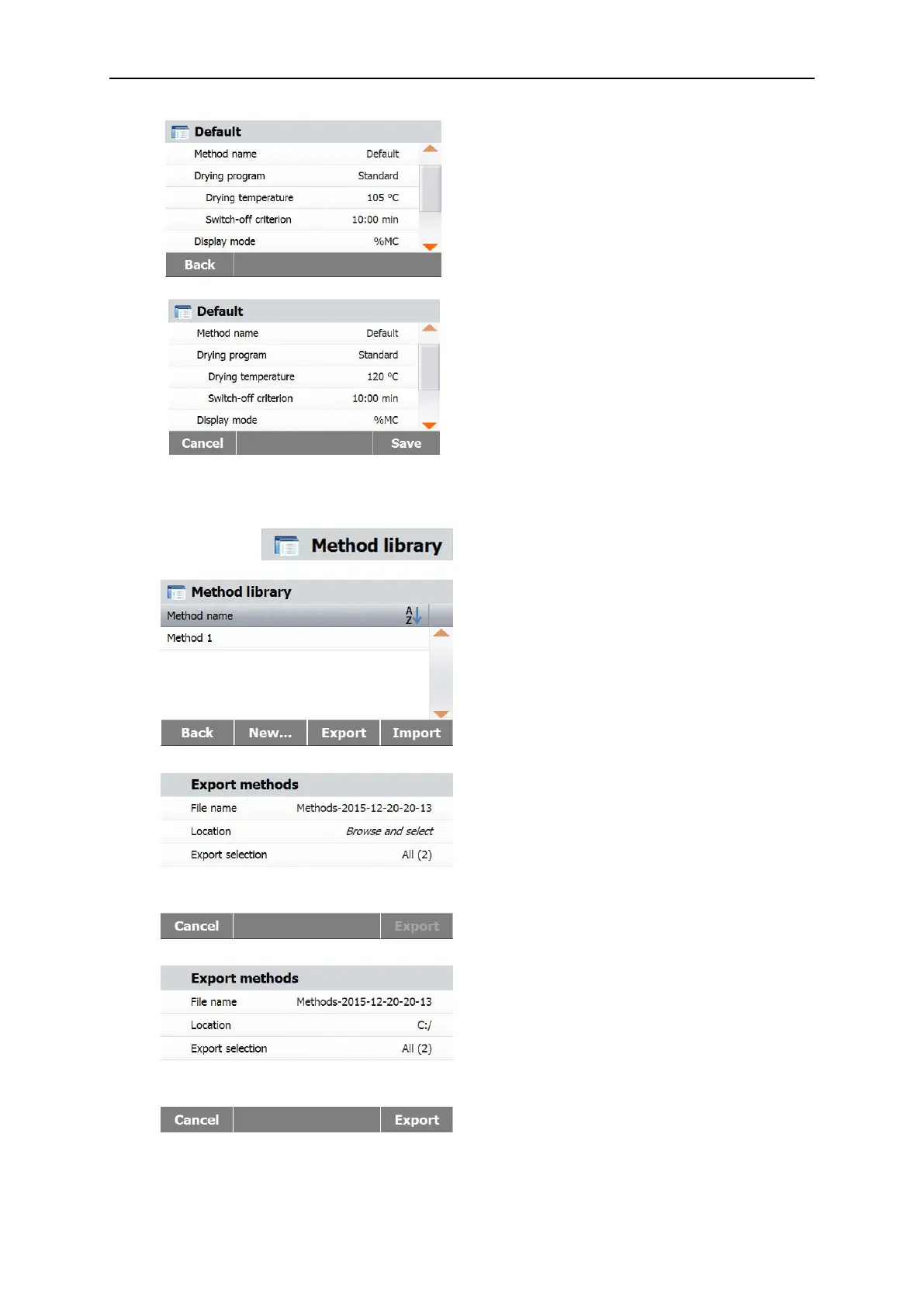
After change the settings, the Save button
available.
Press Save to save to default method.
7.10 Method export and import.
Press Export to export methods.
Press File name to change export file name.
Press Location to select the export location.
Press Export selection to select methods to
export.
Press Cancel to previous screen.
After select the export location and methods, the
Export button is available.
Press Export to execute.
Test Equipment Depot - 800.517.8431 - 99 Washington Street Melrose, MA 02176 - TestEquipmentDepot.com



 To Next Page