43502101TH Rev.1 108 /
Oki Data CONFIDENTIAL
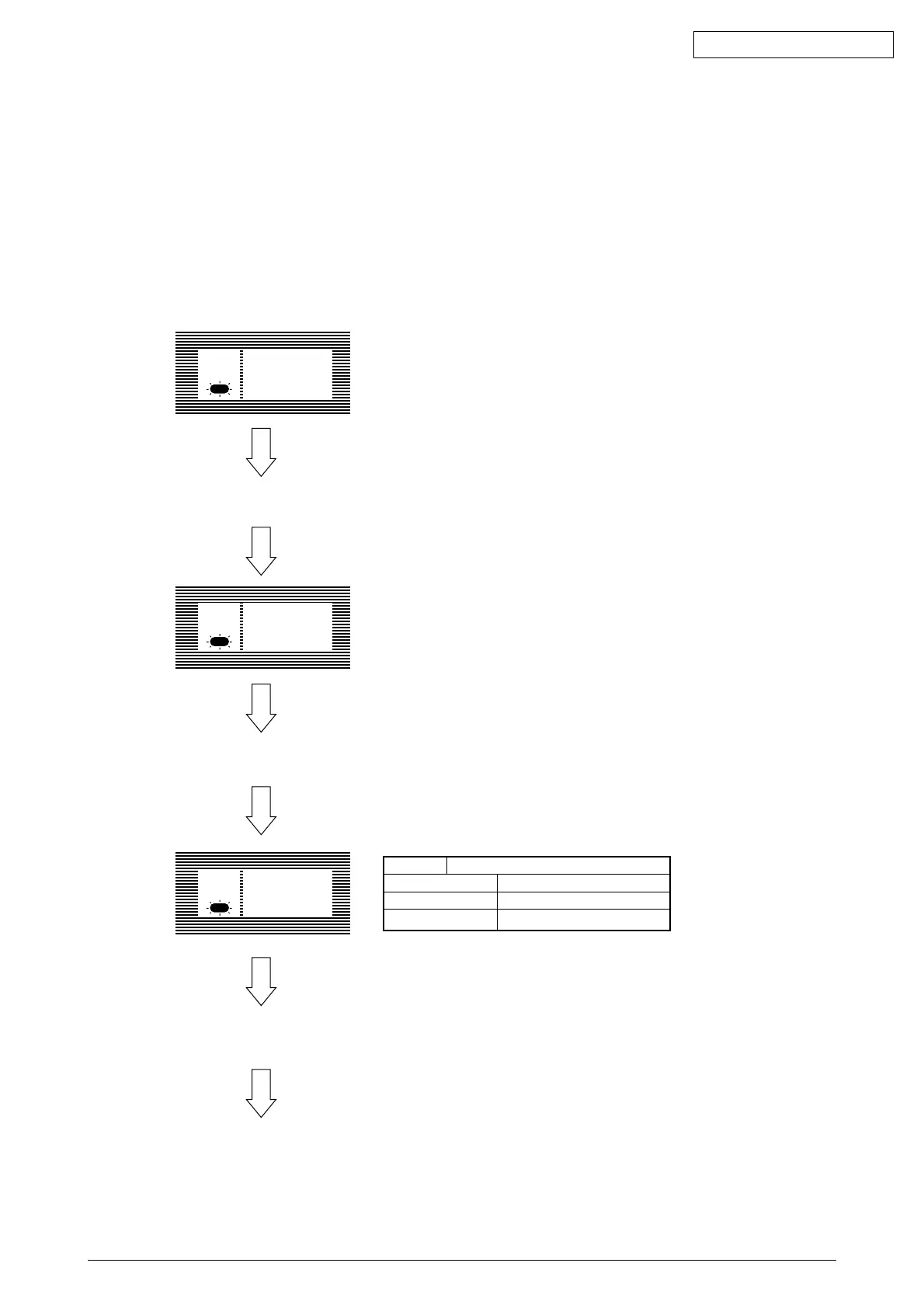
"PARALLEL MENU" is displayed on the LCD.
Press the SELECT key.
Press the ITEM + key.
Ready PARALLEL
MENU
Ready ON-LINE
XXX
The following settings are possible by pressing the SELECT key, after selecting the display
contents of the LCD of the operator panel by using the ITEM+ and ITEM- keys.
Settings are retained even when the printer power is turned off.
By pressing the ON LINE key, menu setting mode is completed and the printer returns to on-
line state.
Press the MENU key 8 times.
Ready
XXX : PCL, AUTO, PSE, HEX DUMP, PRR or FX
PARALLEL
Item PARALLEL I/F
Contents of Display Function
ENABLE
DISABLE
ENABLE
DISABLE
Factory Setting: ENABLE
7) Interface Parameter Setting



 To Next Page