43502101TH Rev.1 63 /
Oki Data CONFIDENTIAL
[JAM error]
2-1 Paper input jam
• Does the JAM error occur when the power is turned on?
• Yes Is the paper at the inlet sensor?
• Yes Remove the paper.
• No Is the operation of the inlet sensor plate normal (moves freely when it is touched)?
• No Replace the inlet sensor plate.
• Yes Clean the inlet sensor on the high voltage/sensor board, or replace the high voltage/
sensor board.
• No Does the JAM alarm occur after paper feeding?
• Yes Is the paper fed to the inlet sensor plate?
• Yes Is the operation of the input sensor plate normal (moves freely when it is touched)?
• No Replace the inlet sensor plate.
• Yes Clean the inlet sensor on the high voltage/sensor board or replace the high voltage/
sensor board.
• No Replace the hopping roller rubber or paper cassette.
• No Is the hopping roller rotating?
• Yes Set the paper tray properly.
• No Is the hopping clutch working normally?
• Yes Replace the Boss and Shaft of the hopping roller assembly.
• No Is CLT connector on the main control board being connected properly?
• No Connect CLT connector properly.
• Yes Is the coil resistance (normal resistance: between Pins 1
and 2, is about 144 Ω) of the hopping clutch normal?
• No Replace the hopping clutch.
• Yes Replace the main control board.
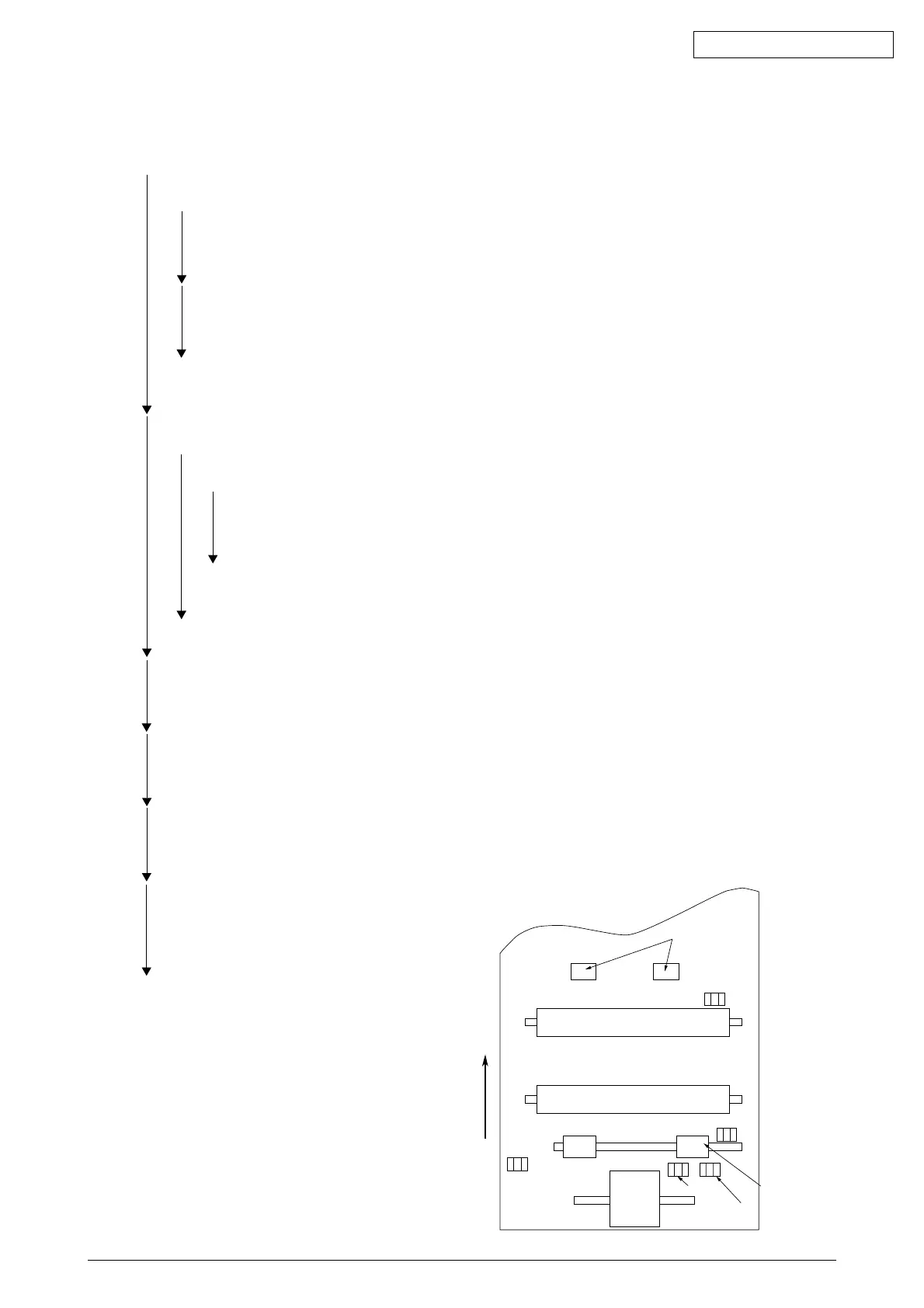
Outlet sensor
Exit roller
Heat roller
Transfer roller
Paper sensor
Registration roller
Inlet sensor
Toner
sensor
Paper end sensor
Hopping
roller
Paper feeding direction



 To Next Page