43502101TH Rev.1 26 /
Oki Data CONFIDENTIAL
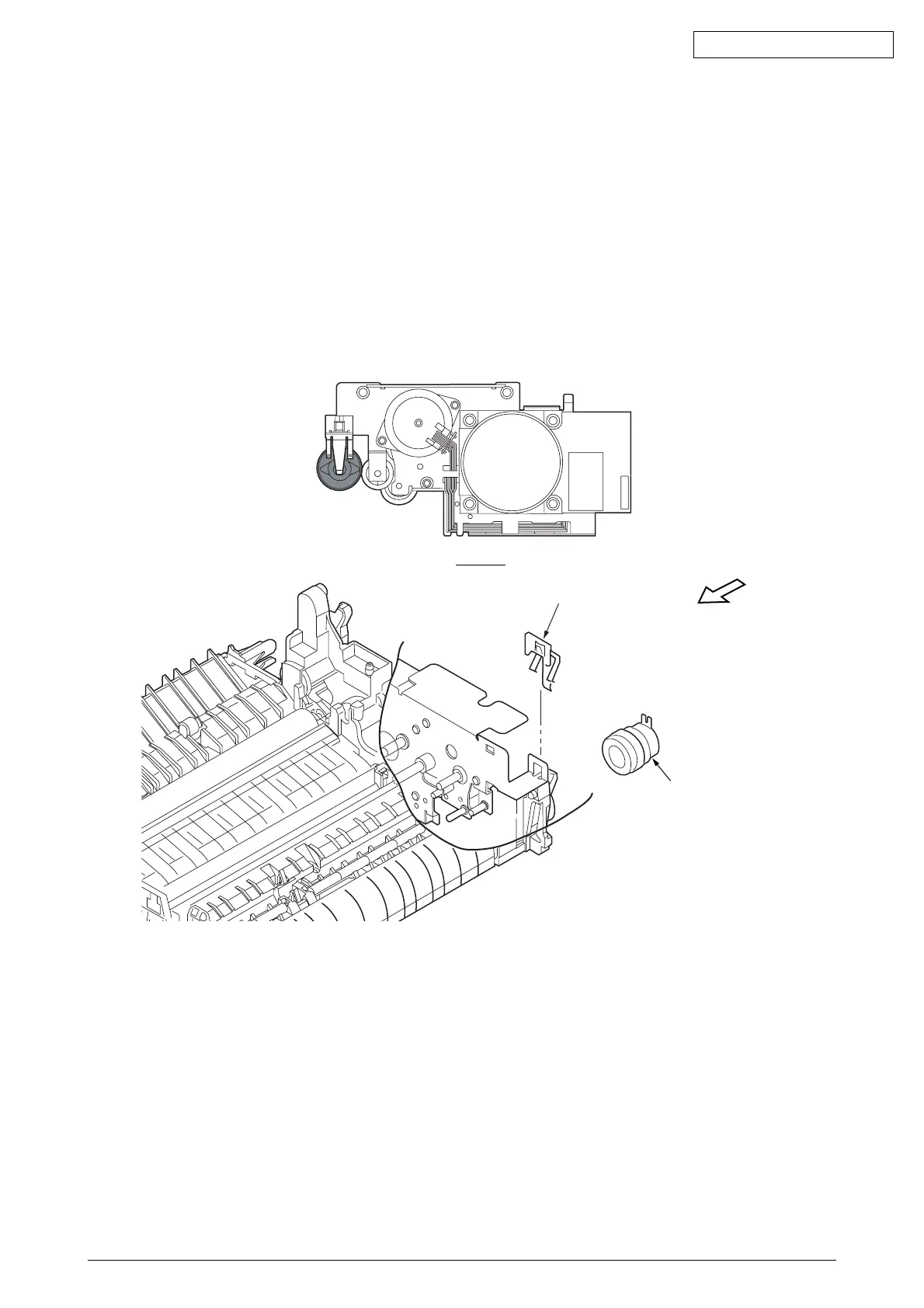
2.3.7 CLUTCH
(1) Remove the upper cover assy (see 2.3.1).
(2) Remove the lower base unit (see 2.3.4).
(3) Remove the plate-FG 1 and remove the clutch 2.
(4) To attach the clutch, do the operation in the reverse way of detachment.
Note :
Be careful not to touch (or rotate) the DC motor thoughtlessly. Rotating the DM motor
counterclockwise removes the eject spring. (Refer to 2.3.9.)
2
1
View A
View A



 To Next Page