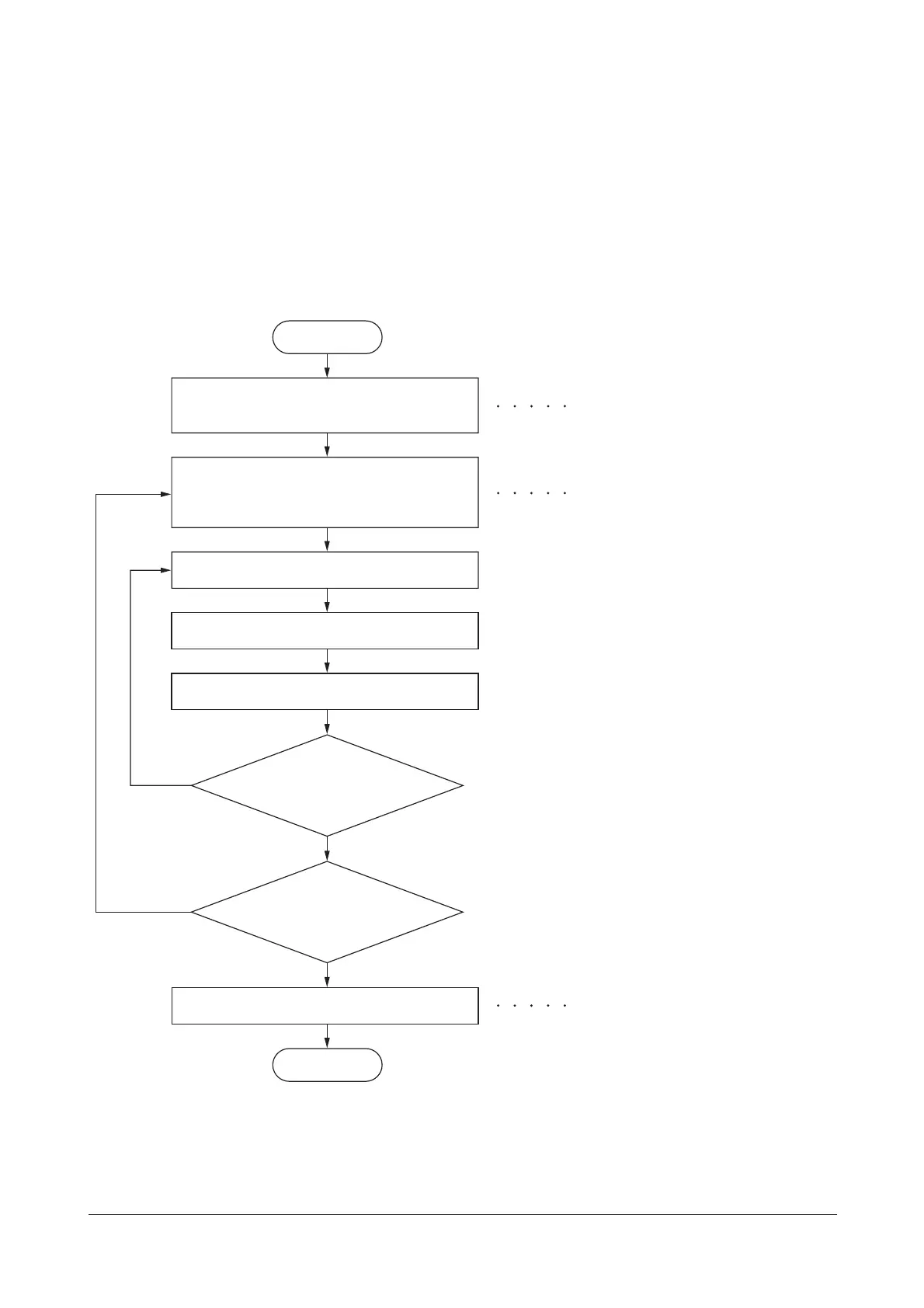
machine.
Enter “10871087” using
the numeric keys.
Enter the maintenance item
number using the cursor left/right keys
or numeric keys.
The selected maintenance item is run.
Press the stop key.
Press the start key.
Start
End
Maintenance mode is entered.
The maintenance item is selected.
Maintenance mode is exited and
the system is restarted to initialize it
and to reflect the setting changes.
Repeat the same
maintenance item?
Run another maintenance
item?
Turn the main power switch off and on.
No
No
Yes
Yes









 To Next Page