2MH/2MJ/2MK/2ML
1-4-1
1-4 Troubleshooting
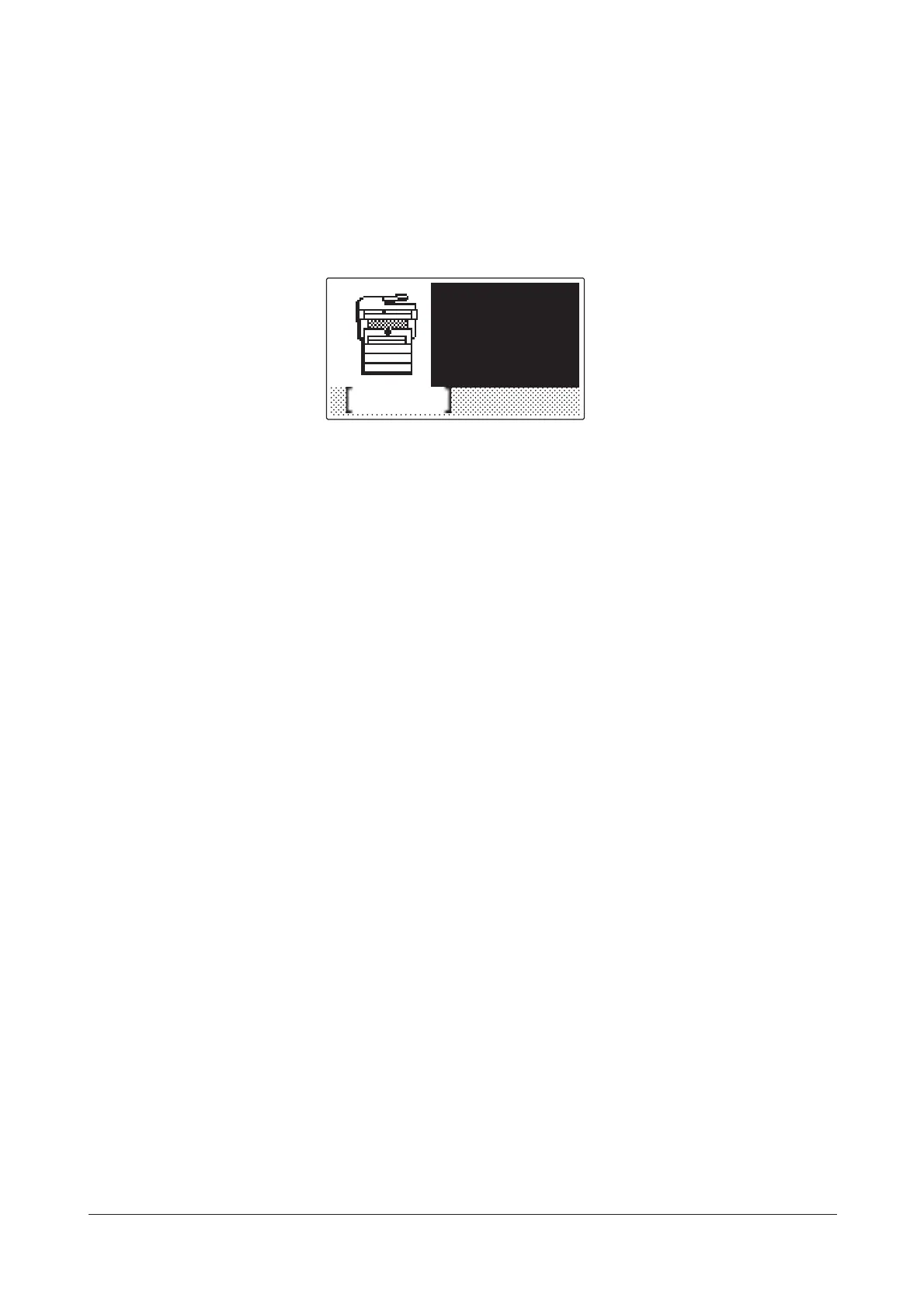
1-4-1 Paper misfeed detection
(1) Paper misfeed indication
When a paper misfeed occurs, the machine immediately stops printing and displays the paper misfeed mes-
sage on the operation panel. To remove paper misfed in the machine, pull out the paper cassette, open the
front cover, rear cover or duplexer’s cover, or remove the drum unit.
Figure 1-4-1 Paper misfeed indication
Help
Paper
jammed in
the printer
JAM****
Y113860-1 Sevice Manual









 To Next Page