5
ENGLISH
Quick Start
This section allows you to program basic cash register
features so that you can start to work right away with your
new product. Programs and transaction information for
management reports are stored in the memory of the cash
register which is protected by back-up batteries.
Before beginning to program the cash register or to
perform sales transactions, insert the batteries to save
this information if a power failure occurs or if the cash
register is unplugged from the electrical outlet.
Quick Start Programming
1. Set your Language
NOTE: After you set your language the cash register will
automatically perform a reset and cancel all the programming
and transaction data stored.
1. Control key position: PRG.
2. Press
.
3. Press your language identifier:
for Spanish,
for French, for German, for Dutch,
for Portuguese, for Danish, for Swedish,
or
for English.
4. Press
.
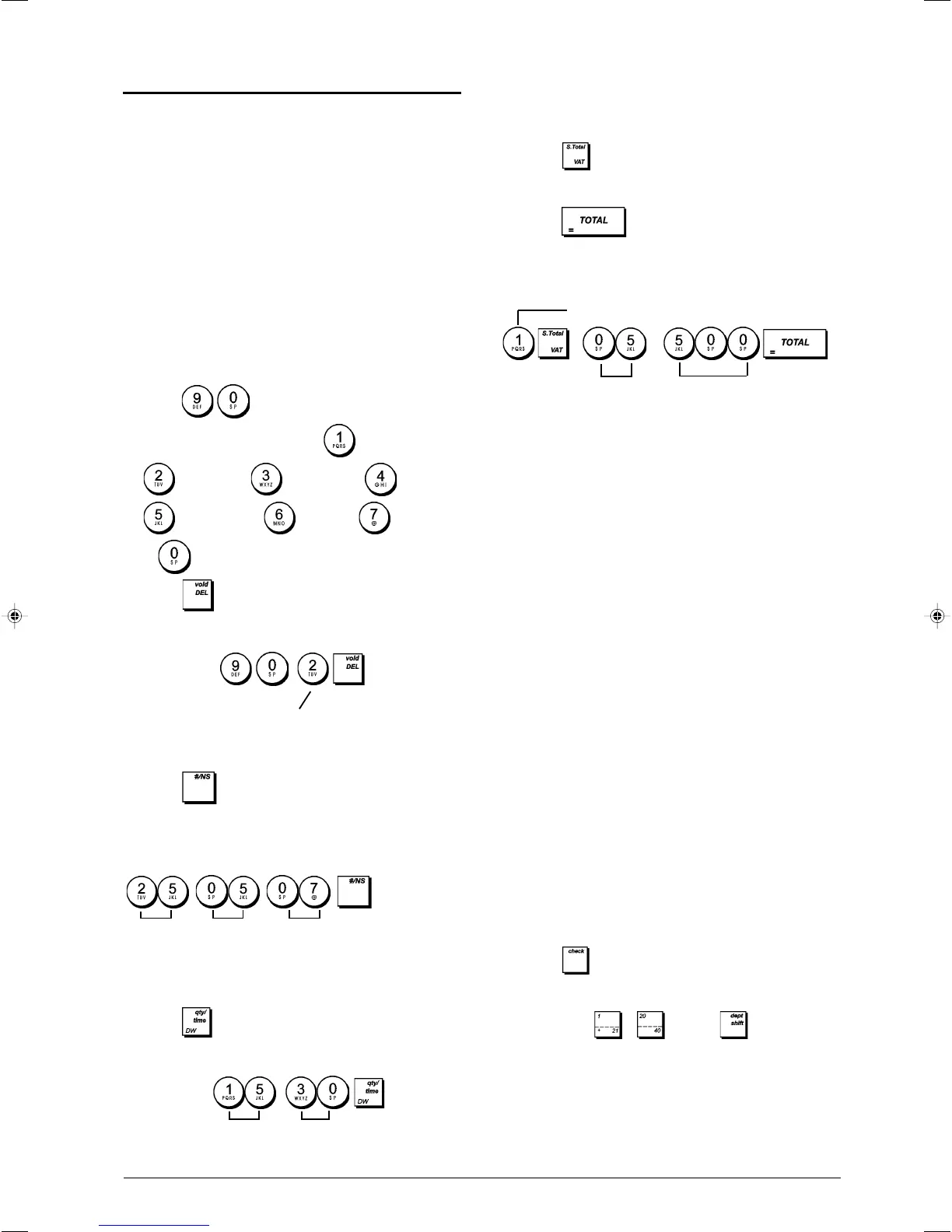
Example: Program the cash register to print in French.
Type/Press:
2. Set the Date
1. Control key position: PRG.
2. Type the current date in the DDMMYY format.
3. Press
.
Example: Set a date of May 25, 2007.
Type/Press:
3. Set the Time
1. Control key position: PRG.
2. Type the current time in the HH:MM, 24-hour format.
3. Press .
Example: Set the time at 3:30 PM.
Type/Press:
Language identifier
Day
Month Year
4. Set a Fixed VAT Rate
1. Control key position: PRG.
2. Type the [number] to represent the VAT rate
(1 for VAT1, 2 for VAT2, 3 for VAT3 and 4 for VAT4).
3. Press .
4. Type the VAT rate. Five digits can be used and you
MUST enter three digits after the desired decimal place.
5. Press .
Example: Set a VAT1 rate of 5.50%.
Type/Press:
NOTE: Before changing a VAT rate, print a Z Financial
report. See "X1 and Z1 Financial Reports".
See sections "Fraction Rounding for VAT Calculation" and
"Printing VAT Information on Receipt" for other VAT-related
features.
5. Link a multiple/single item sale, tax status
and Item Price to a Department
A total of 40 departments are available on your cash register.
Programming a department consists of assigning a multiple/
single item positive or negative sale and a previously pro-
grammed tax status to it. You can then optionally assign a
preset price to the department.
A 3-digit department status can be programmed by using the
following options:
Multiple/Single Item Sales Type
Tax Status
0 = Multiple, positive item sales 00 = Tax-exempt
1 = Single, positive item sales 01 = Taxable at rate
2 = Multiple, negative item sales VAT 1
3 = Single, negative item sales 02 = Taxable at rate
VAT 2
03 = Taxable at rate
VAT 3
04 = Taxable at rate
VAT 4
1. Control key position: PRG.
2. Type the [Multiple/Single Item Sales] and [Tax Status]
options by referring to the previous table. A 3-digit status
code must be entered.
3. Press
.
4. Type a [unit price] to assign to a specific item and then
assign it to a department by pressing the related
department
to key. Use for departments
from 21 to 40.
Hour
Minutes
VAT number
50
5















 To Next Page