17
ENGLISH
Cash Register Programming Report
This report provides a printout showing how your cash
register is programmed. It lists the values that are
programmed for all system options, the VAT rates, foreign
currency exchange rates and percent minus value
programmed, the manager password and training mode
password assigned, and the three-digit security code
assigned to the clerk.
1. Control key position: PRG
2. Press
.
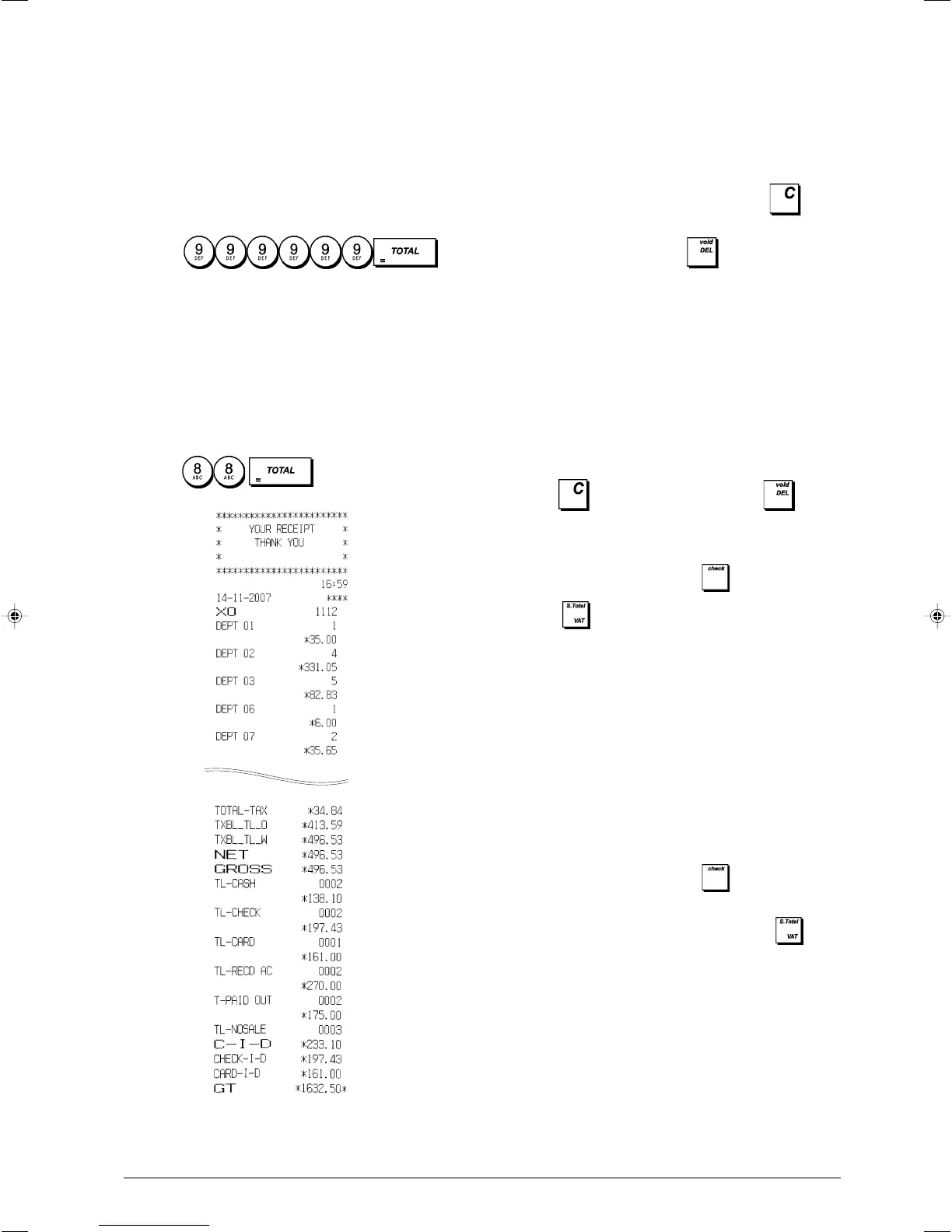
Training Report
This report provides an X or Z report of the transactions
performed in the training mode. Like the ordinary X and Z
financial reports, a Z report resets all transaction totals to
zero and provides the same information as an ordinary X or
Z financial report with the exception that the report identifier
is "X0" or "Z0".
1. Control key position: X1/X2 or Z1/Z2. Bear in mind that in
the Z position the training report contents are cleared.
2. Press
.
Electronic Journal Reports
An electronic journal report executed with the control key in
the X1/X2 position does not clear the electronic journal
memory (and therefore all transaction data are retained)
while the report executed with the control key in the
Z1/Z2 position cancels electronic journal memory thus
restoring it to its maximum line capacity programmed.
To momentarily interrupt report printing, press
. Press
this key again to resume printing.
To cancel report printing, press
(useful, for example,
when the paper runs out).
Full Electronic Journal Report
This report is a complete listing of transaction receipts and Z
financial reports taken within the maximum line capacity
programmed.
1. Control key position: X1/X2 or Z1/Z2. Bear in mind that in
the Z position the electronic journal memory contents are
cleared. Make sure there is plenty of paper loaded in the
printer.
After the report is printed, a beep sounds (for 2 seconds)
after which the cash register waits for confirmation:
press to clear the journal memory or to abort
without clearing.
2. If a manager password was defined type the
[4-digit password] and press
.
3. Press
.
When the contents of the electronic journal are printed, a
message is displayed along with a beep to indicate that the
EJ memory capacity has been restored to its programmed
line capacity.
Oldest Transaction Report
By entering the number of transactions you wish to view, this
report prints the selected number of oldest receipts and Z
financial reports performed and stored within the programmed
line capacity.
1. Control key position: X1/X2 or Z1/Z2. Bear in mind that in
the Z position the journal report contents are cleared.
Make sure there is plenty of paper loaded in the printer.
2. If a manager password was defined type the
[4-digit password] and press
.
3. Type a number between [001 and 999] indicating the
number of oldest reports wanted and press
.
Latest Transaction Report
By entering the number of transactions you wish to view, this
report prints the most recent receipts and Z financial reports
performed and stored within the programmed line capacity.
1. Control key position: X1/X2 or Z1/Z2. Bear in mind that
in the Z position the journal report contents are cleared.
Make sure there is plenty of paper loaded in the printer.















 To Next Page