36
6 Menu operations and functions
RECORD REC
FUNCTION
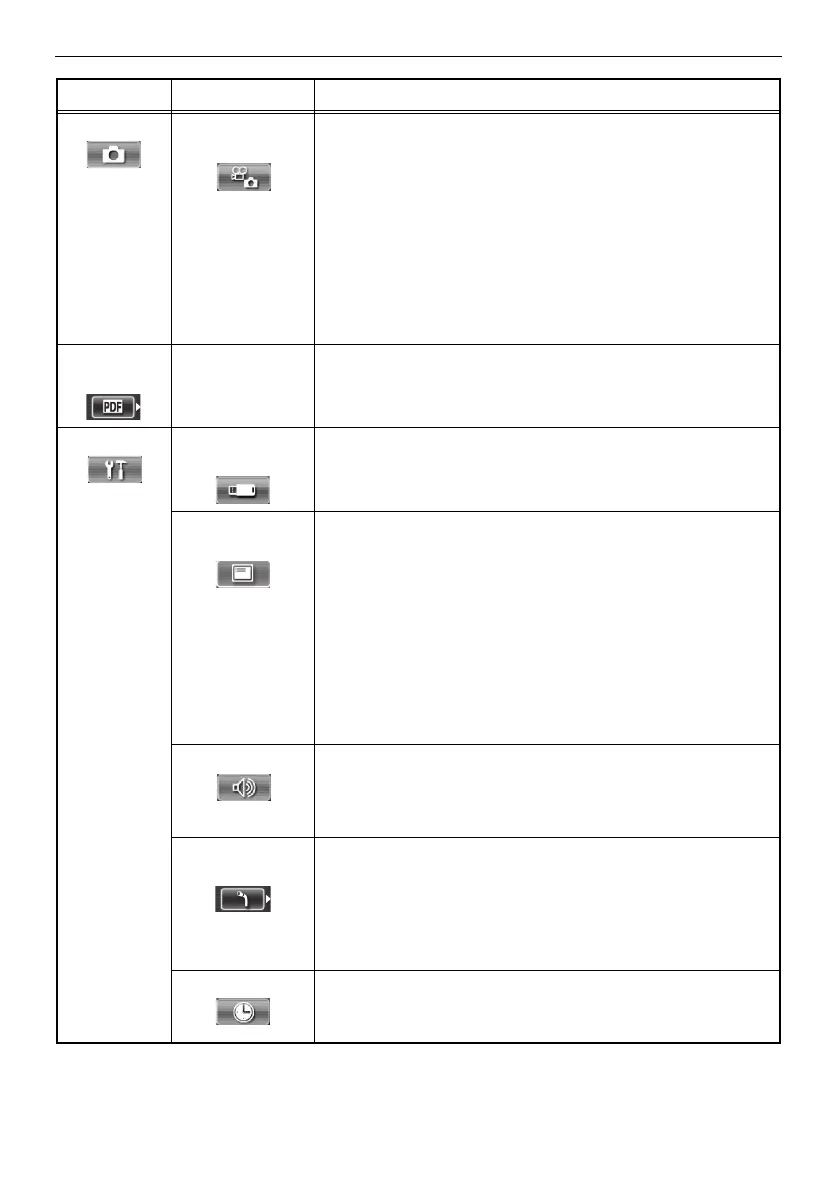
[FRZ/REC] button image type setting
Specifies the type of image that is recorded when a record
operation is performed with the [FRZ/REC] button.
Long-pressing the [FRZ/REC] button performs one of the fol-
lowing operations.
STILL+MOVIE*
Live screen: Records still images and moving images.
Freeze screen: Records still images only.
STILL ONLY
Live screen: Records still images only.
Freeze screen: Records still images only.
SELECT
PDF FILE
- PDF file display
Selects PDF files stored in the "PDF" folder on the USB flash
drive so that they can be viewed.
SETUP MEDIA
FORMAT
USB flash drive formatting (initialization)
CANCEL*: Do not format the flash drive.
EXECUTE: Format the flash drive.
DATE/TIME/
LOGO
Display information setting
Specifies whether display information (date and time, title, etc.)
should be shown on the LCD monitor.
This setting can also be used to specify the type of information
to be displayed.
ALL*: Show the date, time, title, "OLYMPUS" logo,
zoom level, and brightness level.
DATE/TIME/LOGO: Show the date, time, title, and "OLYM-
PUS" logo.
DATE/TIME: Show the date, time, and title.
OFF: Do not show information.
BEEP ON/OFF Beep sound output
Specifies whether to sound the beep.
ON*: Sound.
OFF: Do not sound.
SCOPE
INITIALIZATION
Execution of scope initialization
Specifies whether to initialize the scope when the scope unit
has been replaced.
CANCEL*: Do not initialize the scope.
EXECUTE: Initialize the scope.
See "Initializing the scope" (P. 15).
DATE TIME Date and time settings
Configures date and time settings.
See "Setting the date and time" (P. 40).
Main menu Sub menu Available settings




 To Next Page