45
7 Storage and maintenance
Cleaning the LCD monitor
LCD monitor viewing problems due to fingerprints and dirt
Wipe the LCD monitor with a soft cloth dampened with clean water. Next, lightly wipe it with a
clean, dry cloth.
• Never use a chemically treated cloth or strong detergent, such as benzene or alcohol. Doing so may
damage the surface of the LCD monitor.
• Do not use a cloth that is hard, dirty, or has foreign matter on it. Doing so may damage the surface of the
LCD monitor.
Cleaning the main unit
Dirty main unit
Wipe the main unit with a soft cloth dampened with clean water. Next, lightly wipe it with a clean,
dry cloth. Also wipe all dirt, water, and other foreign matter from the battery cover, video cap, and
the inside of the AC adapter terminal cap.
• Do not rinse the instrument with running water. Otherwise, it may be damaged.
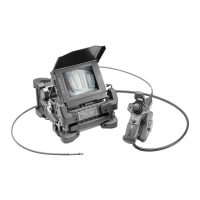
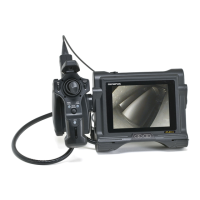
7.3 Replacing a damaged scope unit
The scope unit on this instrument can be replaced by the user if it becomes damaged.
• Note the following precautions when detaching the scope unit.
- Never touch the electric contacts with your hands or subject them to static electricity.
- Do not allow metal or other foreign objects to get into the connectors.
- Do not disconnect it in an area subject to high humidity or a dusty environment where metal dust or
other fine particles are present.
- Do not drop or otherwise subject the scope unit to strong impact.
- Do not apply excessive pulling, pushing or twisting force.
Otherwise, the instrument may be damaged.




 To Next Page