18
4 Pre-observation/pre-operation preparation and inspection
4.2 Pre-operation preparation
Turning on power
Hold down the Power button ( ) for at least two seconds.
Press the Power button ( ). The screen will be displayed after about 40 seconds.
Turning off power
Hold down the Power button ( ) for at least two seconds.
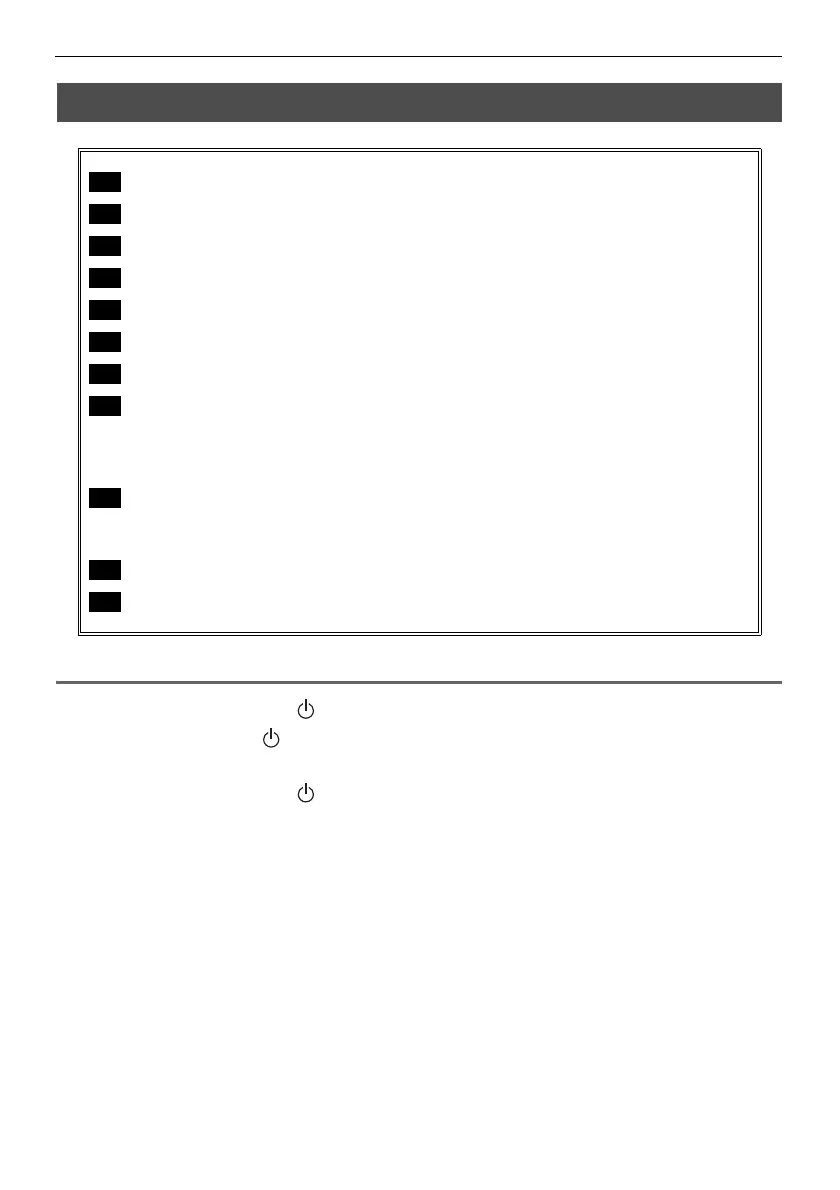
Turn on power. (See P.18)
Check the remaining battery level. (See P.19)
Configure date and time settings (initial settings). (See P.40)
Check lighting of illumination at the distal end of the insertion tube. (See P.19)
Adjust white balance. (See P.35)
Check the angulation operation of the angulation section. (See P.19)
Attach the USB flash drive. (See P.20)
Set up the main unit and perform observation.
Set up the main unit on a flat surface. (See P.20)
Hang the main unit. (See P.21)
Set up the main unit on a tripod. (See P.21)
Attach the shoulder belt (option).
Attach the main unit to your body. (See P.22)
Hang the main unit from your shoulder. (See P.22)
Fix the control unit to the main unit for observation. (See P.22)
Conduct a pre-operation inspection. (See P.23)




 To Next Page