OMICRON 19
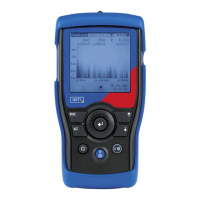
Step and touch voltage meter
6.1 Frequency range selection
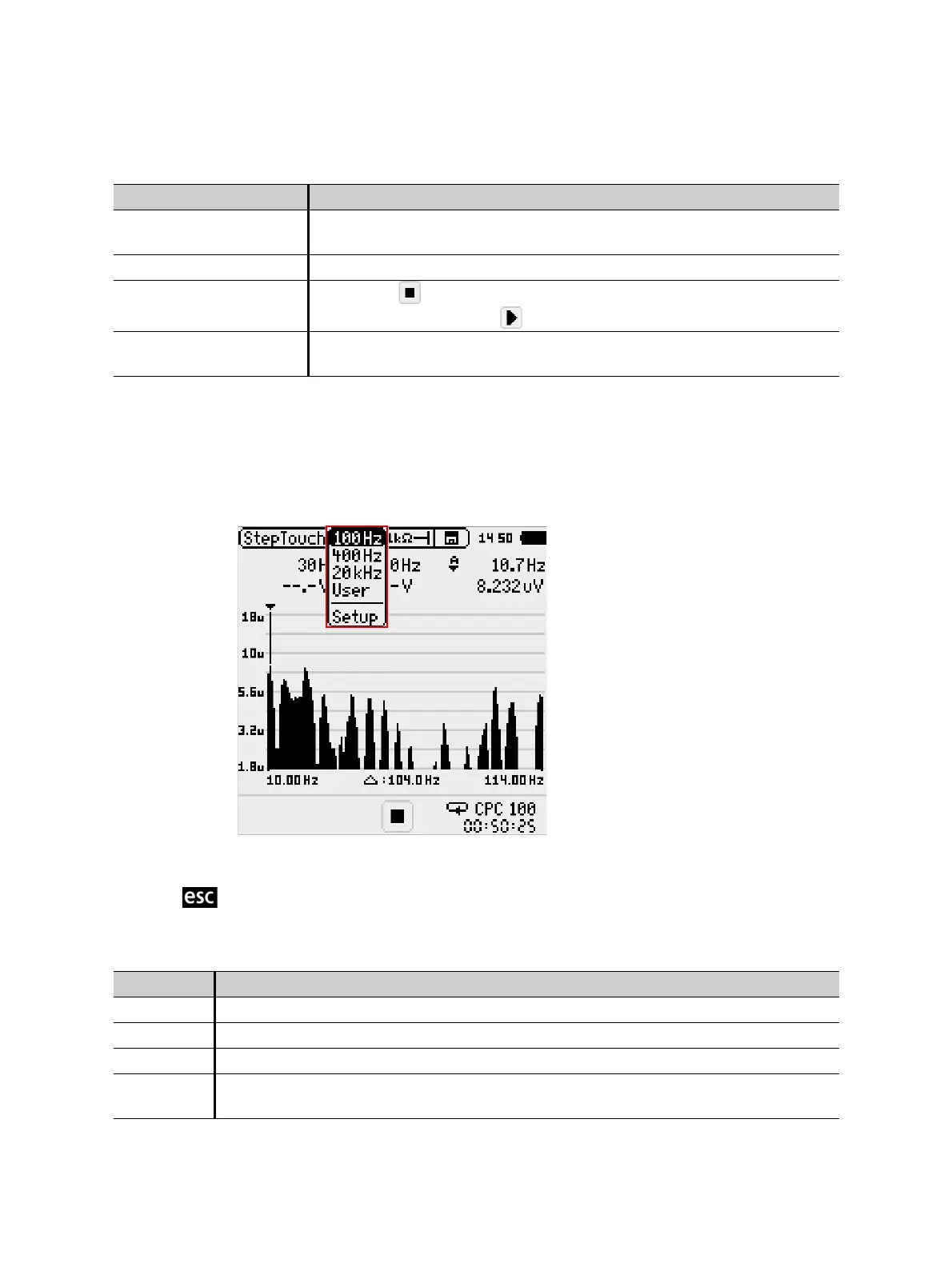
► Change the frequency settings in the menu bar.
Note: The wider the frequency range, the lower the resolution of the FFT. Refer to 8 "Technical
specifications" on page 30 for more information.
Figure 6-2 Frequency range selection in the StepTouch view
► Press to confirm and return to the previous screen.
Voltage axis Click top value to enter amplitude zoom mode
See 6.4 "Voltage axis" on page 21
Frequency axis See 6.3 "Frequency axis" on page 20
State indicator • Paused:
• Measurement running:
Timer Starts every time a measurement is finished to help estimate when the
CPC 100 will execute the next injection
Table 6-2: Frequency range options
Feature Description
100 Hz Default setting for frequency axis: 10 Hz … 114 Hz
400 Hz Default setting for frequency axis: 14 Hz … 430 Hz
20 kHz Default setting for frequency axis: 484 Hz … 20.45 kHz
User The most recent settings applied to the frequency axis are stored and can be re-applied
by selecting User.
Table 6-1: Items available on the StepTouch view
Feature Description


 To Next Page
 Loading...