4 Maintenance and inspection
4-5 Replacing the fan
BU5002R/BU3002R/BU3002RH
4-5 Replacing the fan
The fan used in the UPS has a limited life. The fan’s expected lifespan is approximately 7
years when the ambient temperature is 25°C and approximately 5 years when the ambient
temperature is 40°C.
When the status indicator “Fault-E8” flashes with the rear fan stopped, replace the fan.
If the front fan is not rotating, the UPS is faulty. Contact the shop of purchase.
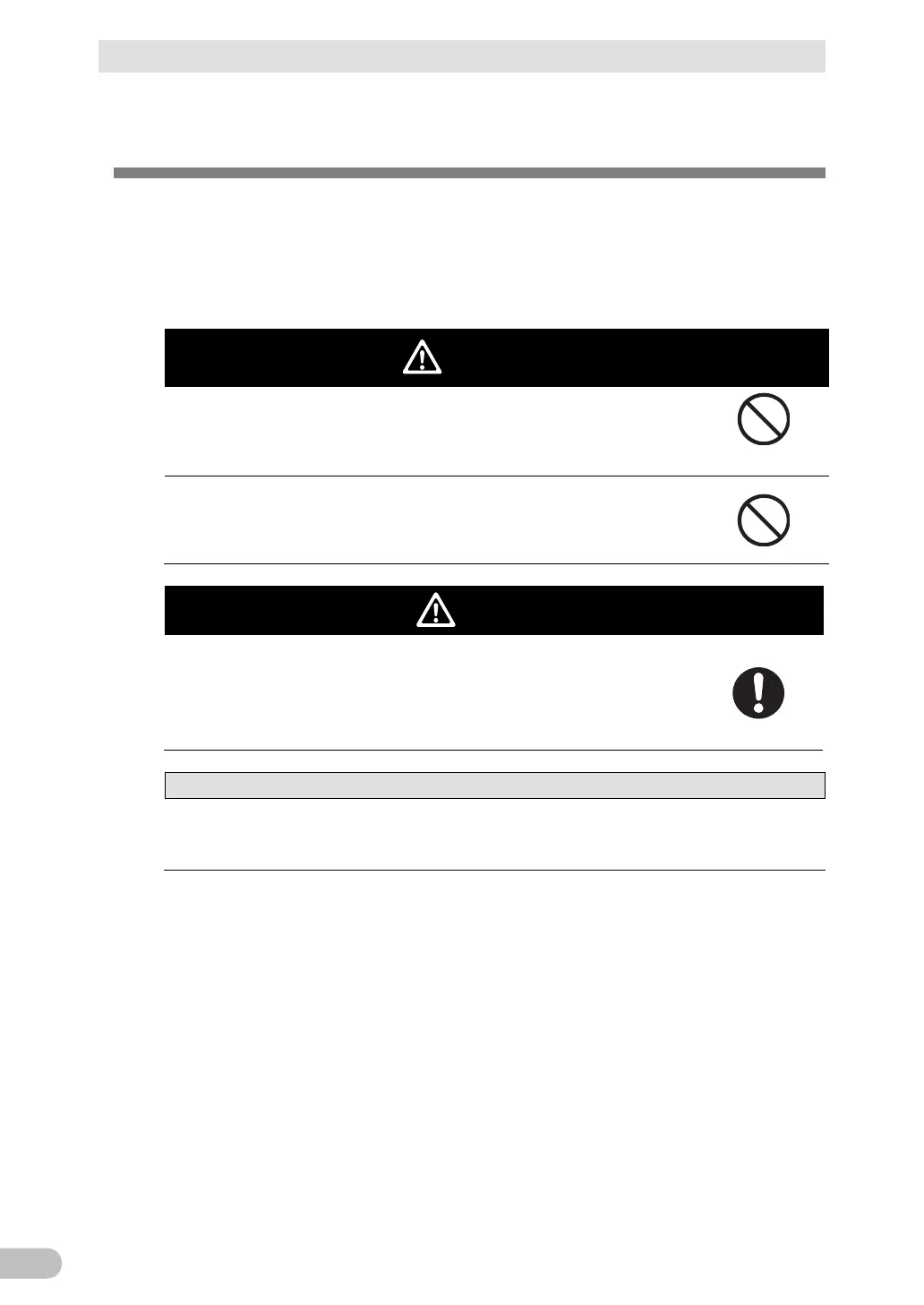
Do not insert your hand or a metal object into the fan housing
opening.
⚫ There is a possibility of an electric shock or short circuit.
Do not insert your finger into the fan.
⚫ The fan rotates when the AC input is connected.
⚫ There is a possibility of an injury.
Remove the AC input plug from the power outlet (commercial
power supply) after turning off the power supply.
⚫ The fan rotates when the AC input is connected.
⚫ Check that the fan has stopped.
When the unit is used as a conforming product of UL standards, do not
replace the fan.
⚫ The fan replacement function does not comply with the UL standard.



 To Next Page