EasyManua.ls Logo

Omron BU5002R - Switch

Omron BU5002R
135 pages
Print Icon
To Next Page IconTo Next Page
To Previous Page IconTo Previous Page
Loading...
3 Checking and starting the operation
3-1 Names and functions of each part of the operation and display sections
BU5002R/BU3002R/BU3002RH
61
3
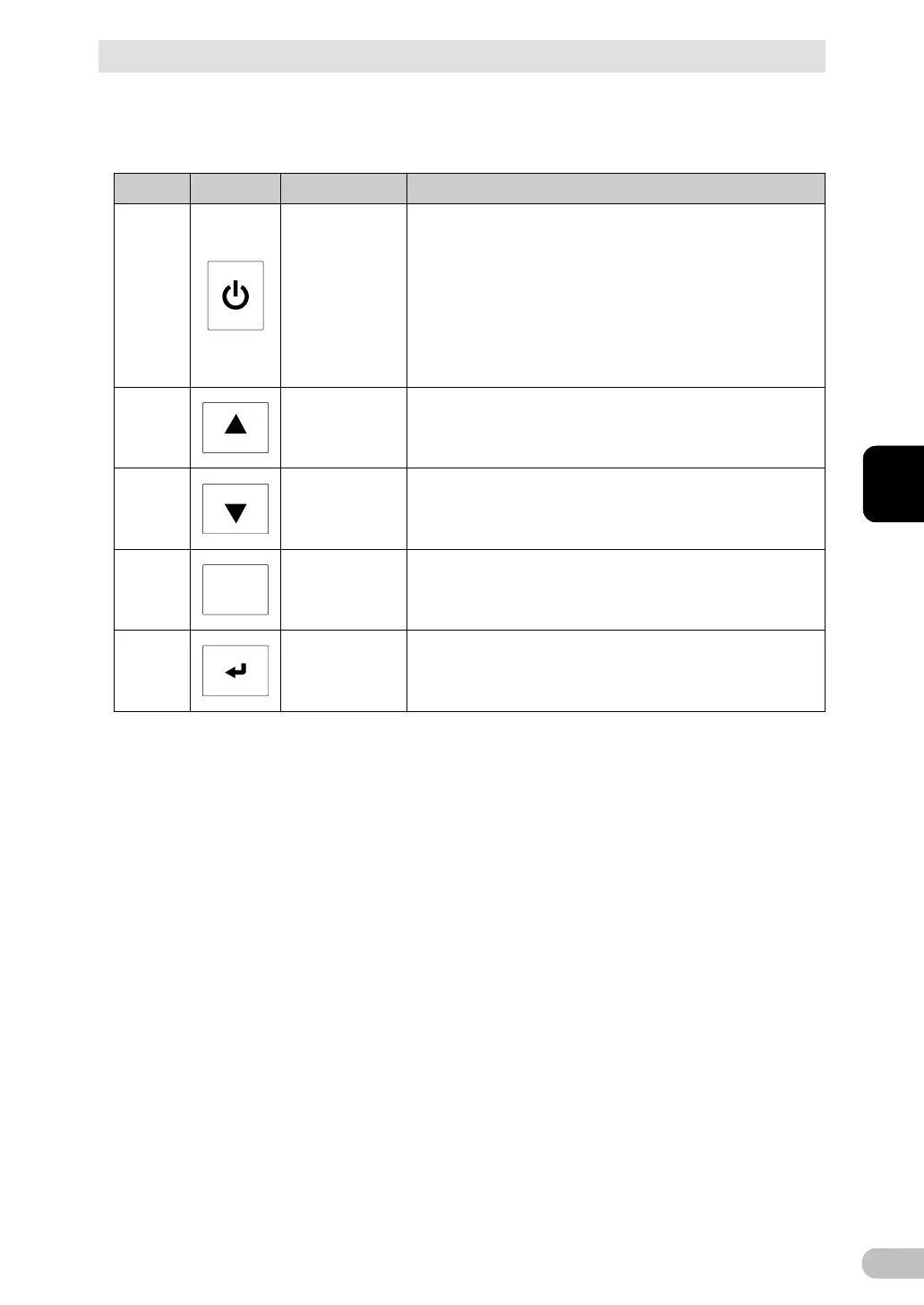
3-1-3 Switch
Ref.
Shape
Name
Description
D
Power switch
ON: Hold this switch down for 3 seconds or longer to
start outputting power several seconds later.
OFF: When the switch is turned on, hold it down for 3
seconds or longer to stop outputting power.
Note:
As long as the AC input plug is connected to a
commercial power supply, whether the power switch is
turned ON or OFF, the battery is charged.

F
Up switch
Move the selected cursor upwards or increase the value.
H
Down switch
Move the selected cursor downward or decrease the
value.
G
ESC
ESC switch
• Return to the menu
• Cancel
• Stop the buzzer sound (Hold down for 0.5 seconds or
longer)
I
Enter switch
Select the menu item or determine the value.

Table of Contents

Related product manuals