2 Installation and connection
2-3 Connecting the equipment
BU5002R/BU3002R/BU3002RH
2-3-1 Connecting devices to the AC output (AC receptacle)
(BU5002R only)
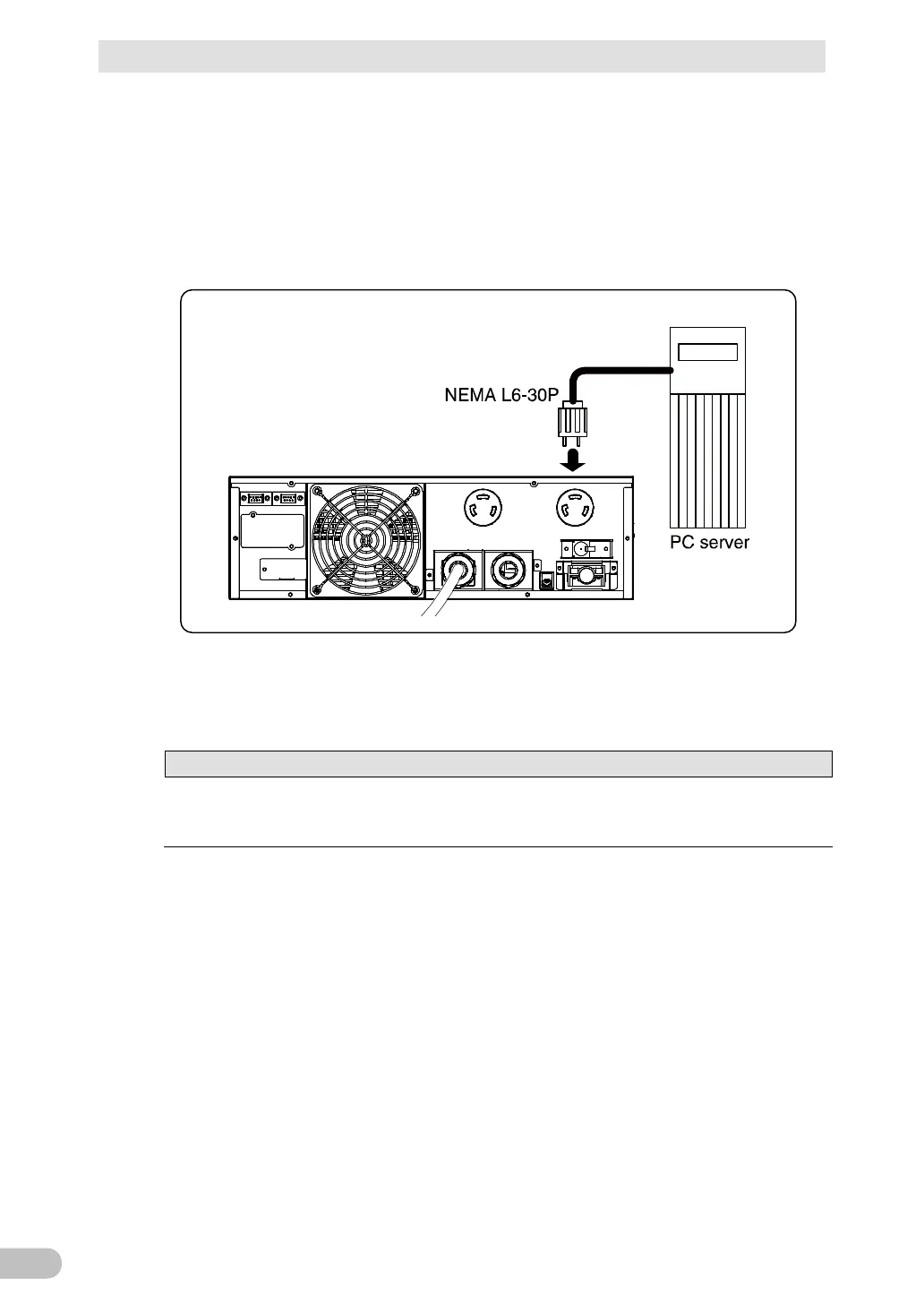
Connect devices you want to back up to the AC output receptacles of the UPS.
• If you need more output receptacles than those of the UPS, supply additional output
receptacles.
2-3-2 Connecting a device to the AC output (AC receptacle)
(BU3002R only)
The value of the total capacities of the devices connected to the output
receptacles must not exceed the rated output capacity of the BU3002R. If the
overload fault display (E9) appears, reduce the connected devices.
The BU3002R is equipped with multiple "C19" and "C13" outlets.
Use of the shutdown software enables the functions for individually controlling each “AC
output” group.
Changes can also be made using the operation panel on the main unit.
<Example of connection for BU5002R>



 To Next Page