EasyManua.ls Logo

Omron BU5002R - 3 Checking and Starting the Operation; Names and Functions of each Part of the Operation and Display Sections; Name of each Part; Meaning of each LED Indicator

Omron BU5002R
135 pages
Print Icon
To Next Page IconTo Next Page
To Previous Page IconTo Previous Page
Loading...
3 Checking and starting the operation
3-1 Names and functions of each part of the operation and display sections
BU5002R/BU3002R/BU3002RH
60
3 Checking and starting the operation
3-1 Names and functions of each part of the
operation and display sections
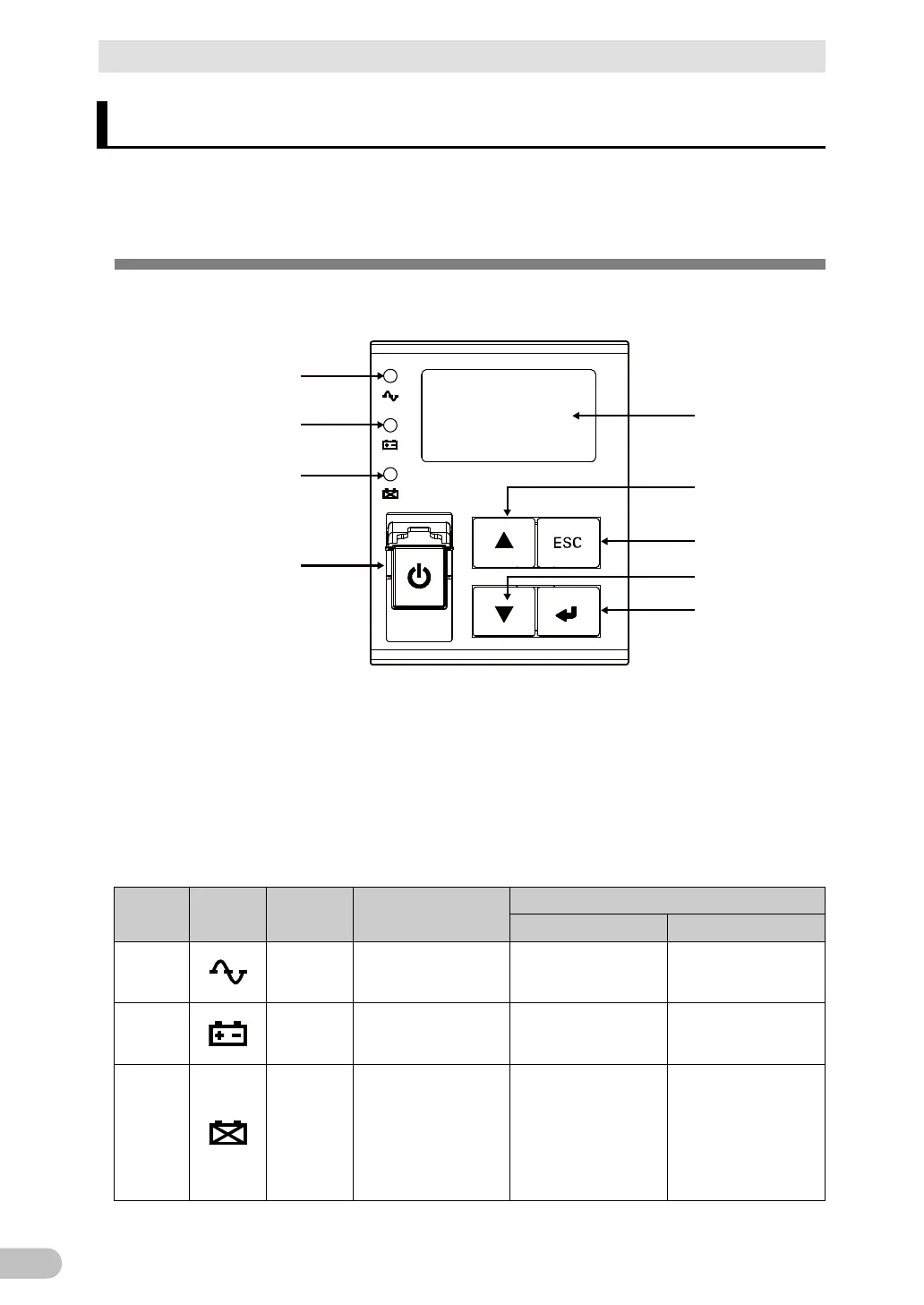
3-1-1 Name of each part
A
E
F
G
H
I
B
C
D
A: “Power supply output” LED
B: “Battery mode” LED
C: “Battery replacement” LED
D: “Power switch” cover/
“Power” switch
E: LCD
F: “UP” switch
G: “ESC” switch
H: “Down” switch
I: “Enter” switch
3-1-2 Meaning of each LED indicator
Ref.
Symbol
Color
Name
Status
ON
OFF
A
Green
Power supply output
LED
The power supply
output is ON
The power supply
output is OFF
B
Orange
Battery mode LED
In backup operation
with battery
Not in backup
operation
C
Red
Battery replacement
LED
Battery replacement
required due to
battery deterioration
or end of life of the
battery or UPS
Battery replacement
not required

Table of Contents

Related product manuals