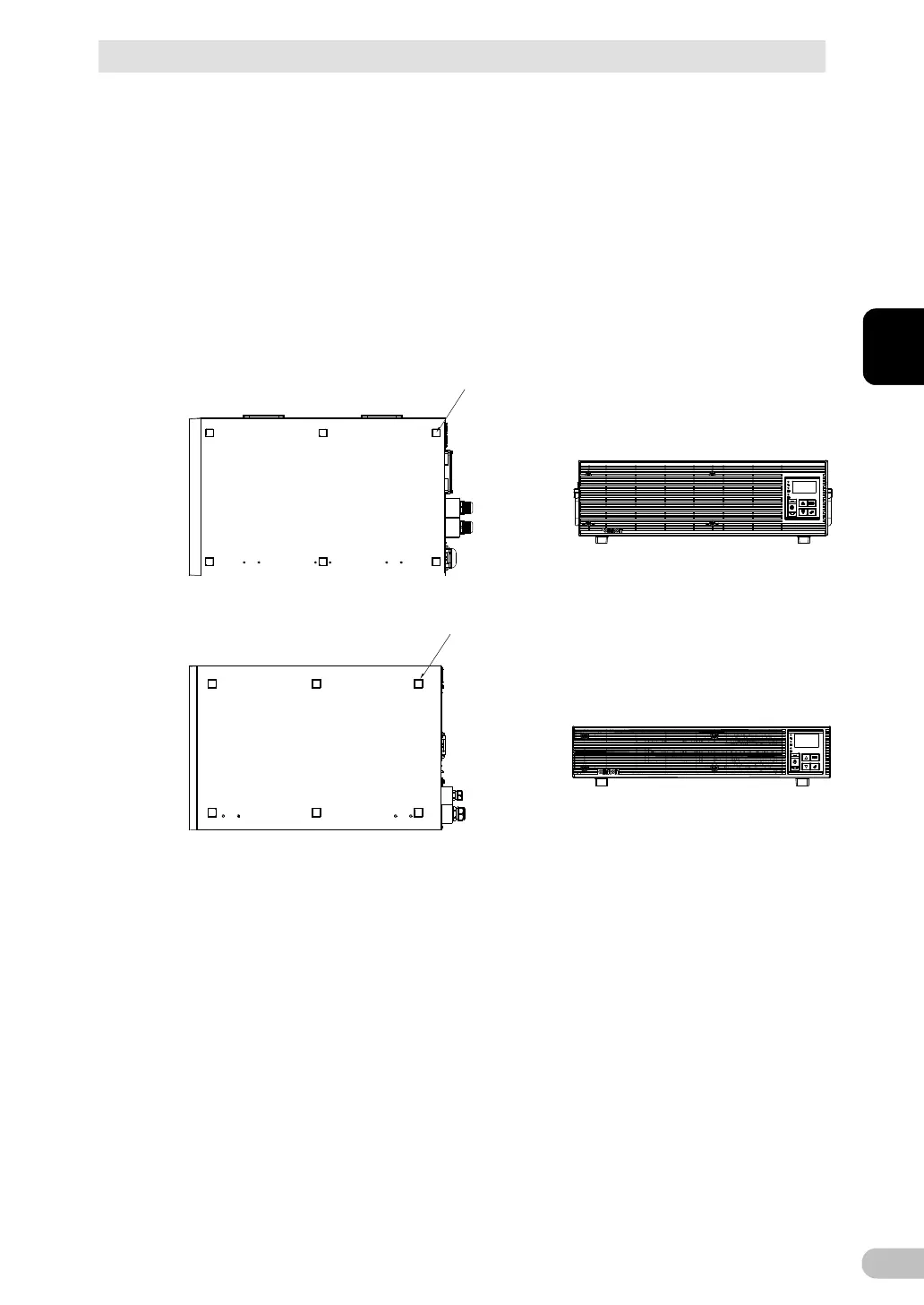
Perform installation only as shown in the figures below.
■ Horizontal installation
Attach the included rubber feet for horizontal installation to the specified positions at the
bottom of the main unit, and install the unit horizontally. For stationary horizontal installation,
make sure that this unit does not slide or fall.
When installing the rubber feet, first remove the battery from the main unit. At the time of
shipment of the BU5002R, the UPS main unit and the battery are packaged separately, so
the battery is not in the main unit.
See “4-4 Replacing the battery” for the procedure for removing and installing the battery.



 To Next Page