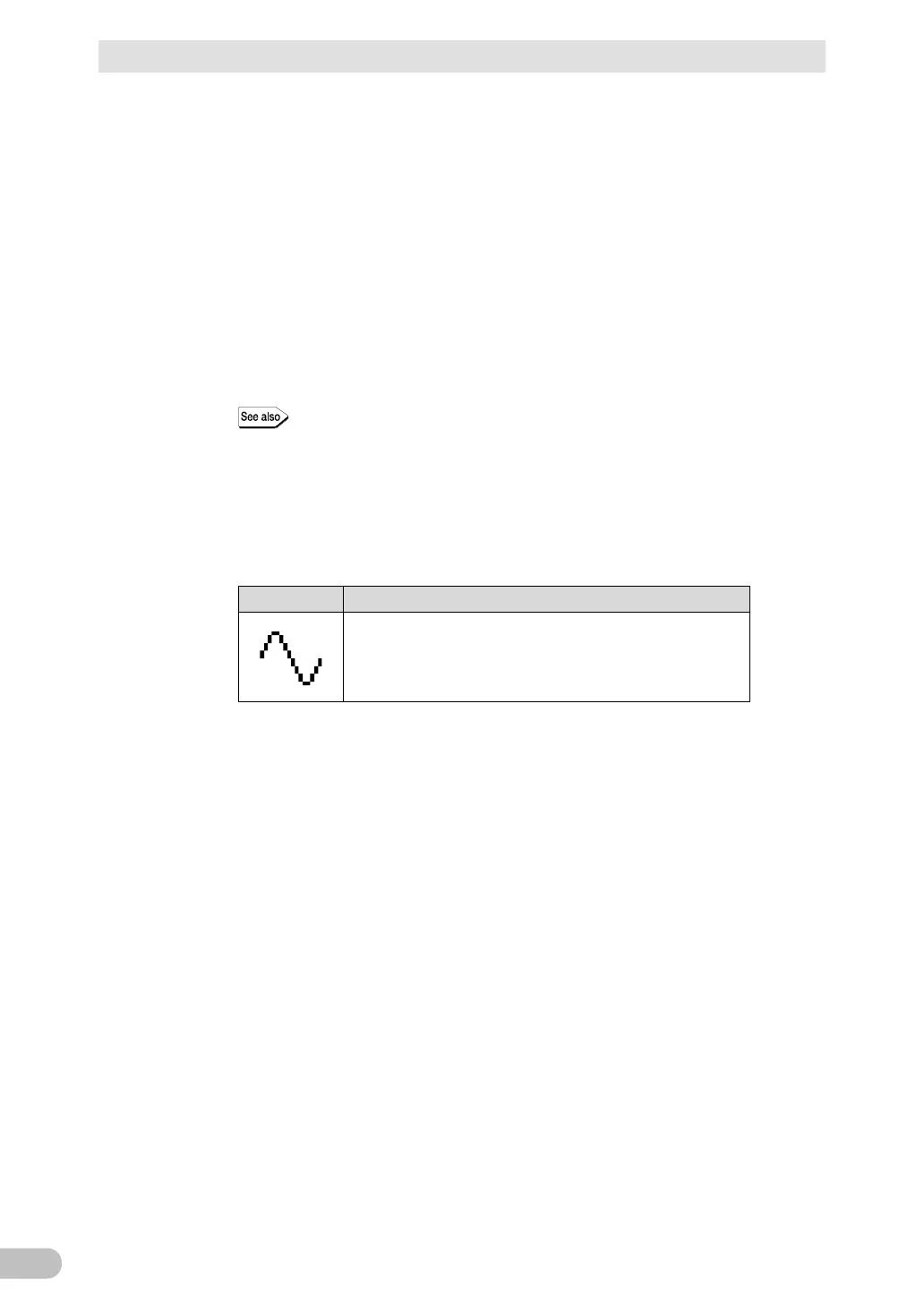
The status does not match anything shown in (6)
→ There is a fault. Check the status of the display and buzzer, and hold down the
“Power” switch of the UPS for 3 seconds or more to turn off the power.
• After applying the measures in accordance with “3-1-7 How to interpret
icons, LED, and buzzer sounds” (page 65), perform the operation again from
the step (1).
• If the UPS and the connected devices are stopped with no backup, the
battery may be insufficiently charged. Connect the “AC input” plug to the
commercial power supply, charge the battery sufficiently, and repeat the
operation again from the step (5).
• If the problem still persists even after trying those 2 solutions above, contact
the shop of purchase.
The buzzer ON/OFF can be set from the LCD menu by [3.Settings] -
[Local Settings] - [Audible Alarm].
Connect the “AC input” plug again into the commercial power supply.
The status display returns to the original status, and the buzzer sound stops (the
status becomes as follows).



 To Next Page