3 Checking and starting the operation
3-4 Operations using the LCD menu
BU5002R/BU3002R/BU3002RH
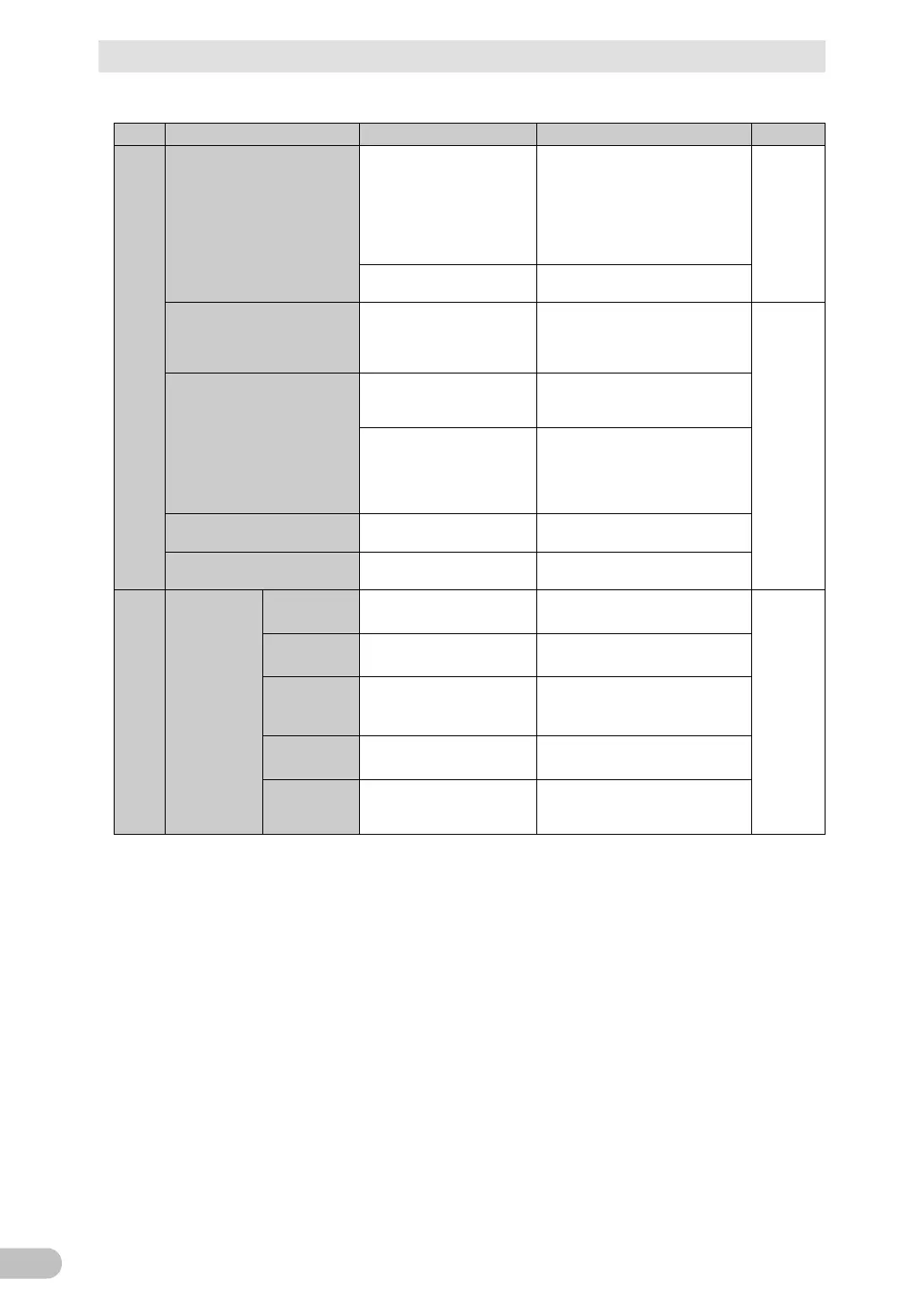
☆: Displayed only when the UPS is stopped. Not displayed while the UPS is running.
Conducts a simple
self-diagnostic test on
battery deterioration and
shows its result.
Start self-diagnostic test
• Battery test: Pass
• Battery test: Fail (Battery not
connected, battery deteriorated)
• Battery test: Cancel
(Operating in battery mode, not
charged adequately)
Resets the battery life
counter.
Execute battery life counter reset
The output receptacle of the
UPS can be turned ON/OFF
for each power supply output
group (BU3002R only).
OUT B: ON (factory default)/OFF
OUT C: ON (factory default)/OFF
Resets the values for the
cumulative power usage and
average power usage.
Execute cumulative power usage
reset
Conducts a contact test
when using a contact signal
or I/O card (SC08).
Execute a contact signal test
BU: ON/OFF
BL: ON/OFF
TR: ON/OFF
WB: ON/OFF
Restores the factory default
settings of the UPS.
Execute settings initialization
Forcibly shifts to the bypass
mode.
Execute maintenance bypass
Selects the language
displayed on the LCD.
Display language: Japanese
(factory default), English
Changes the contrast and
brightness of the LCD.
Set the LCD (contrast bar and
brightness bar)
Sets the time until the LCD
automatically turns off.
LCD Auto OFF: Always ON
(factory default), Auto OFF 30
seconds, Auto OFF 3 minutes
Checks if the LCD and
LEDs turn on.
Sets the conditions for the
buzzer to sound.
Buzzer setting: ON (factory
default), OFF during backup
operation, Always OFF



 To Next Page