Section 4 HOW TO USE THE ADVANCED FUNCTIONS
4-24
HOW TO USE THE
ADVANCED FUNCTIONS
4.8 Bank Function (F7/F8/F9)
4.8.1 What Is the Bank Function?
The bank function is available with 16-/32-output models.
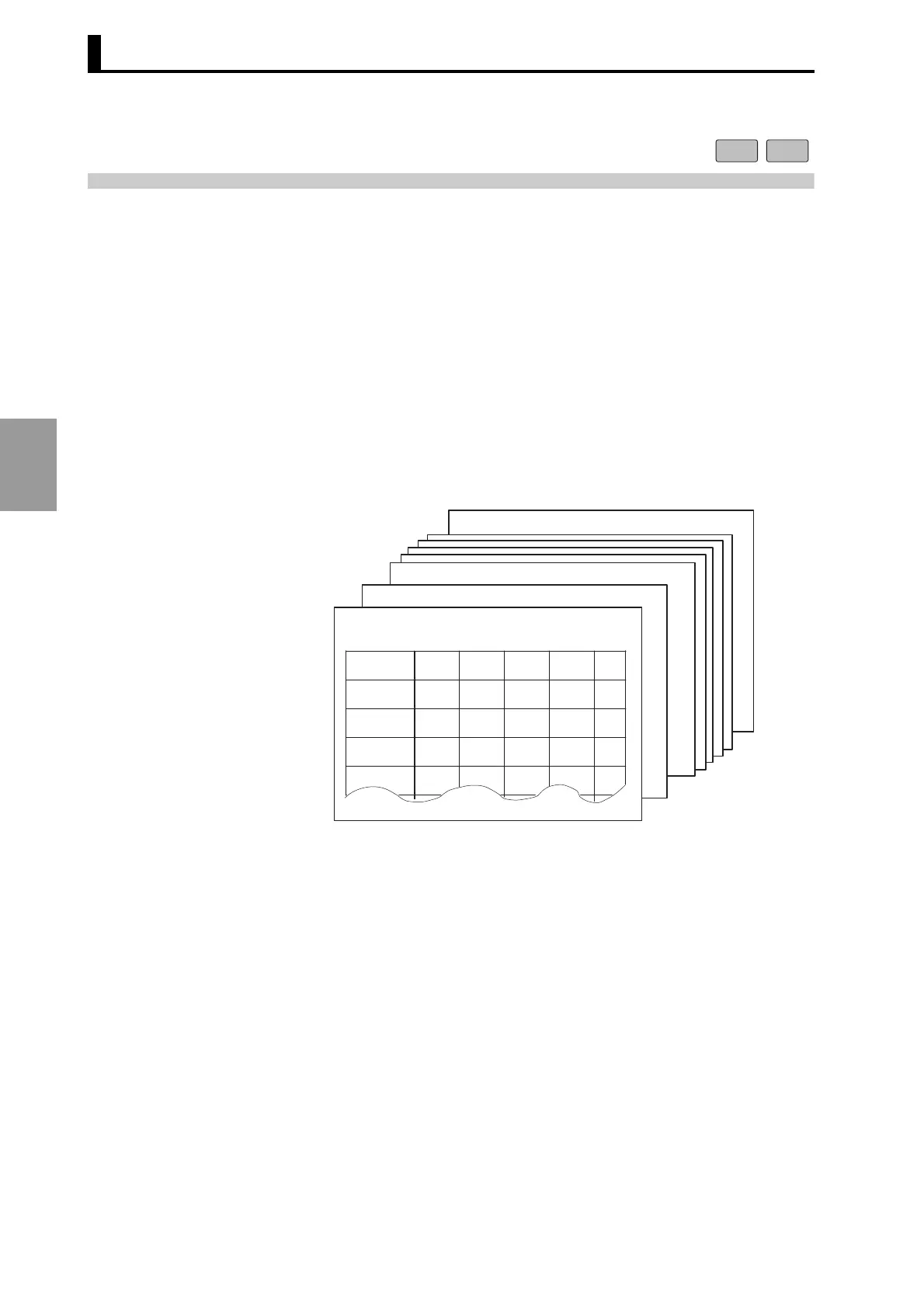
The bank function allows switching of the entire cam program. A
program can be selected simply by selecting the corresponding bank
number when changing the setup. (*)
* In the default setting (this includes the status after an "all clear"
operation), the bank function is OFF.
• To use the bank function, switch the function ON using the F7 menu
(Refer to "4.8.5 Enabling the Bank (F7)") in the function setting
mode.
* Up to eight banks can be registered.
16 output 32 output
Bank 7
7
7
Bank 2
Bank 1
Bank 0
(Program for product A)
ON
OFF ON OFF
CAM 1 30 50 100 128
CAM 2 60 70
CAM 3 200 228
CAM 4 310 335



 To Next Page