3-4SectionCompatible Programming Consoles
81
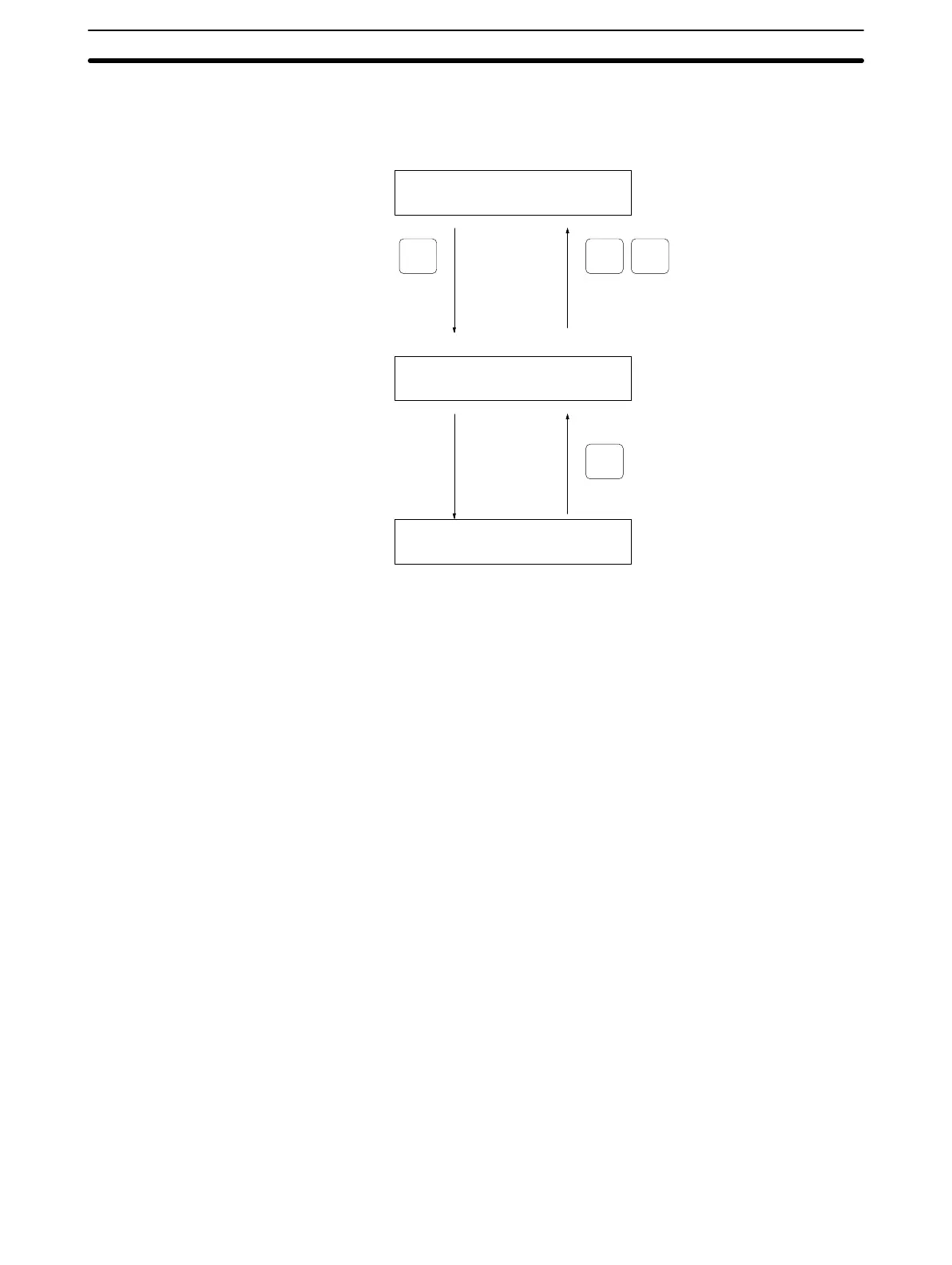
Changing Displays The following diagram shows which keys to press in order to change Program-
ming Console displays.
Example mode display (connected to PC)
The CQM1’s operating
mode will be displayed.
Initial programming display
Press several times.
(See note.)
(or switch modes)
Various operational displays
{PROGRAM} BZ
CLR SHIFT CLR
CLR
00000
Note When cancelling an operation or beginning operation, press the CLR Key sev-
eral times to return to the initial display.
After the SHIFT Key is pressed, changing the mode by means of the mode-
change switch will cause the mode to change while retaining the current display.
When switching between RUN and PROGRAM, first go into MONITOR and
press the SHIFT Key again.
Artisan Technology Group - Quality Instrumentation ... Guaranteed | (888) 88-SOURCE | www.artisantg.com







 To Next Page