8
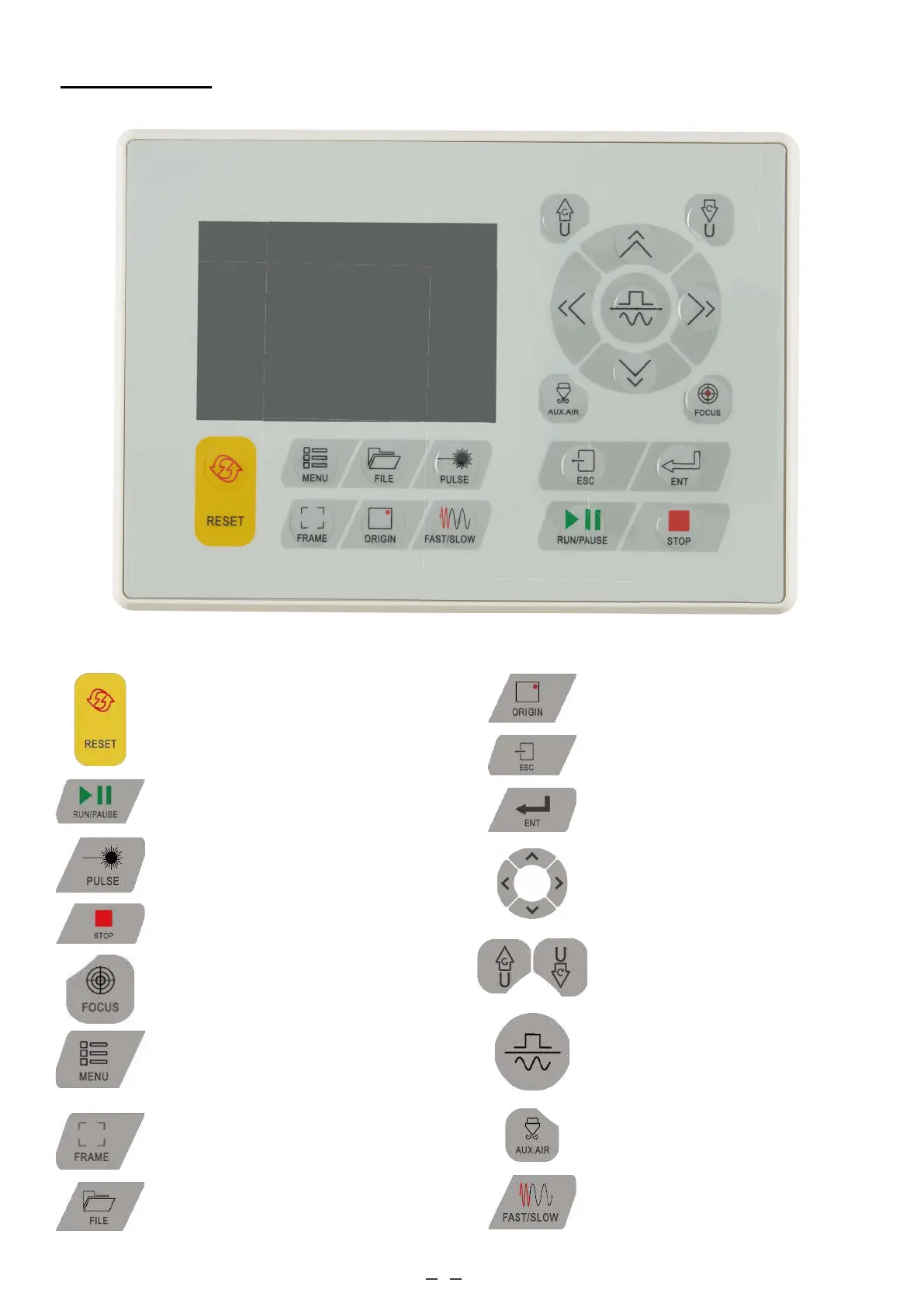
Control Console
Returns the machine to the saved
default parameters.
Sets the starting point for the laser head.
Toggles between fixed and continuous
movement of the laser head.
Sets the key speed.
Controls the pressurised air near the
laser head.
Stops work or returns to a previous
menu.
Enters a command or confirms your
selections.
Moves the laser head along the X and Y
axes or moves the cursor when selecting
parameters.
Starts or pauses the work.
Manually fires the laser.
Stops the current work.
Automatically focuses the lens when a
motorised Z axis is installed.
Opens the main menus.
Controls a rotary axis or automatic
feed when one is installed.
Opens the file control menu.
Traces the outline of the current design
for sizing.



 To Next Page