34
4.4.24 Setting an Interface Password
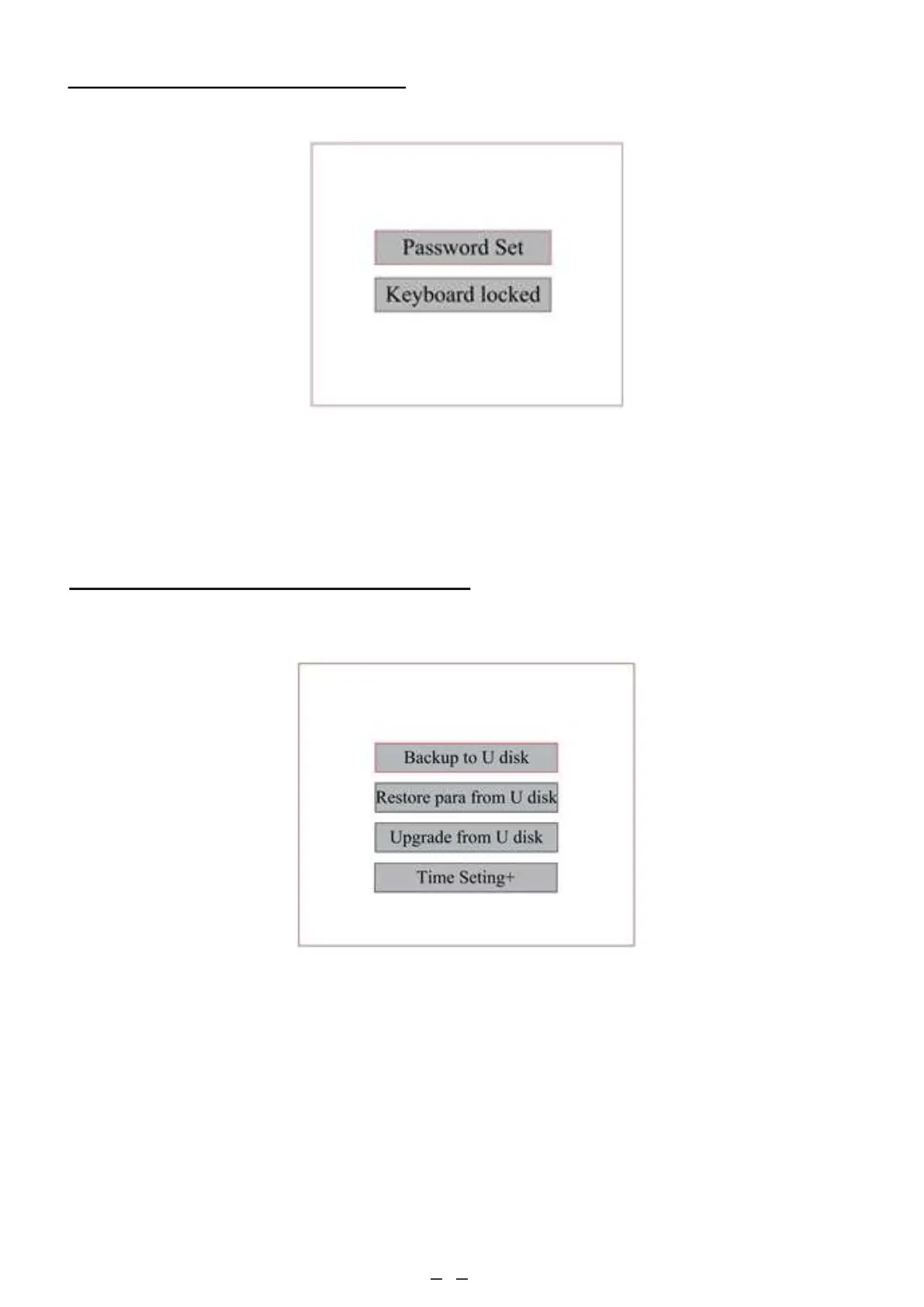
When the cursor is on Panel Lock, press ENT, and the following dialogue box will pop up:
Push the ▲ and ▼ keys to select items. When the blue cursor is on the intended item, press ENT to enter the
corresponding interface.
4.4.25 Backing Up & Restoring Parameters
In the main menu, select Controller Setup to display the following screen:
• Backup to U Disk: Saves current parameters to a USB flash drive.
• Restore Para from U Disk: Restores saved parameters from a flash drive.
• Upgrade from U Disk: Upgrades the controller software from a flash disk.



 To Next Page