27
4.4.7 Resetting the Axes
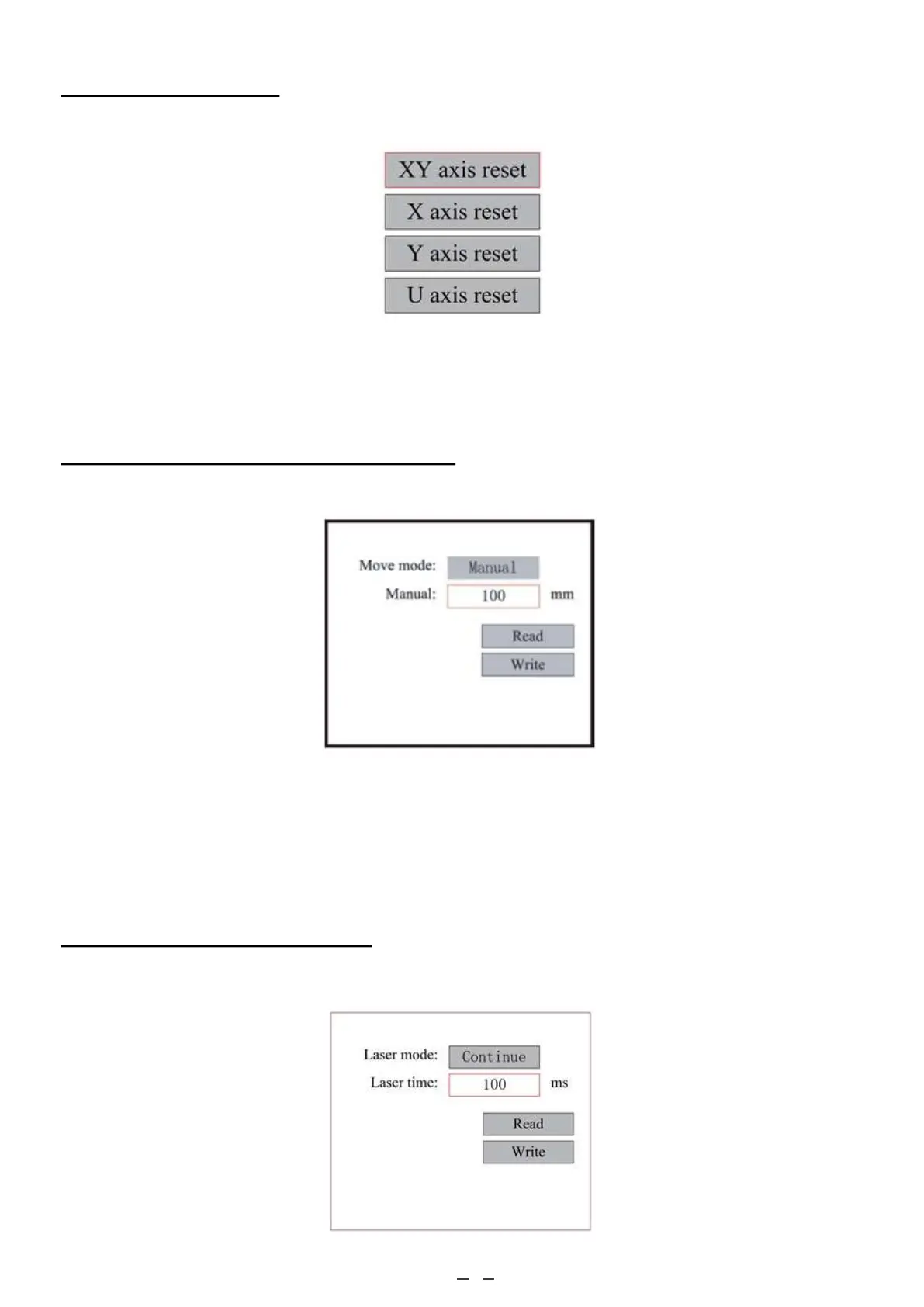
When Axis Reset+ is selected, push ENT and the display will show:
4.4.8 Adjusting the Laser Movement Mode
When Manual Set is selected, press ENT and the following will be displayed:
4.4.9 Adjusting the Laser Settings
When Laser Set is selected, press ENT and the display will show:
When the Move Mode is “continuous”, the Manual jog parameter has no effect. When used to manually move the laser
head, the direction keys move it continuously until released. When the Move Mode is “jog”, each time the direction key
is pressed the laser head will move precisely the distance saved in this parameter. Adjust it up or down with the direction
and ENT keys. When you finish your adjustments, save them by selecting Write with the ENT key or hit ESC to leave
without saving your changes. Read can load saved parameters.
Push ▲ or ▼ to select an item. Press ENT to start the resetting of the selected axis, and the message “Resetting Is
Underway” will show on the screen. Upon completion, the message will automatically disappear and the system will
return to the main interface.



 To Next Page