29
4.4.12 Restoring Default Parameters
When Def. Fact. Para. is selected, the system will replace all current parameters with the saved default factory
parameters. The operation method is the same as setting the default parameters.
4.4.11 Setting Default Parameters
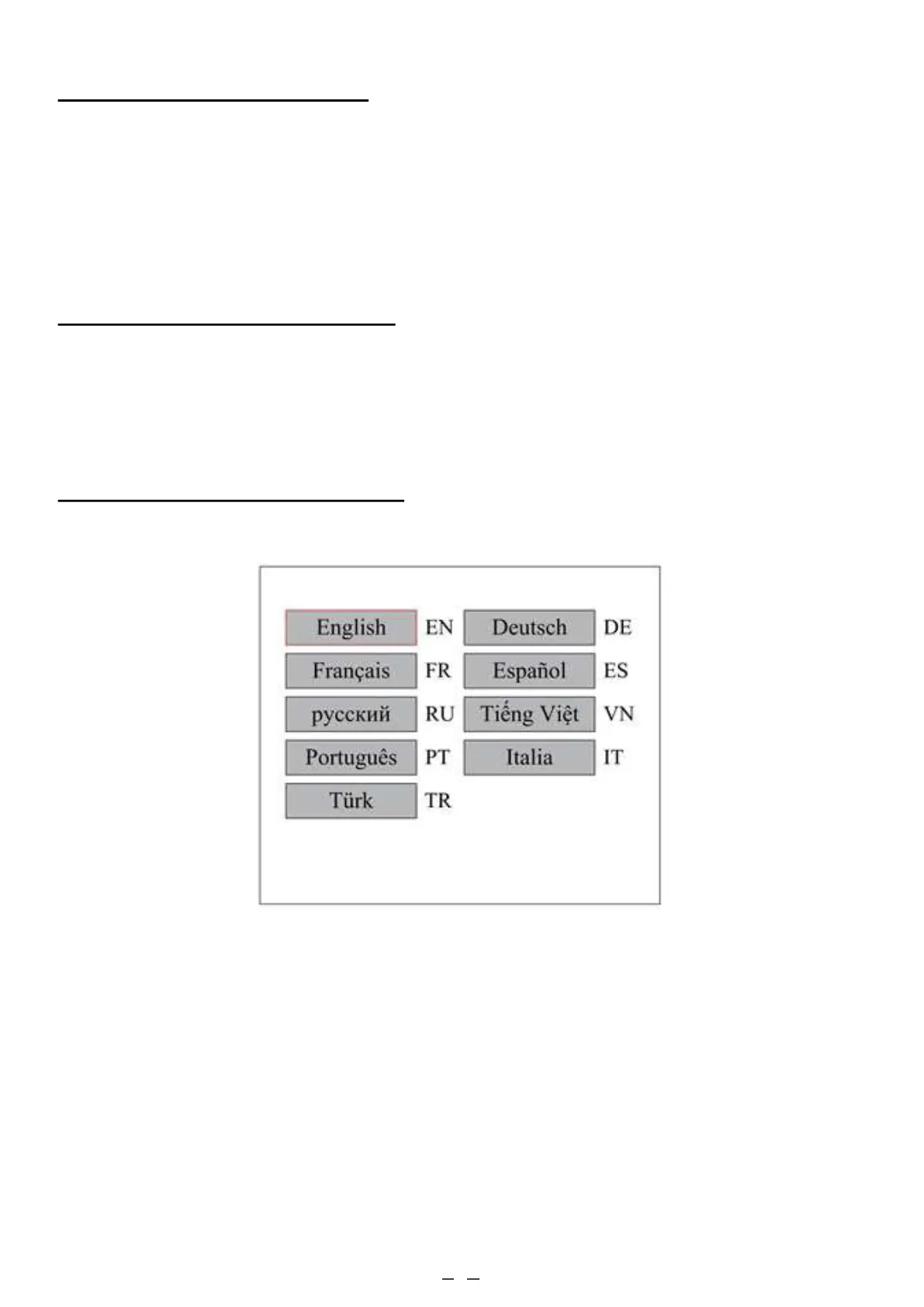
4.4.13 Setting the Interface Language
When Language is selected, press ENT and the display will show:
The operation method is the same as those described above. Press ENT when the desired language is selected and
then return to the main interface.
When Set Fact. Para. is selected, the current parameters of the machine will be stored as its defaults. They can then be
retrieved by using the Restore Default Parameters command. It is recommended that you save your machine's actual
factory default settings, so they can be easily restored when need be.
If a password is enabled, push ◄ or ► and ▲ or ▼ to select a password and press ENT to save it.



 To Next Page