25
4.4.2 Setting the Laser Power
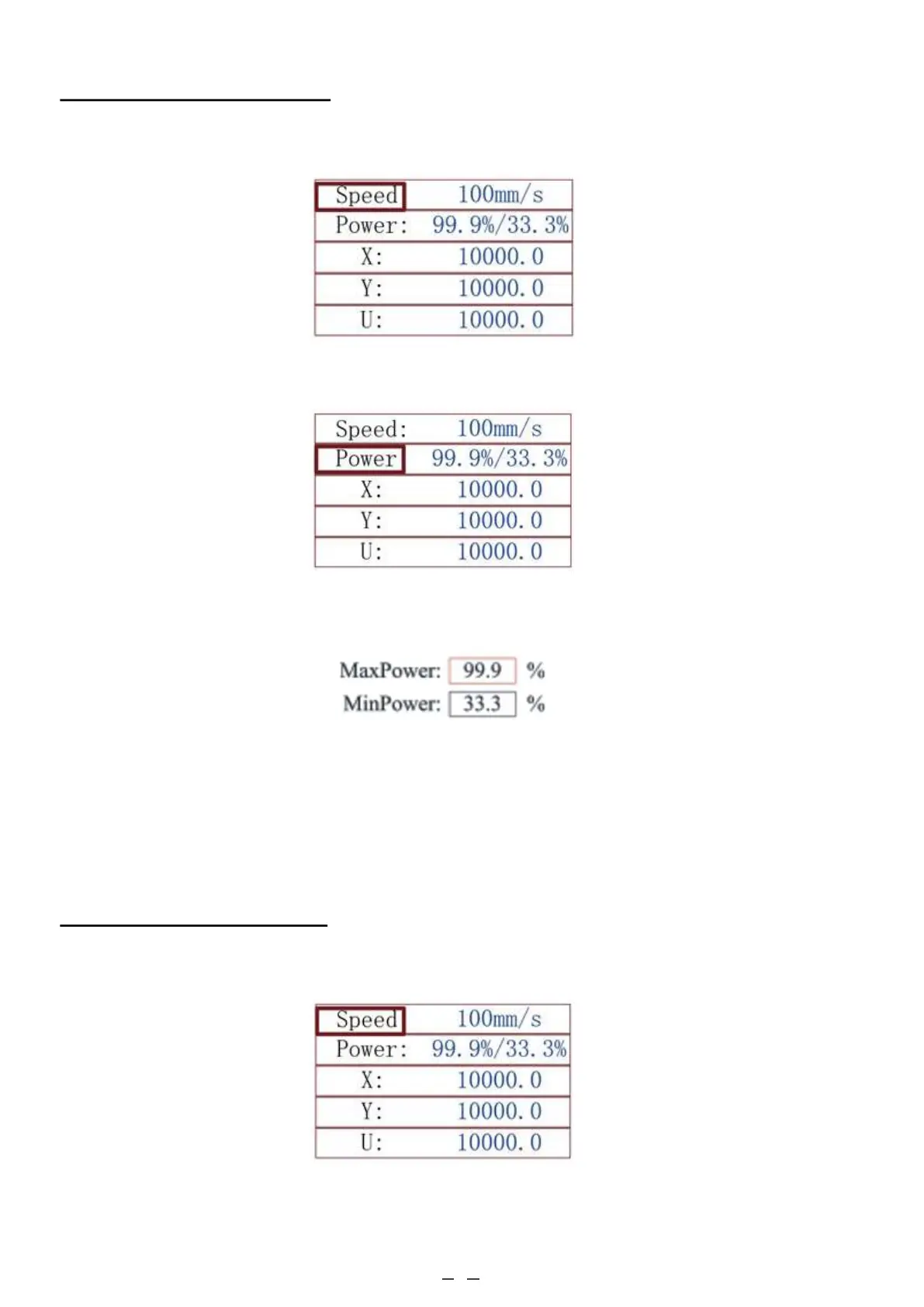
When you press ENT in the main interface, the cursor box will initially select the “Speed” parameter, as shown in the
figure below:
Push the ▲ and ▼ keys to change between the parameters. Select the “Power” parameter, as shown below:
Press ENT while the red cursor is on “Power” and the following interface pops up:
4.4.3 Setting the Laser Speed
When you press ENT in the main interface, the cursor box will initially select the “Speed” parameter, as shown in the
figure below:
Push the ▲ and ▼ keys to change the parameter value. Press ENT to save the change. Press ESC to invalidate the
change and return to the main interface.



 To Next Page