26
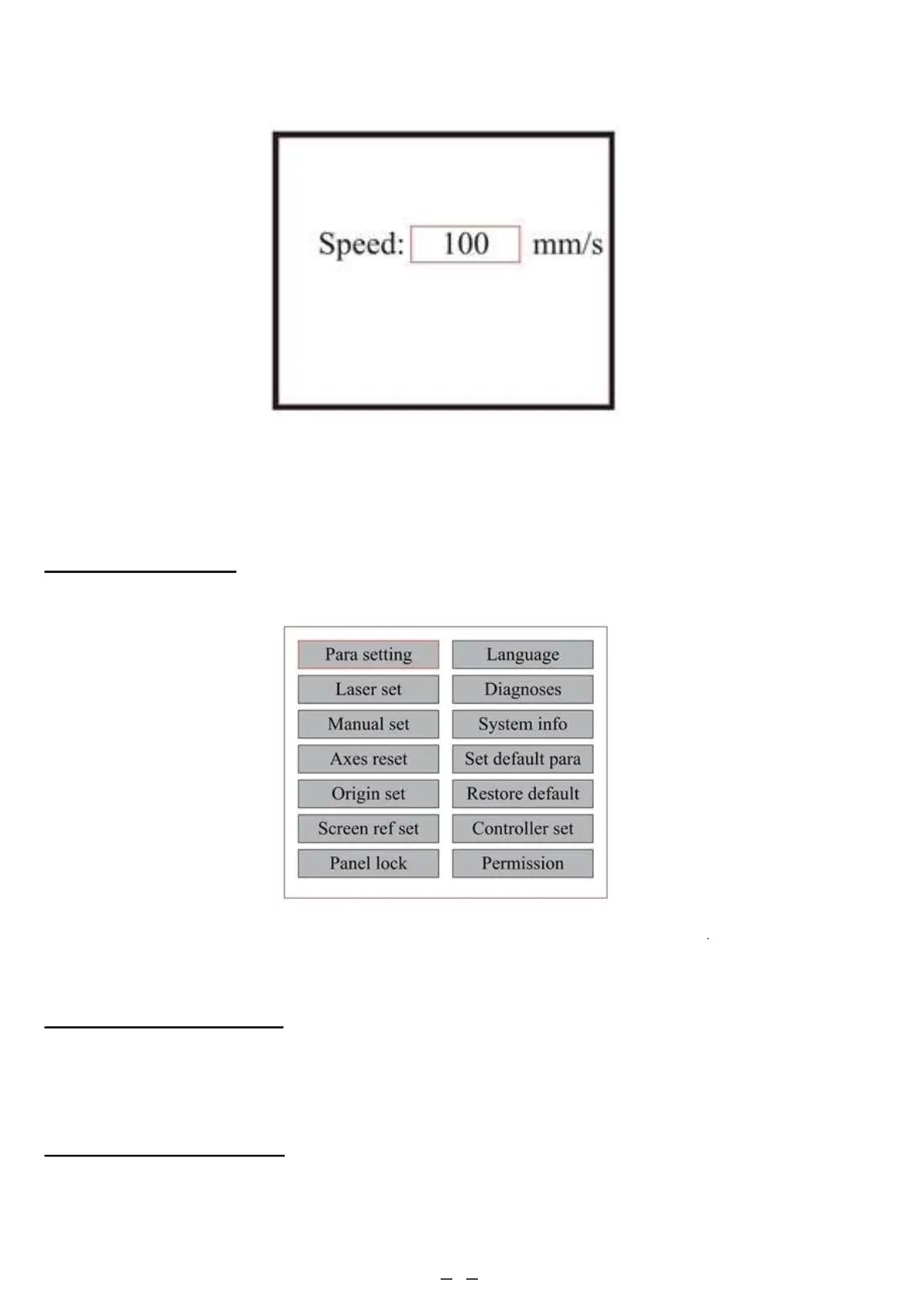
4.4.4 Function Menu
Press MENU on the main interface to enter the Menu interface:
4.4.5 Adjusting the Z Axis
When Z Move is selected, push ◄ or ► to control the movement of the Z axis when a motorised workbed (sold
separately) is installed.
4.4.6 Adjusting the U Axis
When U Move is selected, push ◄ or ► to control the movement of the U axis. This can be used to control the
rotational position of a rotary axis or the linear position of an automatic feed (both sold separately) if either is
installed.
Press ENT key again and the following interface pops up.
Push the ▲ and ▼ keys to change the parameter value. Press ENT to save the change. Press ESC to invalidate the
change and return to the main interface.
Push the ▲ and ▼ keys to select items, and then press ENT to enter the corresponding submenu



 To Next Page