30103AC 13
CAMERA OVERVIEW
Before installing or connecting the dome camera, please refer to this section and complete
preparations for dome setup and all switch settings.
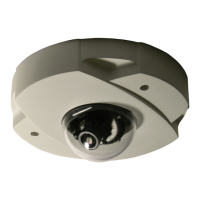
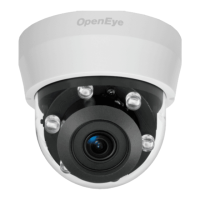
Dome Diagram
1 Reset Button Restore camera settings to default settings
2 Lens Rotate the lens left/right to adjust the focus
3 Focus Fixed Screw Loosen the screw to adjust the lens
4 Tilt Fixed Screw Loosen the screw to adjust the tilt angle



 To Next Page