36
Snapshot
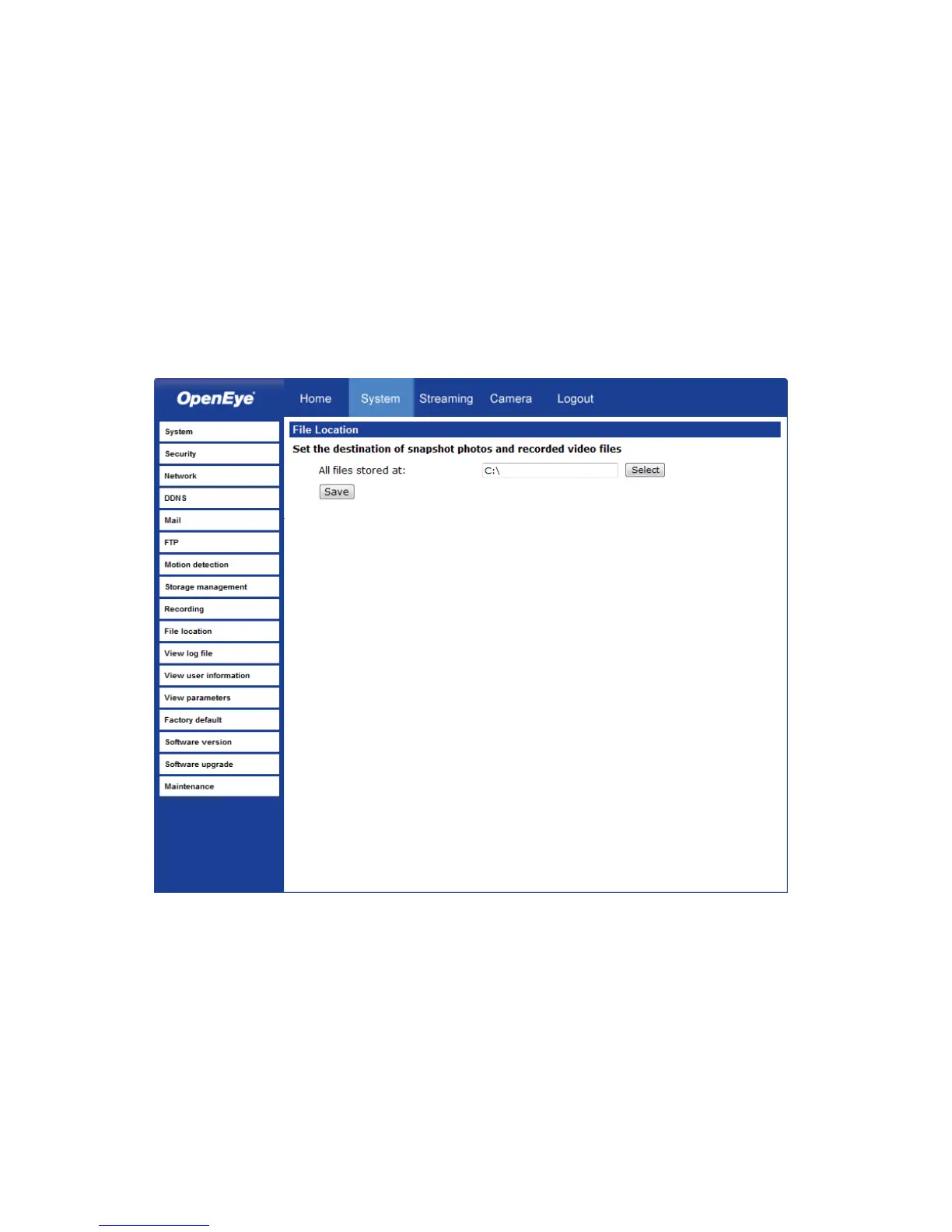
The camera supports a JPEG snapshot function. You can specify a storage location for
the snapshot images. The default location is: C:\.
Note If you are using Windows Vista or 7, you will need to change the Snapshot
location. Windows UAC does not allow internet programs to write directly to C:\
for security reasons.
Note Make sure the selected file path contains valid characters such as letters and
numbers.



 To Next Page