30103AC 15
Connections
Indoor Camera (CM-610)
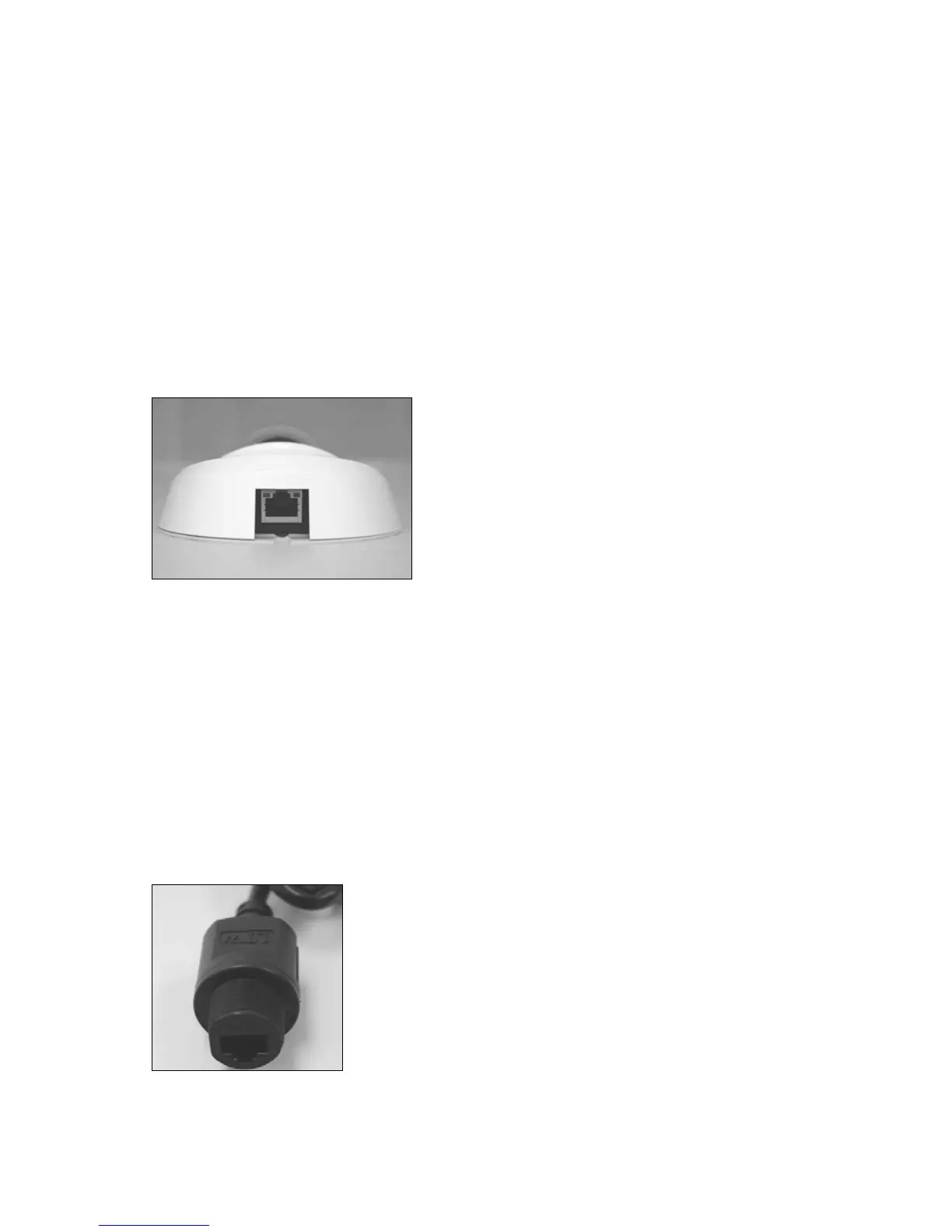
The CM-610 Indoor IP camera uses Power over Ethernet (PoE) to power the camera. The
only connection on the camera is the RJ45 Ethernet connector located on the rear of the
camera. Connect one end of the Ethernet cable to the RJ45 port on the camera and the
other end to power sourcing equipment (PSE) like a hub or router.
Check the status of the network connection by looking at the link indicator and activity
indicator LEDs. If the LEDs are not lit check your network connection. The green link LED
indicates a network connection and the orange activity LED flashes to indicate network
activity.
Outdoor Camera (CM-710)
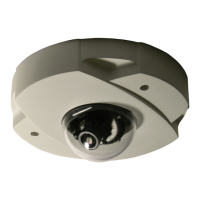
The CM-710 Outdoor IP camera uses Power over Ethernet (PoE) to power the camera.
The only connection on the camera is the RJ45 Ethernet dongle located on the rear of the
camera. Run the Ethernet cable through the Waterproof RJ45 Screw-On Plug. Then
connect one end of the Ethernet cable to the RJ45 dongle, tightening the sealing nut of
the Waterproof RJ45 Screw-On Plug completely. Connect the other end of the Ethernet
cable to power sourcing equipment (PSE) like a hub or router.
Note Use a waterproof PoE switch/hub.



 To Next Page