30103AC 21
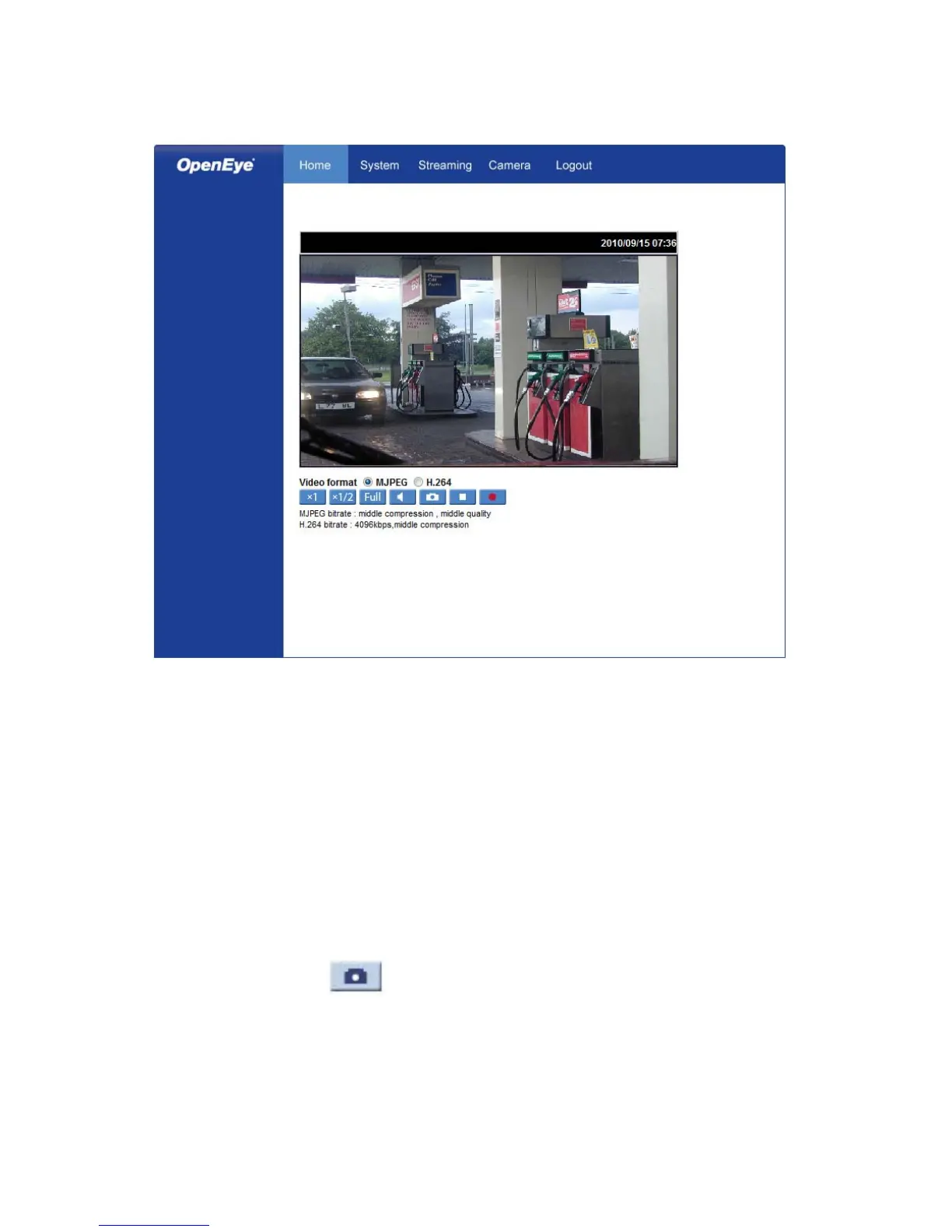
Home
Screen Size Adjustment – Click the screen size buttons to adjust image display size x1/2
and full screen.
Digital Zoom Control – In full screen mode, right-click to activate digital zoom and use
the scroll wheel to zoom in/out.
Talk – Talk allows the local site to talk to the remote site. This function is only available to
Users who have been granted this privilege by the Administrator.
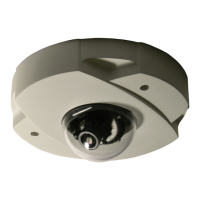
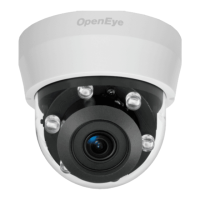
Note This function is only available on the Indoor IP mini dome camera. The Talk
button will not be available on the Outdoor version of the camera.
Snapshot – Click the button, and a JPEG snapshot will automatically be saved in
the appointed place. The default location is: C:\.
Note If you are using Windows Vista or 7, you will need to change the Snapshot
location. Windows UAC does not allow internet programs to write directly to C:\
for security reasons.



 To Next Page