24
Add User
The user name and password limited to 16 characters. There is a maximum of twenty user
accounts
1. Type the new User name and Password
2. Select the appropriate check boxes to give the user Camera Control, Talk and
Listen permissions.
I/O access – Basic functions that enable users to view video when accessing to the
camera.
Camera control – Allows the User to change camera parameters on the Camera tab.
Talk/Listen --Talk and Listen functions allow the user at the local site (DVR) to
communicate with, the administrator at the remote site for supported cameras
3. Click Add.
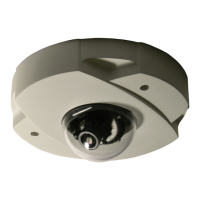
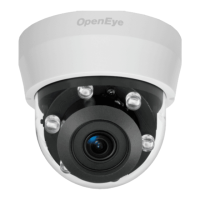
Note The CM-610 and CM-710 IP Cameras do not utilize the talk function
Delete user
1. Select the user name on the User Name list
2. Click Delete to remove the user.
Edit user
1. Select the user name on the User Name list
2. Click Edit to edit the user password and permissions.
3. Type a new password or the existing password in the User password box
Note You must type a password in the User password box before making any
changes to an account.
Note For security reasons every time the user properties are opened, the access
boxes are automatically cleared. Make sure you select any user access options
each time you edit the user properties.



 To Next Page