10
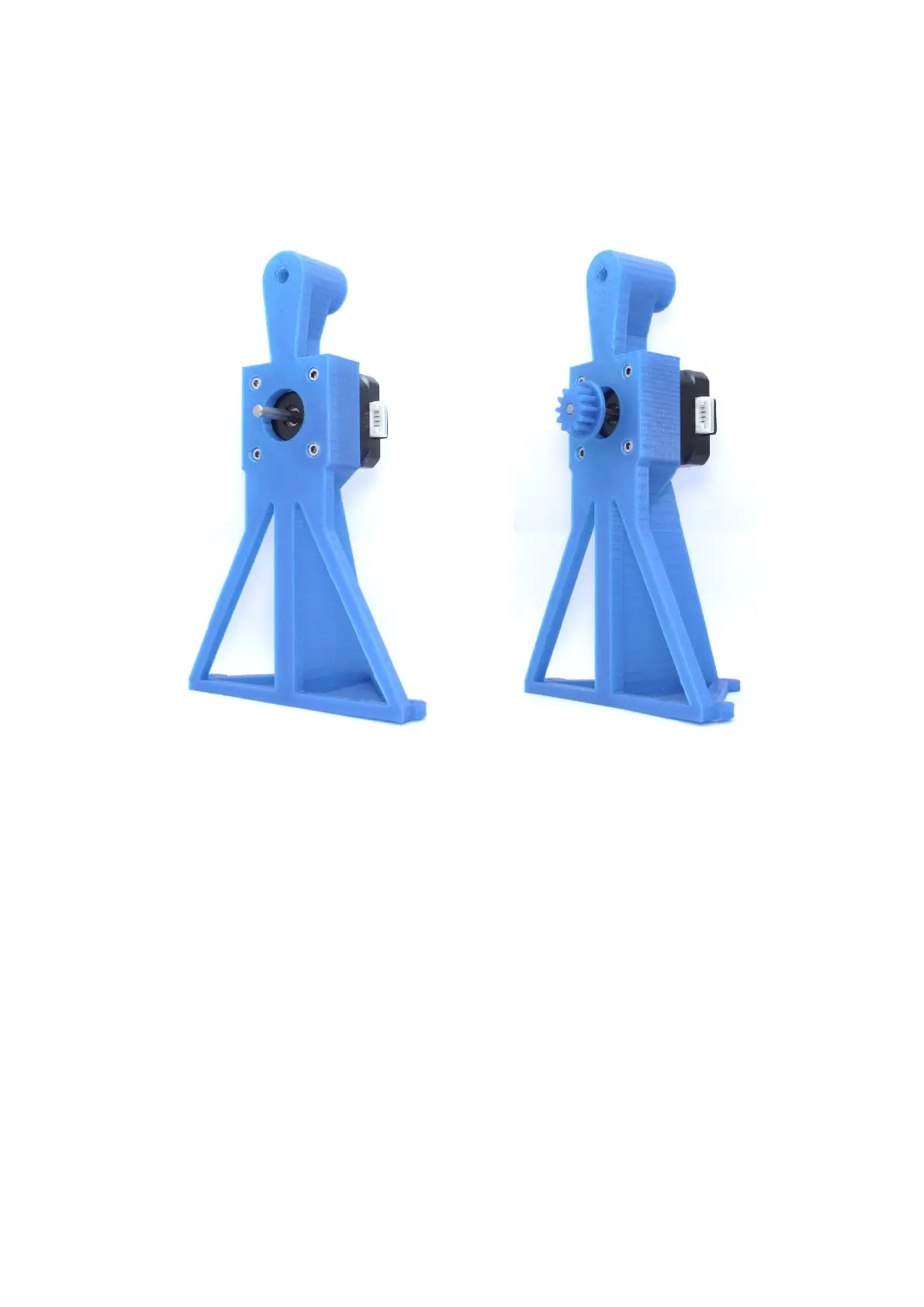
Step 4a – Stand 1
Needed parts:
Stand1_Nema_17.stl
Nema 17 (min. 40Ncm)
M3x8mm (4x)
Gear_Small.stl (optional v2)
(1) (2)
Description:
(1) Mount the stepper motor with four M3x8mm Screws onto the Stand1.stl.
(2) Press the Gear_small.stl onto the motor shaft. Make sure, that the gear and the motor shaft close
flush at the front.
Note:
Depending on the printing accuracy, it may be necessary to pre-drill the screw holes with a 3mm drill
bit. Furthermore the gear and the motor shaft might have a tight fit and you might have to „gently“
use the help of a hammer.



 To Next Page