12
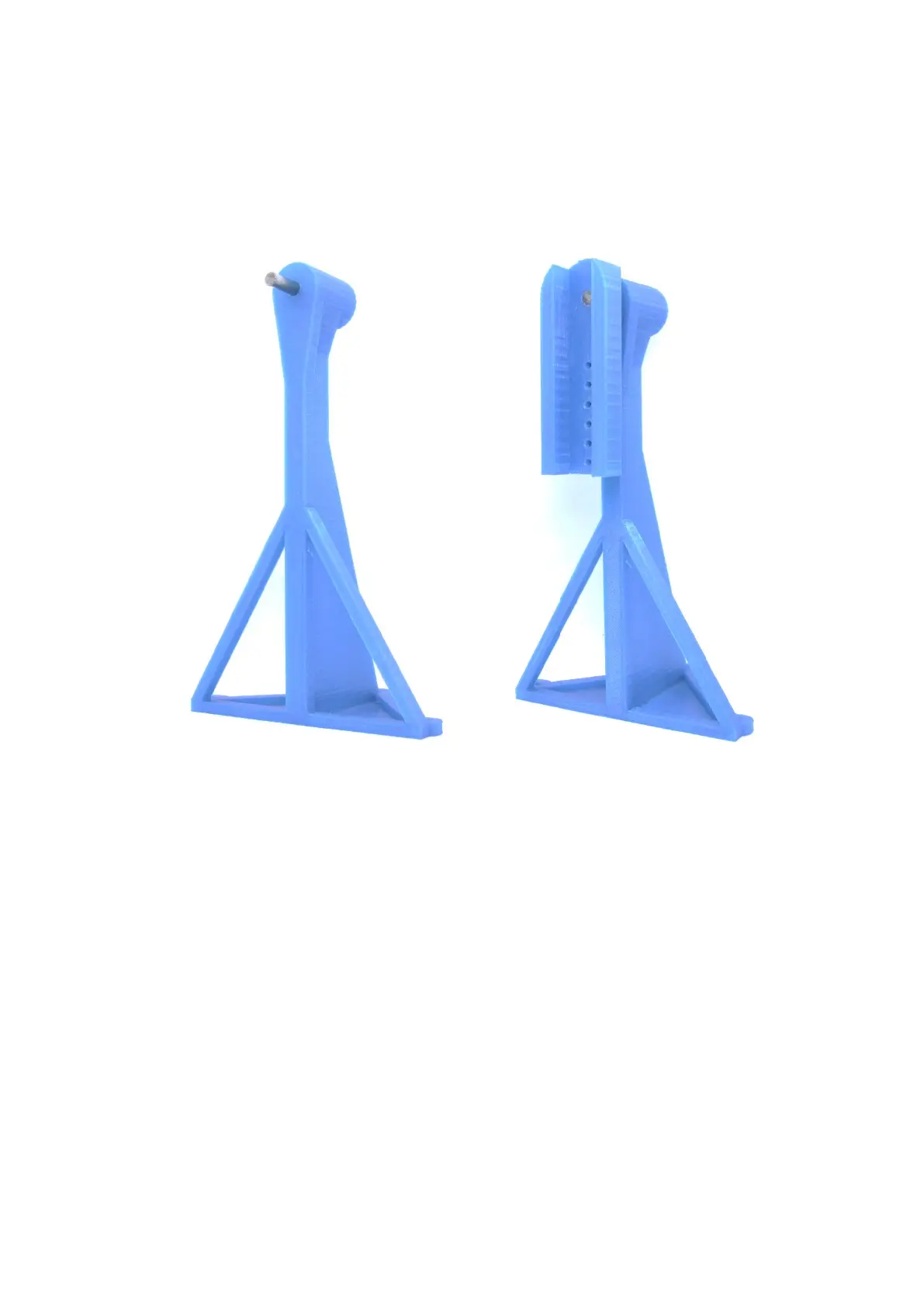
Step 5 – Stand 2
Needed parts:
Stand2.stl
Adapter1.stl
Steel pin (d=6mm, l>50mm)
(1) (2)
Description:
(1) The steel pin is pressed into the opening of the side stand
(2) The adapter1.stl is pressed onto the steel pin. It is important to ensure that the steel pin does not
protrude forward from the adapter.
Note:
The adapter can be fixed with superglue on the steel pin. It must be ensured that the steel pin can
rotate freely in the stand.



 To Next Page