11
Step 4b – Stand 1
Needed parts:
Stand1_Nema_17.stl (after Step 4a)
Adapter2.stl
Steel pin (d=6mm, l>50mm)
(1) (2) (3)
Description:
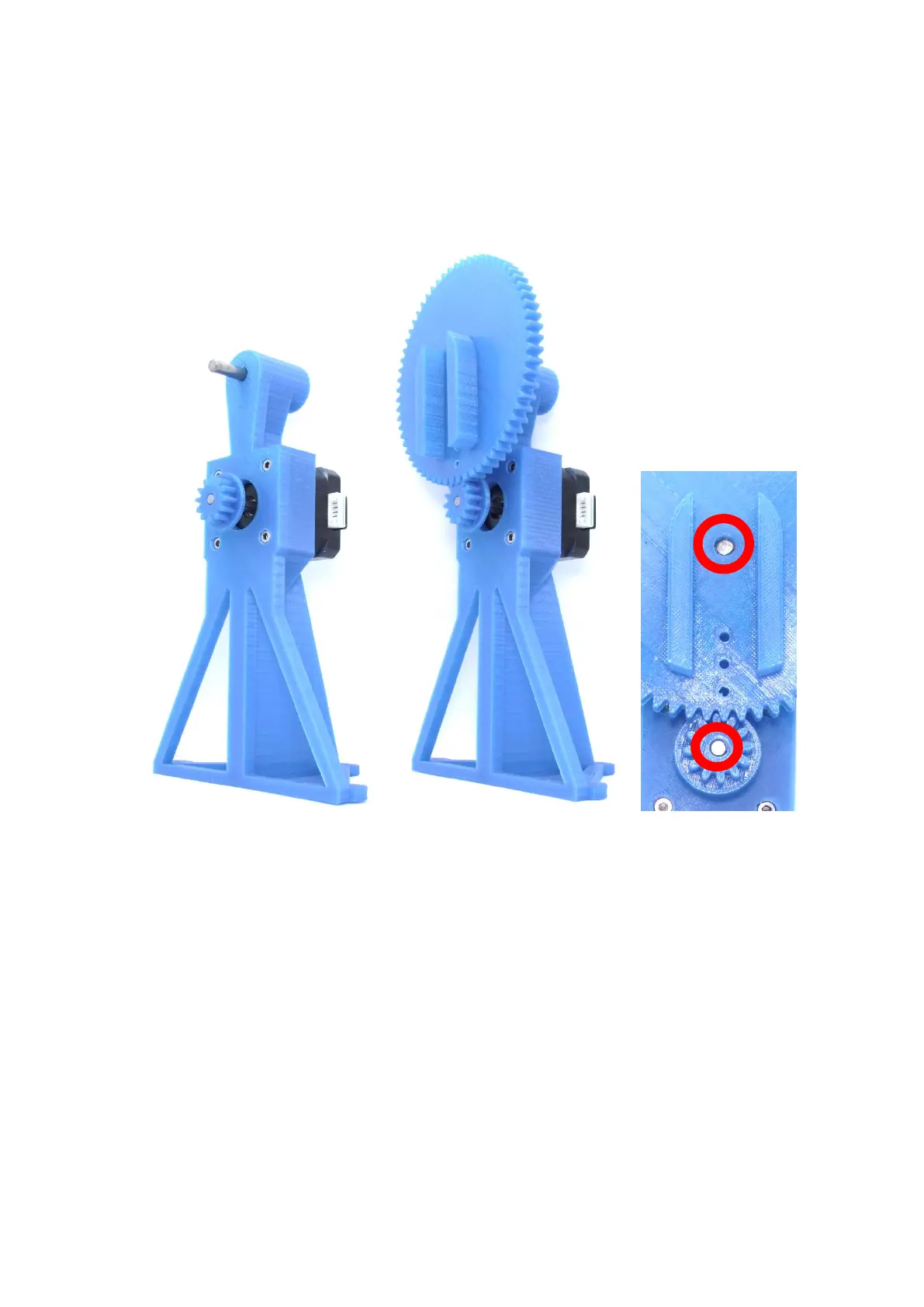
(1) The steel pin is pressed into the opening of the side stand.
(2) The larger gear (Adapter2.stl) is pressed onto the steel pin.
(3) The steel pin (top) and the motor shaft must NOT protrude forward from the components and
should be flush with the surface. Superglue can be used to fix the position of the gears.
Note:
Both gears should match well and rotate relatively resistance free. If this is not the case, it may be
necessary to replace the small gear with v2.stl or adjust the printer settings.



 To Next Page