24
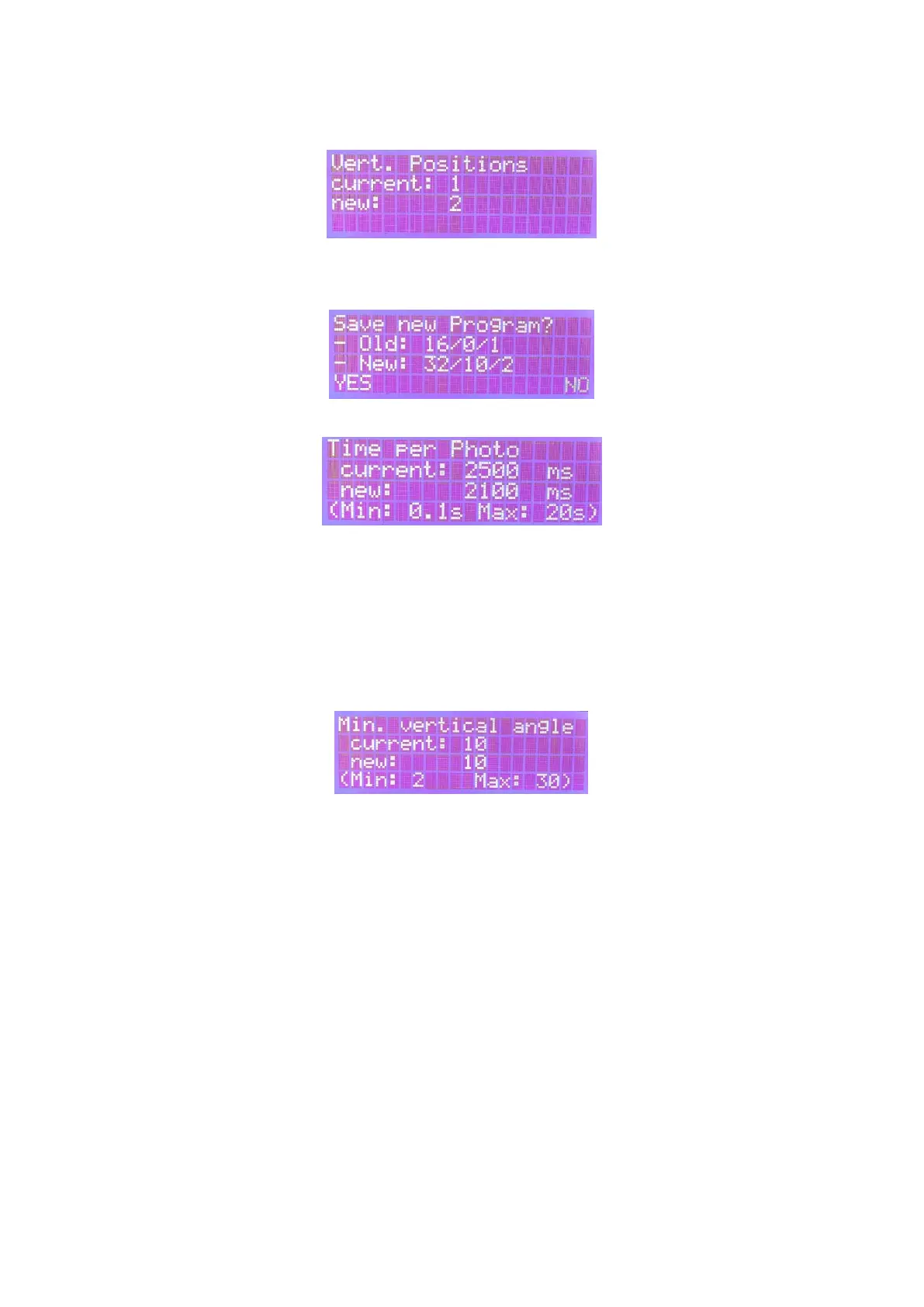
a value of three should be chosen. The scan arm is first tilted to -30 °, then to 0 ° and to + 30 °, and the
preset number of photos is taken in each position.
Finally, you have to save the new program by selecting "Yes" and confirming with OK. The old program
will be permanently overwritten.
Time per photo
Depending on the exposure and camera setting, this value should be adjusted using the arrow keys.
The value indicates how much time is given to the camera after triggering to take the photo. The value
varies depending on the camera and settings and is set to 2.5s by default. If you reduce this value, the
entire program runtime can be significantly shortened. Caution: If the value is too small, the pictures
will be blurred! After confirming the value with OK, you immediately return to the main menu and the
value will be saved! – better check twice :)
Min. vertical angle
This value defines the angle between two planes of rotation without taking additional photos. As a rule
of thumb, this value does not have to be adjusted and can stay 10 °. If, for example, you have the
following program 16 photos/25°/2 positions, the turntable will rotate at a tilting of + 25 °, as well as
at -25 °. However, since there is too much space between these two angles, the program will take an
additional photo at + 15 °, + 5 °, -5 °, and -15 ° so that the reconstruction software can later better align
the different layers.



 To Next Page